How to Delete a Single File from Trash on Mac
Jul 18, 2019 - 4 Comments
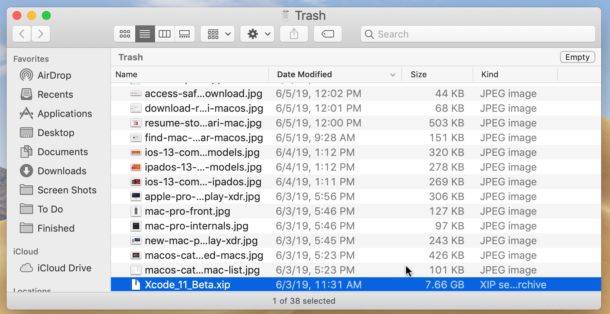
If you have a ton of files in the Mac Trash can but don’t want to empty the entire trash for whatever reason, you can use a handy feature to delete specific files or single folders from the Trash. This allows you to selectively target and delete individual items that are in the Mac Trash without emptying and deleting everything, which can be helpful if you’re wanting to review other files in the Trash before completely deleting them from the Mac.
For example, if you have 1000 items in the Trash can on a Mac but you want to delete a single file that is 8GB, you can target that 8GB file to delete right away while ignoring the other items in the Trash. Using this handy ‘delete immediately from Trash’ trick is quite easy, here’s how it works.
By Paul Horowitz - Mac OS, Tips & Tricks - 4 Comments