How to Remove Mail Rules from Mac Mail App
Jul 26, 2019 - 1 Comment

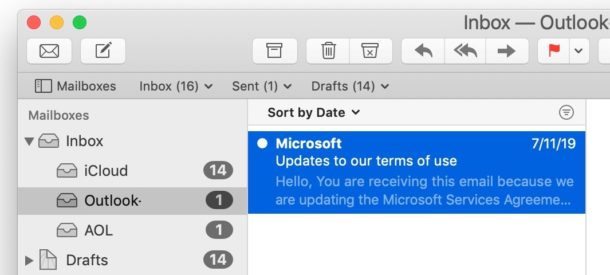
Want to remove Mail rules from Mac Mail? Or perhaps you need to disable Mail rules when an errant mail rule has wreaked some havoc in the Mail app?
Perhaps you created a Mail auto-responder and no longer need that mail rule anymore, or maybe you misconfigured a mail rule which is causing some issues with the Mail app and want to delete that. Whatever the situation, we’ll show you how to remove Mail rules from the Mail app of Mac OS. We’ll also show a troubleshooting trick to disable mail rules manually via the file system.
By Paul Horowitz - Mac OS, Tips & Tricks, Troubleshooting - 1 Comment