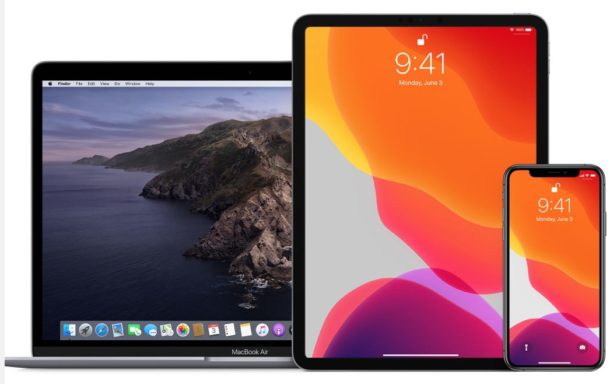
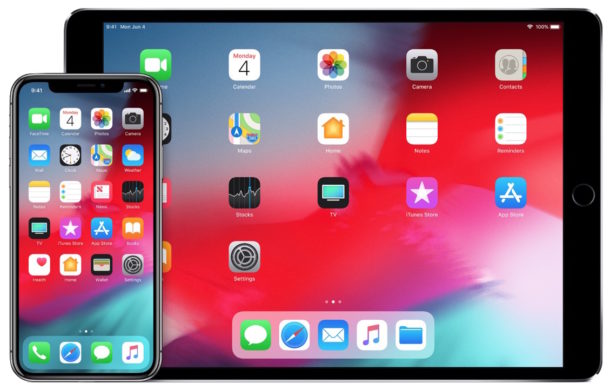
Users enrolled in the Apple Developer program can download the first beta version of iOS 13 for iPhone and iPod touch, and iPadOS 13 for iPad, iPad Mini, and iPad Pro, and macOS Catalina 10.15 for Mac.
Need to reset the Chrome browser to default settings? If Chrome is acting up and you want to troubleshoot the browser, or you just want to start fresh, you can easily reset Chrome settings to the original defaults. The process of resetting Chrome web browser is the same on Mac, Windows, and Linux.
Want to know how to mark an email as read or unread in Gmail? It’s very simple, but it’s also pretty easy to overlook how to mark messages as read or mark as unread too, so if you haven’t figured out how to do it yet don’t feel too bad.
It turns out that marking emails as read or unread in Gmail is actually the same in the webmail client as it is in the Gmail for iOS app for iPhone and iPad, and for other platforms too.
Read on to learn how to mark email messages as unread or read in Gmail.
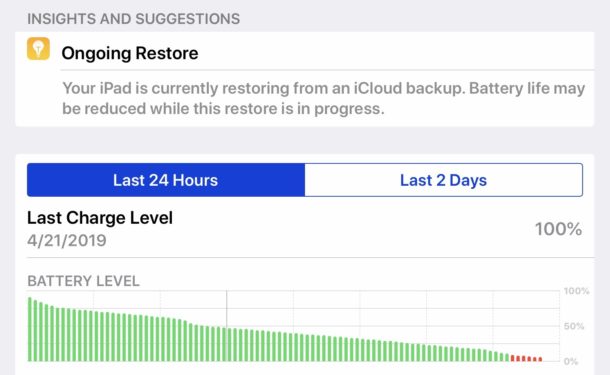
If you have recently setup a new iPad Pro, iPad mini, or iPad and discovered the battery is draining unusually fast leading to subpar battery life on the device, don’t fret, there’s probably a good reason for it.
In fact, if during your recent setup or restore of the iPad you decided to restore from an iCloud backup, that very well could be the reason the device battery is draining down so much faster than expected. We’ll show you how to check if this restore process is happening in the background, and what to do about it.
If you would like a Mac to automatically update apps from the Mac App Store, you can easily do so in MacOS Mojave 10.14 or newer. This can be a helpful setting to use if you like to keep your Mac apps up to date, but you regularly forget to update them manually, or if simply want the app update process to be automated.
This tutorial will show you how to enable automatic app updates in MacOS Mojave or later, and we’ll also show you how to disable the automatic updates feature for Mac App Store apps.
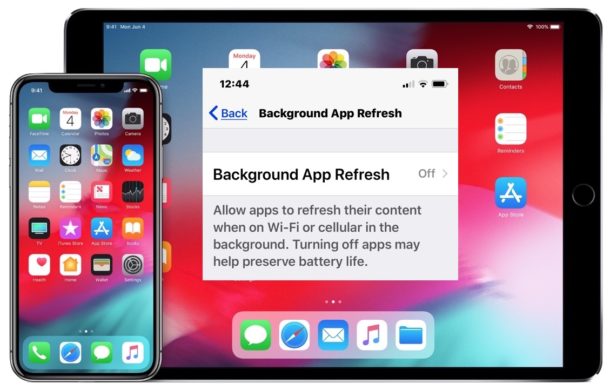
Don’t want iPhone or iPad apps to update or transmit data in the background when not in use? You can turn that feature off easily in iOS.
If you’re concerned about iPhone and iPad apps tracking you or transmitting data when they’re not in use, as discussed in a recently popularized Washington Post article, an easy way to prevent much of that type of activity is to disable a feature on iOS called Background App Refresh. With Background App Refresh turned off, iOS apps won’t update or run in the background, instead they’ll stay paused until they’re directly active again on screen. And as an added bonus of disabling the same feature, you might notice a bit longer of battery life too. Whatever your motivation, we’ll show you how to disable Background App Refresh on iPhone or iPad.
Apple has released the third beta version of iOS 12.4 to users enrolled in the iOS software beta testing program.
No major new features or changes are expected in iOS 12.4, suggesting the beta is likely focusing on bug fixes and minor enhancements to the iPhone and iPad operating system.
Advanced Mac users who are in a particularly strong adversarial threat environment may feel the need to enable full mitigation for the Intel MDS processor vulnerability on their Mac computers (and PCs for that matter). MDS stands for Microarchitectural Data Sampling (MDS), colloquially called “Zombieload”, and is basically a vulnerability on the actual Intel processor itself that could theoretically lead to an attacker accessing sensitive data on any impacted Intel computer, Mac or PC. (If you follow security news closely, the Zombieload vulnerability is sort of like the Spectre and Meltdown security flaws last year).
While Apple has applied security patches to macOS Mojave 10.14.5 and Security Update 2019-003 for High Sierra and Sierra that should help to prevent trouble for most Mac users, other Mac users operating within unusually heightened security risk environments may feel the need to go further and enable full mitigation against MDS / Zombieload.
Want a goofy game where you get to play around with virtual people in a virtual world? The Sims 4 is an interesting game where you create and control people in a virtual world. You can give your simulated people careers, relationships, control their houses and neighborhoods, and provide all sorts of other customizations to your virtual humans and their environment, which they will live in and interact with.
Sound fun? Great, because for a limited time (until May 28, 2019) it’s available as a free download for Mac and Windows PC!
Have you ever wanted to know if a particular iOS feature is supported in your country, or perhaps a country you are traveling to with an iPhone or iPad?
As you may know, some iPhone and iPad features are limited to specific countries. This can be for varying reasons, perhaps due to initial feature availability, regional restrictions or laws, or the availability of necessary resources for a particular feature to work. Additionally, often new iOS features roll out in a few select countries first, and then release into other countries as time goes on, as is the case with Apple Pay or Apple News or Siri.
If you’re wondering if a particular iOS feature is available in your country, you can find out rather easily by going to a little-known Apple website to confirm feature availability for iOS versions on iPhone and iPad.
Apple has released iOS 12.3.1 as a bug fix software update for iPhone and iPad, with no major features or changes to be expected.
The iOS 12.3.1 software update does include a few helpful bug fixes, specifically aimed at resolving an issue with making and receiving VoLTE phone calls on iPhone, fixing a problem where unknown Messages senders would not be filtered if the unknown sender filtering feature were enabled, and resolves an issue where the Report Junk / spam iMessage button was missing from some Messages. The full release notes accompanying the download of this update are included below.
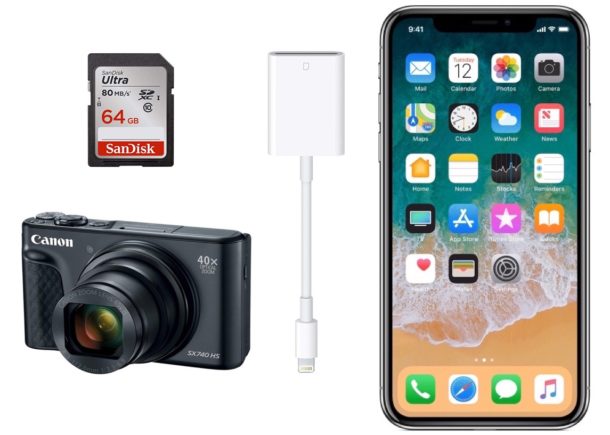
Want to transfer photos from a digital camera to iPhone? You can easily import photos and video from a digital camera or SD card to an iPhone with the help of an appropriate adapter and the super simple iOS Photos import procedure. This tutorial will walk through the steps to copy images and media from an SD card or camera to an iOS device.
Apple has released a supplemental update to MacOS Mojave for select 2018 MacBook Pro 15″ models. The update apparently addresses a firmware issue with the T2 security chip on those particular computers.
Labeled as “macOS Mojave 10.14.5 Supplemental Update for MacBook Pro”, the software update is specific to MacBook Pro 15″ models with the T2 security chip and is separate from the wider macOS 10.14.5 release that is available for all Mojave compatible Macs.
The supplemental update is not available for any other Mac models.
The iOS keyboard defaults to having a setting that automatically capitalizes a new word that is typed after the end of a sentence. This auto-capitalization applies to the first character of any word typed after a period, and while many iPhone and iPad users love this feature since it can make typing faster on iOS keyboards, some users may not like it.
If you want to disable the automatic capitalization of words after a period in iOS, read on to learn how to do do so.
Note the auto-capitalization feature is different from the auto-correct feature on iPhone and iPad, though many users confuse the two. In fact, they two different features controlled by two different settings. If you are looking to turn off auto-correct in iOS then blah.asdlfasdl
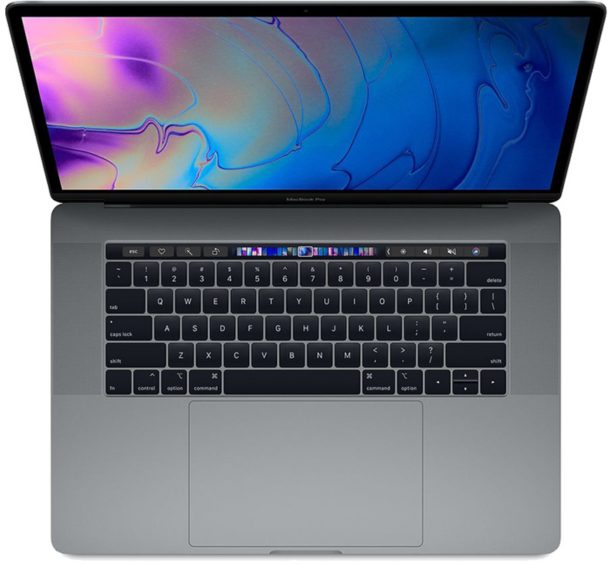
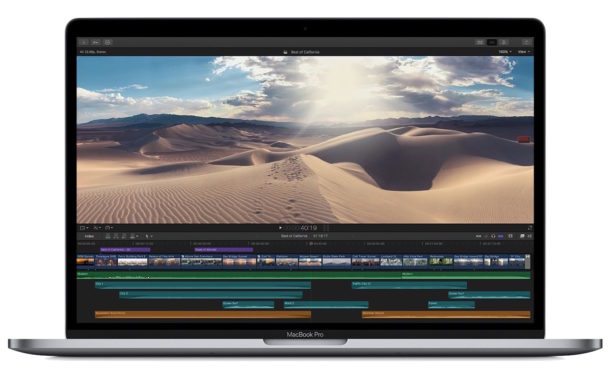
Apple quietly updated the MacBook Pro line today via press release, offering faster processors and improved speeds at up to a 40% increase in performance. Apple also told select members of the press that the updated MacBook Pros include improved keyboard materials that aim to reduce keyboard failures.
Additionally in regards to keyboards, Apple is expanding their keyboard service repair program for all butterfly design keyboard equipped MacBook Pro, MacBook Air, and MacBook computers.
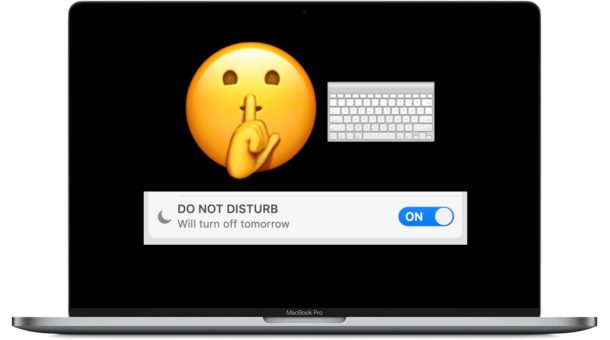
Want to toggle Do Not Disturb mode on the Mac with a keyboard shortcut? You can easily enable a custom keyboard shortcut to turn on or off Do Not Disturb mode in MacOS, and we’ll show you how to set it up.
Do Not Disturb mode on the Mac is one of the best features you can use if you want to focus on a task, and not be distracted by the myriad endless notifications and alerts that pop up on the Mac. Enabling and disabling the feature with a keyboard shortcut offers a quick way to toggle the feature off or on as quick as possible and at any time.
Apple has issued the second beta version of iOS 12.4 to users enrolled in the iPhone and iPad beta testing programs. Both developer beta and public beta builds are available.
The data contained within Health app on iPhone can be saved and exported for other uses. Perhaps you want to export Health app data to use in another health or fitness app, importing it to elsewhere, or maybe you want to use the raw Health data for your own purposes.
Exporting Health data from iPhone results in a zip archive that contains the raw data as gathered by Health app in XML format. This exported Health data will include any data stored or gathered by the Health app and any associated devices, including any Medical ID data, the native iPhone step counter and distance tracker, any data from an Apple Watch, and any data gathered from any third party devices that are syncing to Health app, like a smart scale or blood pressure monitor. Read no to learn how to export Health data from iPhone.