How to Add Emoji to eMail Messages in Mac OS the Fast Way
Apr 2, 2019 - 12 Comments
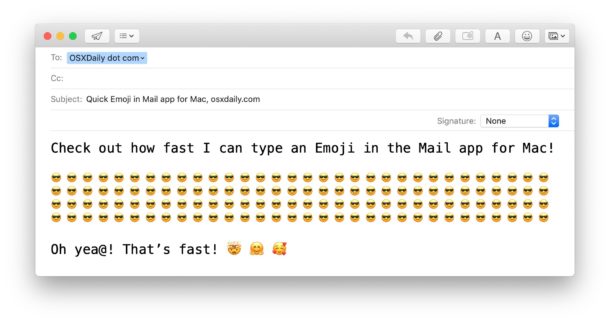
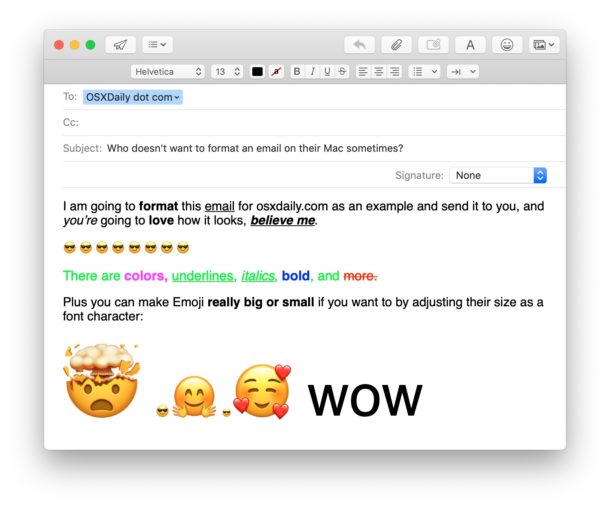
Emoji fanatic Mac users may already be aware of the ultra-fast keyboard shortcut for typing Emoji on a Mac, but did you know the Mail app for Mac OS has another super easy option for adding Emoji to an email message?
It turns out there’s literally an Emoji button in the Mac email client, but much like many users are unaware of the email formatting options in Mail for Mac, the Emoji toolbar is often overlooked too. Not to worry Emoji fans, here’s how to use it!
By Paul Horowitz - Mac OS, Tips & Tricks - 12 Comments