How to Change Mouse & Trackpad Speed on Mac
Apr 21, 2019 - 1 Comment
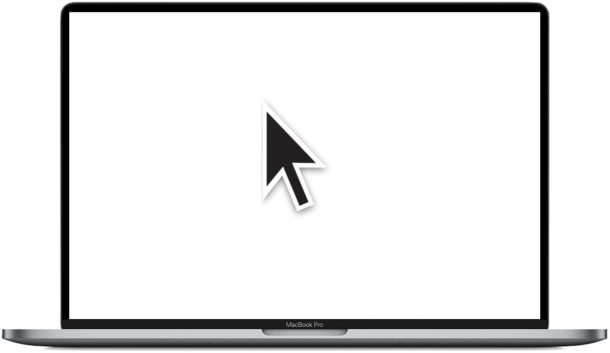
Want to change the tracking speed of the cursor on a Mac? Maybe you want your mouse to move around on the screen faster? Perhaps you want the Mac trackpad to move the cursor slower?
You can manually change the tracking speed of either a mouse or trackpad connected to a Mac, and you can even have different tracking speeds for a mouse as you do for a trackpad, a handy trick for users who have both input methods in use on their Mac.
By Paul Horowitz - Mac OS, Tips & Tricks - 1 Comment