Can’t Open Control Center from Lock Screen on iPad or iPhone? Here’s the Fix!
May 20, 2018 - 11 Comments
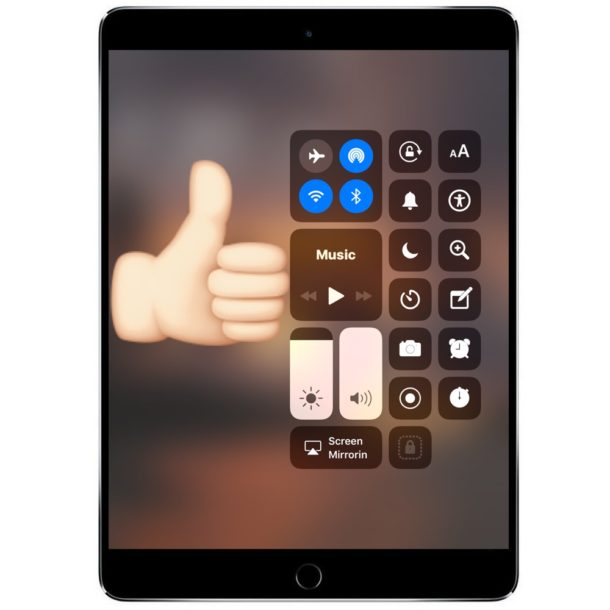
The iOS Control Center is a great feature allowing iPhone and iPad users to quickly access screen brightness controls, volume controls, camera, wi-fi and bluetooth toggles, Do Not Disturb mode, and so much more thanks to the ability to customize it. But many iPad users, and some iPhone users too, may discover that Control Center is not working from the locked screen of their devices. Try as you might, swiping up from the bottom of the iPad or iPhone screen, Control Center just won’t swipe up to show itself. Don’t worry, it’s probably a simple fix.
By Paul Horowitz - iPad, iPhone, Tips & Tricks, Troubleshooting - 11 Comments



 If you’re traveling through areas of weak cellular signals and generally poor reception, you can save a significant amount of iPhone battery life simply by toggling the AirPlane Mode feature on. That may sound weird, but it really works, with the idea being that when an iPhone has an intermittent cell signal, the cellular modem continuously searches for another available cell tower, which happens to use a lot of battery power. Thus, the solution is to simply stop the iPhone from looking for a cell signal if you’re not going to have one anyway.