How to Download MacOS High Sierra from MacOS Mojave
Oct 21, 2018 - 24 Comments
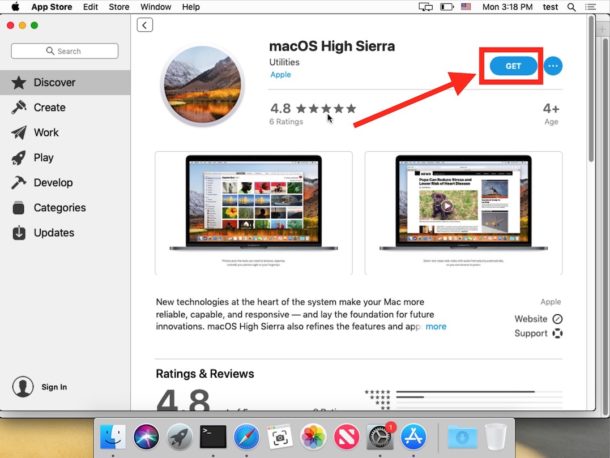
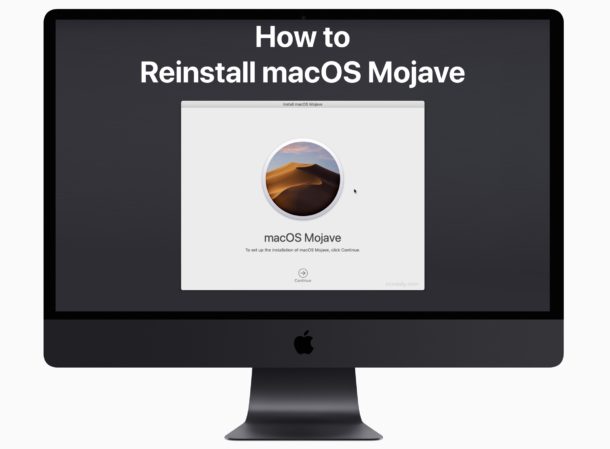
If you’re currently running macOS Mojave, you can re-download a macOS High Sierra installer for whatever reason to macOS Mojave. Re-downloading older versions of macOS system software can be desirable for a variety of reasons, and in this case getting the older High Sierra release is most often to create a macOS High Sierra USB installer or for running an older macOS release in a virtual machine or something of that nature.
If you’ve searched the Mac App Store from Mojave, you’ve probably noticed the High Sierra installer is nowhere to be found. But not to worry, we’ll show you how you can download macOS High Sierra 10.13.6 from macOS Mojave 10.14.
By Paul Horowitz - Mac OS, Tips & Tricks, Troubleshooting - 24 Comments