How to Delete Apps from iPhone XS, XR, XS Max, X and 3D Touch iPhone Models
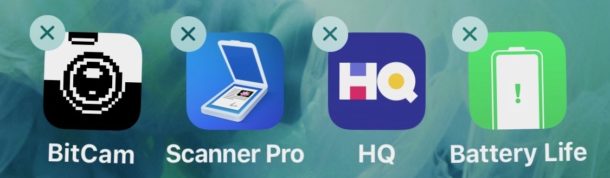
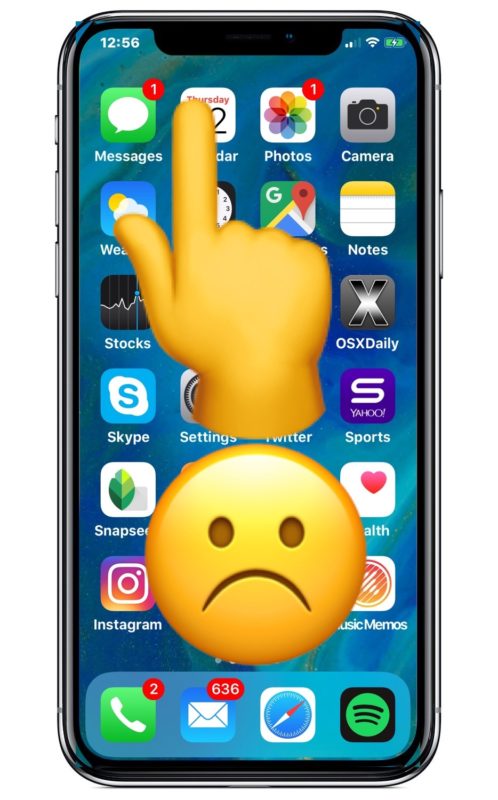
Removing apps from an iPhone or iPad has always been an easy endeavor, and you can easily uninstall any iOS app from a device in just seconds. Of course iPhone X, iPhone XS, iPhone XS Max, iPhone XR and 3D Touch iPhone models can still quickly delete apps from the home screen too, but because of some hardware features of those devices, deleting apps may appear like it works differently. Some users may attempt to delete an app on iPhone XS, XR, X, iPhone 8, or other 3D touch iPhone models and find that no “X” appears at all, or that the icons don’t jiggle, or that they feel a little buzz sensation and then find a pop-up menu instead of the “X” button to delete an app.
This guide will walk through how to delete apps on the newest iPhone models, including understanding how deleting apps works on iPhone X, iPhone XS, XR, and also offer some general tips on deleting apps on any other iPhone with a 3D Touch screen.