Your battery might be making your older iPhone slow. This is because, apparently, iOS system software sometimes slows down older iPhones when the internal battery has degraded to the point where it can no longer sufficiently power the device at the expected performance level.
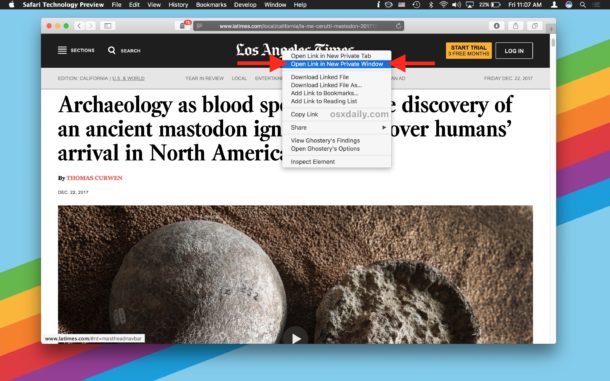
You can easily open any link found on the web into a new private browsing window on Safari for Mac, thanks to a helpful albeit little-known trick available in the web browser.
For the unfamiliar, Private Browsing mode aims to protect private information and some degree of privacy by preventing websites from tracking search behavior, setting permanent cookies, and insuring that pages and websites you visit are not stored in typical Safari History. This is helpful for many situations, let’s say you see a link on a webpage that you want to open but you don’t want it to appear in your browsing history for whatever reason (or avoid the cookie situation because of a paywall), then you could open a link into the private browsing window.
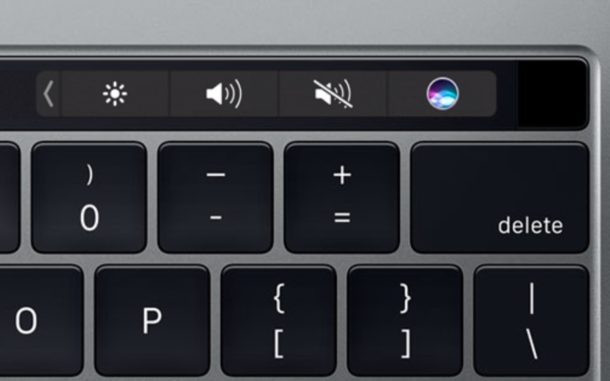
The Touch Bar equipped MacBook Pro stores additional data for the Touch Bar and Touch ID sensor that is not erased by default if you format a Mac or reinstall MacOS system software. Thus, if you want to completely clear out and erase all Touch Bar data, you will need to manually intervene via a multi-step process to clear out Touch Bar specific data from those MacBook Pro models.
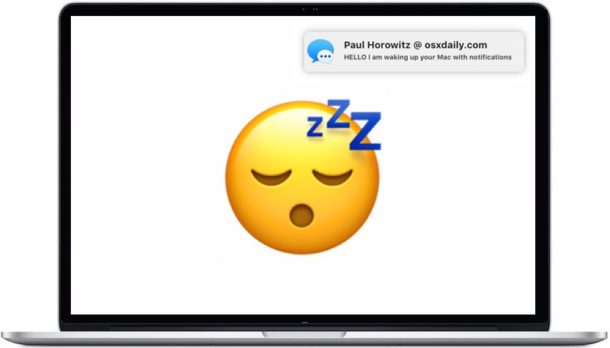
If you regularly sleep your Mac, you may have noticed that sometimes the Mac will wake itself up and show a notification on the screen, even if the screen is locked and otherwise password protected with the login screen. These notifications that wake a Mac from sleep are called “Enhanced Notifications” and they can originate from Messages, FaceTime, social networks like Facebook and Twitter, Game Center, Back to My Mac, and Find My Mac.
Enhanced Notifications may be great for some Mac users, but others might want their Mac to sleep and stay asleep when they put their Mac to sleep, at least until they decide to wake the computer themselves.
Some Mac users may be interested in downloading and using an alternative developer-focused build of Safari called Safari Technology Preview.
Safari Technology Preview is aimed at more advanced Mac users who want to get an early look at upcoming features and technologies in future final Safari builds. For example, Safari Technology Preview allows disabling autoplay easily with a setting option, whereas older traditional Safari builds do not.
Need to reset and clear DNS cache in macOS High Sierra? Some Mac users may need to occasionally reset their local DNS cache, typically because the Mac DNS settings have changed, or a particular name server or domain is cached and they need to flush existing DNS cache.
While it’s most often web developers, systems administrators, and network admins that fiddle with DNS and have to reset and clear their DNS caches, sometimes other Mac users need to clear the DNS caches as well.
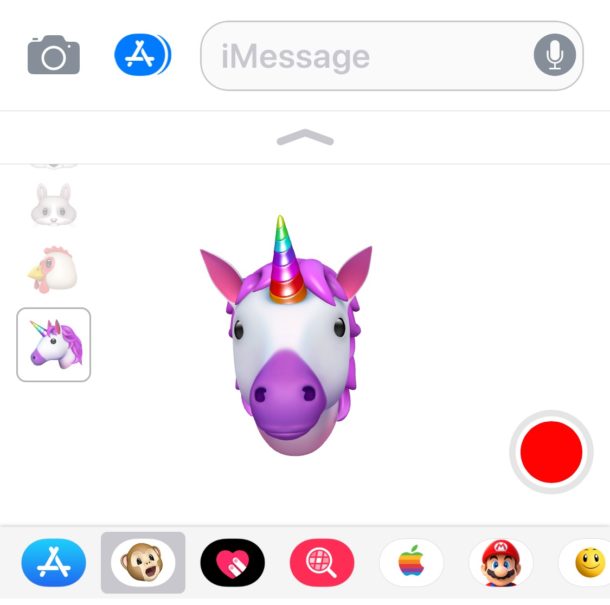
Animoji is one of the major new software features available on iPhone XS, XR, XS Max, and X. For the unfamiliar, Animoji are animated cartoon renditions of things like a smiling pile of fecal matter, a unicorn, dog, cat, chicken, panda, pig, fox, alien, and other figures, and the Animoji feature works by using the Face ID front-facing iPhone camera to see how your face is changing and mimic those facial expressions on the animated character. You can then record little snippets of Animoji and send them to people, leading to messages that include something like a talking animated unicorn or talking animated pile of feces.
This thrilling new Animoji feature is easy to use, but it’s also easy to overlook. That’s because Animoji capabilities are built into the Messages app of iPhone and is, currently anyway, not a separate application. Thus, to create and use Animoji, you must start from the iPhone Messages app. The tutorial below walks through how to use Animoji on the iPhone X series.
Want another web browsing option on iPhone or iPad? Maybe you need to access a PC-only website from an iOS device? You’re in luck, because Microsoft has released Microsoft Edge for iOS, the web browser primarily known for being bundled in Windows 10.
Microsoft Edge for iOS allows iPhone and iPad users access to the Edge web browser on their mobile devices, without needing a PC. Edge for iOS should be particularly helpful for iPhone and iPad owners who primarily use a Windows 10 PC as their computers and rely on the Edge browser, but it also has notable value to users who need to access websites that are restricted to Microsoft Edge or Internet Explorer, and will undoubtedly be helpful for web developers and designers who want to test their work across different web browser platforms too.
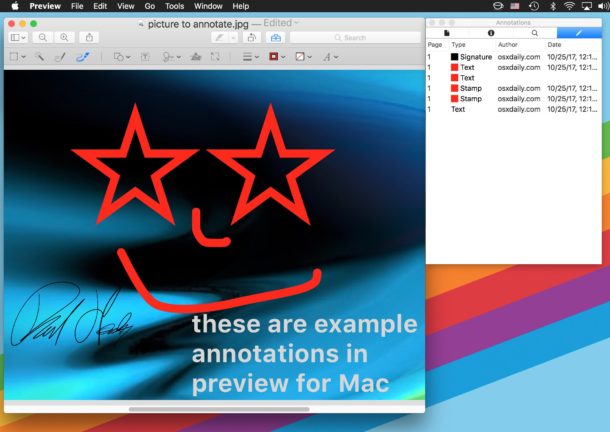
The Preview application for Mac defaults to attaching a name with any annotations made on images and PDF files within Preview, the annotation name is then embedded with the image file or PDF as metadata. This name, which is usually the currently logged in user accounts full name, is included with all annotations done within Preview, like arrows, shapes, text placed on pictures, filled out PDF forms, signed documents, and more.
If you want to change the name assigned to annotations in Preview, or disable the annotation naming feature completely, you can do so. You can also remove annotation names from existing files if need be.
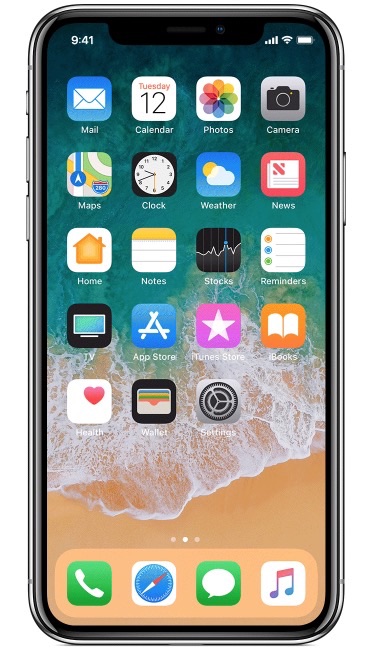
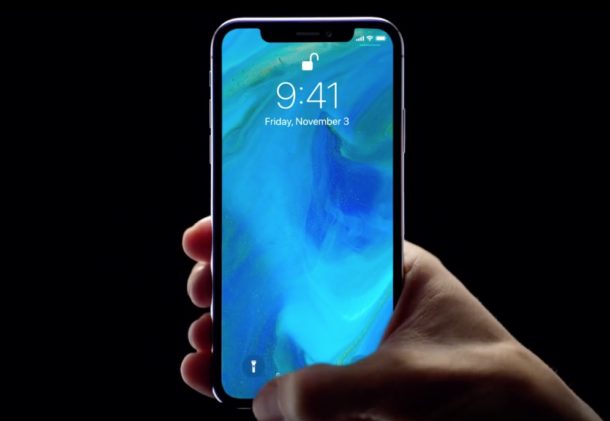
The iPhone X, iPhone XS, iPhone XR, iPhone XS Max include a feature called Tap to Wake, which, much as it sounds, allows the locked iPhone screen to wake up with a tap anywhere on the screen. This makes a lot of sense because the device does not have a Home button to press and wake the screen, so a tap anywhere on the display sort of replicates that Home press function, but Tap to Wake may also lead to a lot of unnecessary screen waking, and theoretically any erroneous screen waking may lead to a detriment to battery life.
Many users like Tap to Wake and find it to be convenient, but if you don’t like the feature or you’re concerned about waking the screen repeatedly either on accident or not intentionally, then you may want to disable the Raise to Wake feature on iPhone X, iPhone XS, iPhone XR, iPhone XS Max .
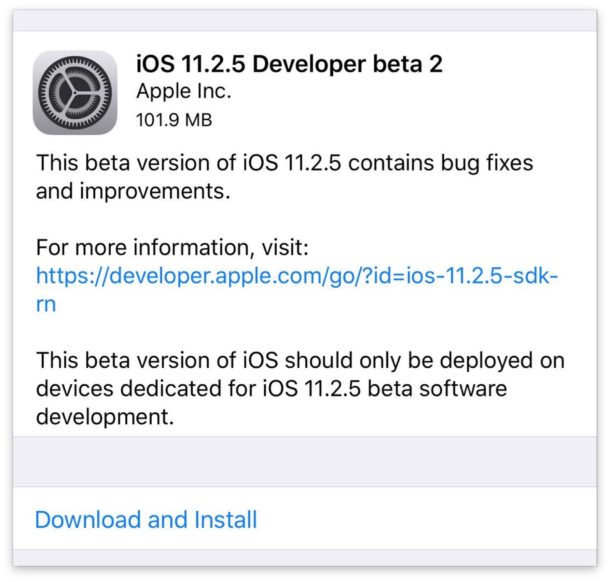
Apple has released the first beta version of iOS 11.2.5 to users participating in the developer beta testing program.
The fresh beta build of system software appears to focus on bug fixes and improvements to the mobile operating system for iPhone and iPad devices running prior builds of iOS 11, and is unlikely to include any significant changes or new features.
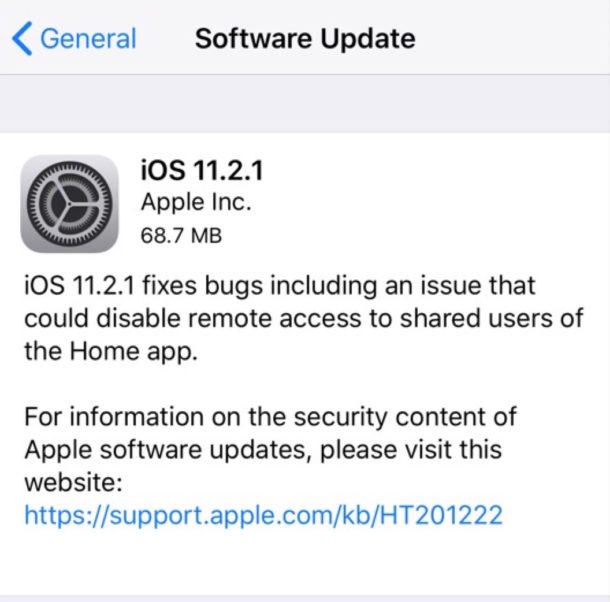
Apple has released iOS 11.2.1 for compatible iPhone, iPad, and iPod touch models. The small point release update includes an important security fix for a HomeKit vulnerability which could allow for unauthorized access to HomeKit devices and accessories.
Additionally, tvOS 11.2.1 is available as an update for Apple TV users with the same HomeKit security fix.
Many web users are not too thrilled about auto-playing media, whether it’s autoplaying video or autoplaying sound, or even an autoplaying ad, it can be annoying and frustrating to encounter as you browse the web. But don’t sweat it too much, because modern versions of Safari for Mac allow users to easily disable all auto-playing video and autoplaying audio content.
Apple has released a series of new iPhone X commercials, demonstrating various features available on the device. Two of the TV advertisements focus on Face ID unlocking the iPhone X and how your face is a magical password, and the other commercial focuses on studio lighting effects available on iPhone X camera.
The latest Apple iPhone X commercials are airing on TV and online now, and have been embedded below for easy viewing. Read more »
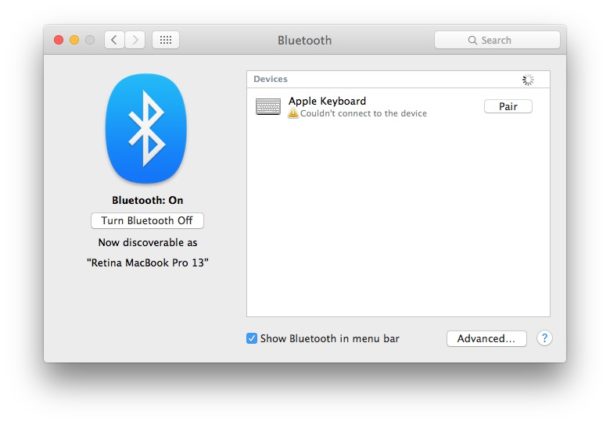
The Apple Keyboard light blinks twice when the keyboard is ready to be paired via Bluetooth with a Mac or another device, indicating it is ready to be setup. In other words, if you just got a brand new Apple Keyboard then the light will blink when turned on, and you need to pair it to a Mac before it will work. But that’s not our focus here, this article is for troubleshooting the rare situation where the Apple Keyboard indicator light will randomly start blinking twice after disconnecting from the computer for no obvious reason, typically met with the MacOS Bluetooth preference panel reporting errors like “Not Connected”, “Couldn’t connect to the device”, and “Pairing failed”.
If you run into the blinking keyboard light problem seemingly out of nowhere on an Apple Keyboard that has already been paired with the Mac before, or after a Mac has been asleep and then woken up, you can typically fix the blinking keyboard light problem with a relatively simple troubleshooting approach.