How to Copy & Paste on iPad
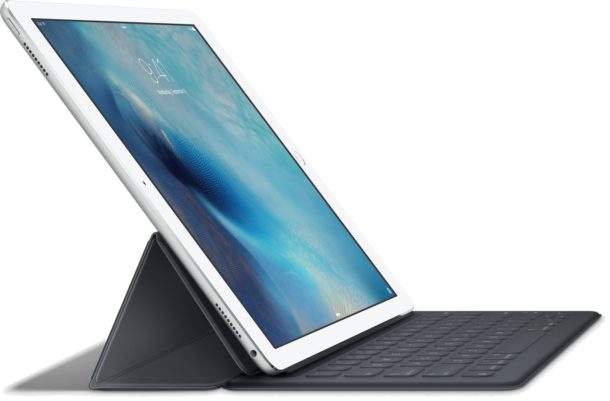
Using copy and paste on iPad and iPhone is easy, and much like copying and pasting on a desktop computer or Mac, you can copy just about anything to the iPad clipboard and paste it just about anywhere that will accept input. Whether you want to copy and paste a text clip, a photo or picture, video, drawing, or nearly anything else does not matter, as long as you can select it, it can be copied and then pasted elsewhere into a different app.
We’ll show you how to copy and paste using the iPad contextual menus found in iPadOS and iOS, as well as a few handy tricks unique to iPad that allow you to paste any copied data by using the onscreen keyboard, or using keystrokes to cut, copy, and paste with iPad and Smart Keyboard. All of this applies to copying and pasting on iPhone as well, but we’re focusing primarily on iPad here.