Fix a Mac Showing the Wrong Time & Date
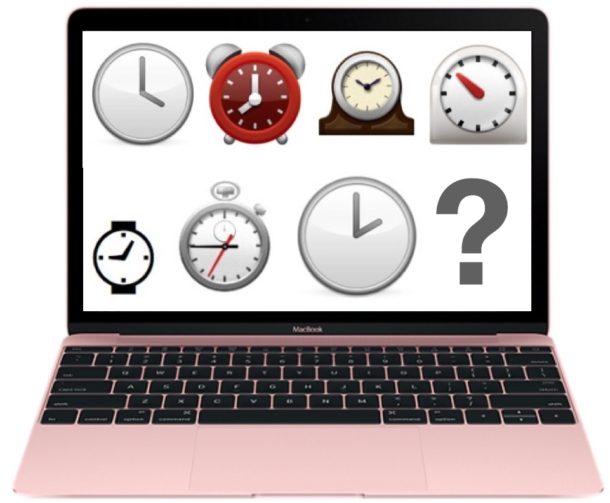
Rarely, Mac users may notice their clock is displaying the wrong system time. This typically occurs after a Mac has been shut down for an extended amount of time and hasn’t connected to the internet in a while, but it can also happen with traveling across date lines, between regions with daylight savings time observations, and in other situations as well.
While having the clock off may not sound like a big deal, it can lead to all sorts of frustrating issues, from some apps not working, to an inability to install OS X due to verification errors, to “connection not private” errors in web browsers, to a variety of other nuisances.
Fortunately, fixing the Mac clock if it’s showing an incorrect time is quite simple, as we’ll demonstrate in this walkthrough.