How to Unlock an iPhone 6S or iPhone 6S Plus the Easy Way
Sep 27, 2015 - 37 Comments

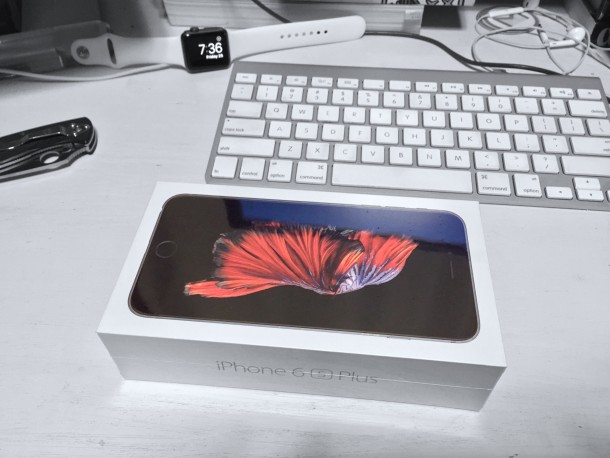
Getting an unlocked iPhone 6S or iPhone 6S Plus is now easier than ever, all you need to do is pay the full price for the new phone and buy it from Apple. That’s it, your new iPhone arrives unlocked and not tied to any cellular carrier. Essentially this means you can use the new iPhone anywhere on any provider as long as you have a compatible SIM card for it, making it easier than ever to buy an unlocked iPhone.
If you bought an iPhone 6s for full price, we’ll detail how to unlock the new iPhone and use it on another carrier, and as you’ll see, the unlock process is often just a matter of restoring from a backup and swapping a SIM card.
By Paul Horowitz - iPhone, Tips & Tricks - 37 Comments

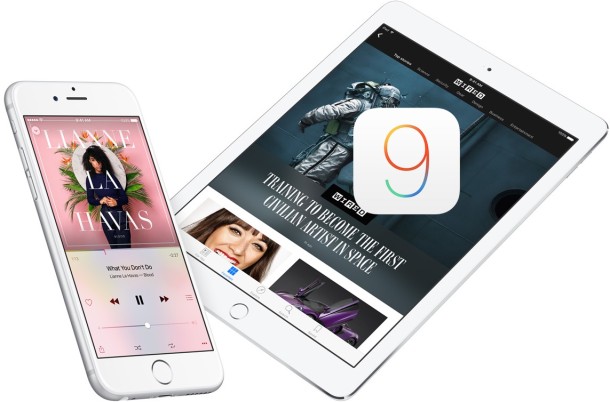
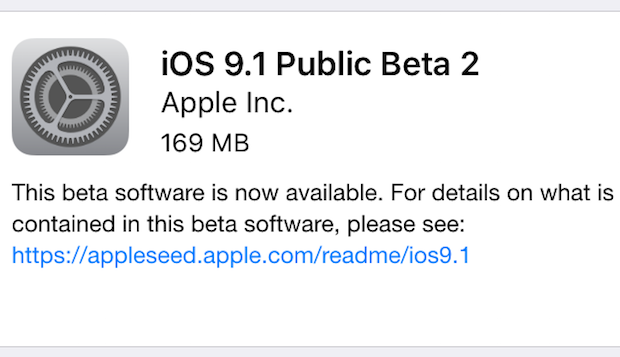
 Have you ever checked for an iOS update and discovered the wrong version is showing up to install? Typically this happens when a new iOS update version becomes available, but the Software Update section of the iOS Settings app displays an older now outdated version as available to install on the iPhone, iPad, or iPod touch. If you run into this situation with an iOS update showing an incorrect version available, the solution to show the proper latest update available is quite simple.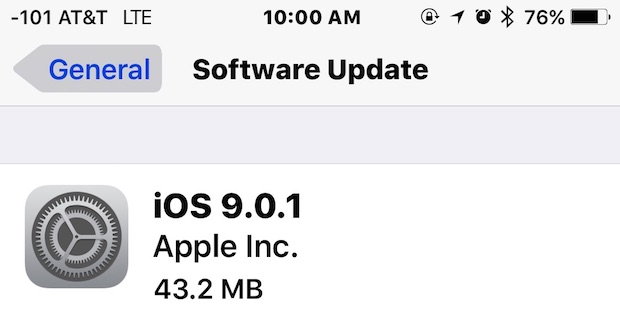

 We’ve all been there; you want to change a setting on your iPhone, iPad, or iPod touch, but you can’t remember where that preference or option is located in the Settings app. Fortunately, thanks to a search feature built into the Settings app of iOS, you no longer have to wonder and poke around to find a particular setting, you can just search for it by typing it into a hidden settings search box.