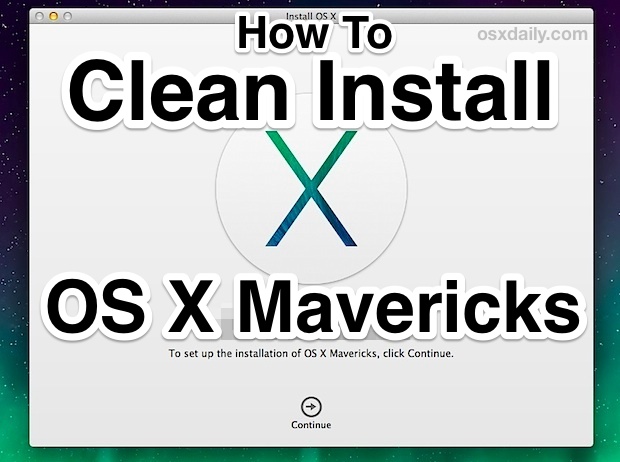
How to Clean Install OS X Mavericks
Oct 26, 2013 - 11 Comments
The default solution for installing OS X Mavericks is to download it free from the App Store and then perform an upgrade from a previous version of Mac OS X, whether that’s from Mountain Lion or Snow Leopard. Upgrades are fast, efficient, and most important, very easy, and that’s the recommended option for the vast majority of Mac users. Nonetheless, some users may want to start fresh with a blank slate, using what’s known as a “clean install” and that’s what we’re going to cover here. Performing a clean install can be desirable for a variety of reasons, from ditching years of built-up cruft on older Macs from many years of OS X upgrades, to troubleshooting difficult issues, to transferring ownership of a Mac to a new owner.
By Paul Horowitz - Mac OS, Tips & Tricks - 11 Comments

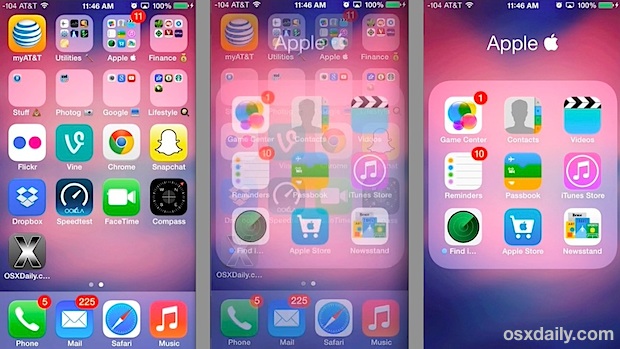
 Apple has released iOS 7.0.3 for iPhone, iPad, and IPod touch users. The update includes iCloud Keychain support, which syncs your login and password data between iOS and OS X devices, fixes problems with iMessage, and also includes many bug fixes, feature enhancements, and security updates. iPhone 5S users will find an update to the accelerometer which allows it to calibrate accurately as well. Full release notes are at the bottom of this article.

 You can show the precise last time a specific file was opened, an app was launched, or folder was accessed on a Mac, and the information is visible directly in the OS X Finder. There are actually two simple ways to see this file access information, and both are equally useful though as you’ll see they’re best used for slightly different purposes.