
iPhone 5s: Features, Pricing, Release Date
Sep 10, 2013 - 1 Comment
Apple has announced the iPhone 5s, the new upper-end iPhone model that comes with some pretty interesting features.Though the iPhone 5s is based upon the same aluminum enclosure as the prior iPhone 5 model, it is now offered in two revised color options including a new black (called space grey), the familiar white, and an entirely new gold color.
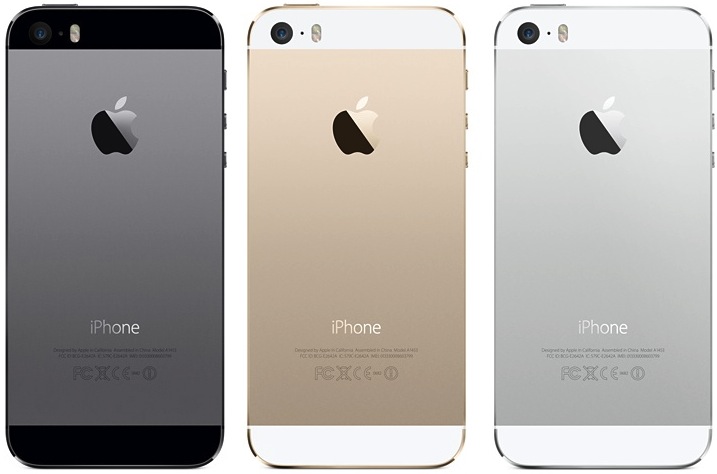
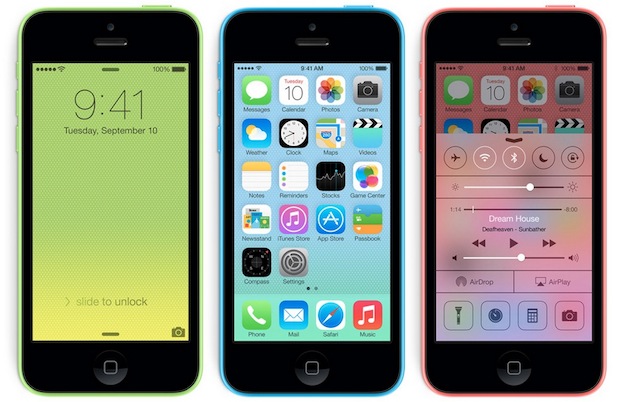
These colors are obviously much more subdued than what is offered on the new vibrant iPhone 5c model, and the 5s is also a much more feature-rich prodcut, justifying the price differentiation between the two major iPhone offerings.
Read more »


 It’s never fun to accidentally delete a contact that is needed, let alone multiple contacts or even an entire address book. If you find yourself in a situation where you have deleted contacts from your iPhone that you then must recover, you can often get them back by performing a variety of tricks.

 For those who read within the iBooks app of iOS, digital bookmarks are a very useful feature that work much like bookmarks do in a real paper book; you set a bookmark on a page, and you then have easy access for future reference, whether to find where you left off reading or to quickly jump to an important passage.

 iOS does not have an Activity Monitor or task manager the way that desktop Macs do



