encryption

Search encryption

How to Enable Encryption in Facebook Messenger

Aug 13, 2022 - Leave a Comment

How to use Dark Mode on Facebook Messenger

By default, communications through Facebook Messenger are not end-to-end encrypted, which means that theoretically another party could retrieve sensitive information from the chat if they were nefariously minded. It also means that the conversations are basically wide open for reading by Facebook and whoever has access to Facebook data. If you’re a privacy buff (then … Read More
Traveling? Beware of Unsecured Hotel Wi-Fi Networks

Jul 28, 2022 - 5 Comments
Unsecured Wi-Fi Network on Mac

Nearly every hotel nowadays offers free wi-fi, but a surprising number of them use unsecured wireless networks. Most commonly, the unsecured networks use a captive portal to access the wi-fi network, where a splash screen pops-up in a web browser window before you are granted further access to the network. Often there’s some marginal login … Read More

How to Backup iPhone or iPad to Mac in MacOS with Finder (Sequoia, Sonoma, Ventura, Monterey, Big Sur, & Catalina)

Jan 13, 2020 - 14 Comments
macOS Finder Window

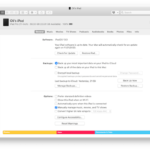
Wondering how to backup your iPhone or iPad in MacOS Sequoia, MacOS Sonoma, macOS Ventura, macOS Monterey, MacOS Big Sur or MacOS Catalina? Since iTunes is gone, even the most experienced of iPhone and iPad users can be thrown for a loop when they come to back up their devices after updating a Mac to … Read More

How to View FileVault Progress When Encrypting a Mac Disk

Feb 8, 2017 - 3 Comments
Check Filevault encryption progress

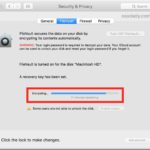
Using Filevault on a Mac encrypts the entire hard drive and helps protect personal data from theft or unauthorized snooping. It’s a great security feature that many users enable when they’re first setting up their Mac, but some users may enable it or disable it later as well. There’s certainly nothing wrong with that, but … Read More

How to Decrypt External Drives on Mac

Oct 25, 2016 - 12 Comments
How to Turn Off Encryption on External Drive on Mac to decrypt

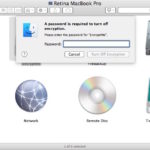
For Mac users who encrypt external hard drives and USB flash drives, there may come a time when you want to remove the password protection and decrypt the external device. Decrypting an external drive allows all data on the drive to be accessed without the password authentication, effectively turning off any protection on the target … Read More

Disabling FileVault to Decrypt Mac Hard Disks

May 10, 2016 - 6 Comments
Disable FileVault Disk Encryption on a Mac and decrypt the drive

While enabling and using FileVault disk encryption is highly recommended for security-conscious Mac users with modern hardware and SSD volumes, some users may decide they do not need to use FileVault for a variety of reasons, or perhaps they just want to disable it for another purpose. That’s what we’re going to demonstrate here, disabling … Read More

Create a Password Protected Text File with vi and the Command Line

Nov 22, 2013 - 6 Comments
Terminal in Mac OS X

It’s easy to create a password protected text file by using the command line text editor ‘vi’. This is infinitely useful for privacy purposes, whether the protected file is for containing login details, various passwords, personal information, a private journal, or just about anything else that you want stored securely in a single password protected … Read More

Maximize FileVault Security by Destroying Key Storage in Standby Mode

Jul 6, 2013 - Leave a Comment
Maximum FileVault Security

Standby mode is a power saving feature that automatically hibernates a Mac after it has been in sleep mode for a while, which it does to further decrease drain on battery. When a Mac using FileVault encryption is placed into standby mode, a FileVault key (yes, this key is encrypted) is stored in EFI (firmware) … Read More

Recover a Lost Encrypted Backup Password for an iPhone, iPad, & iPod touch

Jun 26, 2013 - 33 Comments
Recover a lost iPhone encrypted backup password

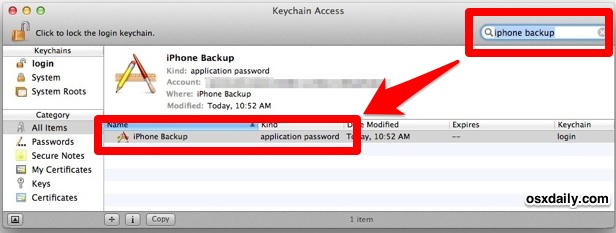
iOS devices can use an optional encrypted backup feature that protects all backups with a strong encryption layer and password, meaning those backups are both unusable and unreadable without that password. If you chose to encrypt the backups of an iPhone, iPad, or iPod touch with such a password and then somehow forgot the password … Read More

Use FileVault to Get Full Disk Encryption in Mac OS X

May 22, 2013 - 11 Comments
FileVault disk encryption for the Mac

FileVault is an amazing disk level encryption feature that comes with Mac OS X. When it has been enabled, it encrypts everything, all disk contents, and actively encrypts and decrypts data on the fly, meaning any newly created data or document will instantly be encrypted as well. It’s fast and incredibly secure, using XTS-AES 128 … Read More

Encrypt Time Machine Backups with Mac OS X

Sep 26, 2012 - 4 Comments
Encrypt Time Machine backups in Mac OS X

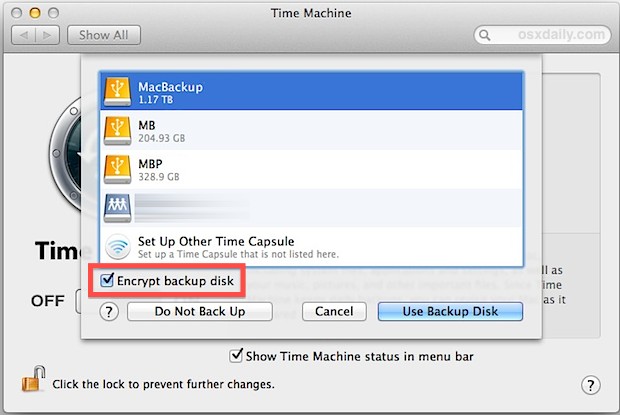
Time Machine backups can be encrypted right from your Mac. This means the backed up data is extremely safe from prying eyes and the very unlikely event of a cracking attempt, and it also means you’ll need a password to access the encrypted backups yourself. Enabling encrypted backups in Time Machine for Mac OS X … Read More

How to Encrypt an External Drive in Mac OS X Quickly

Sep 17, 2012 - 15 Comments
Encrypted disk in Mac OS X

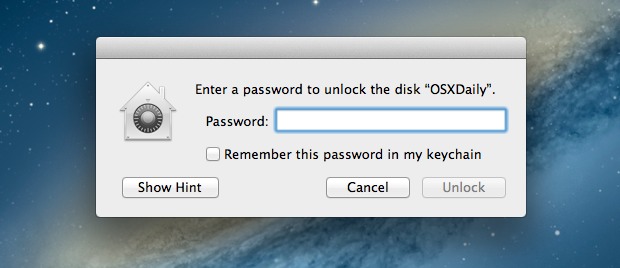
It’s now easier than ever to quickly encrypt external disks and hard drives from Mac OS X, whether they are USB drives, Firewire, flash drives, or even SD cards. While you can still use the traditional route to encrypt disks through Disk Utility, from modern versions of MacOS and Mac OS X the process is … Read More

Encrypt Folders with Password Protection in Mac OS X the Easy Way

Aug 12, 2012 - 56 Comments
Create New Disk Image from Folder in OS X

Encrypting folders and requiring passwords for access is an excellent way to store and protect private data on a Mac. Now, there is a new means of password protecting folders and sensitive files introduced in Mac OS X that lets you create a new encrypted disk image directly from a specified folder. Though you can … Read More

Encrypt & Decrypt Files from the Command Line with OpenSSL

Jan 30, 2012 - 10 Comments
Encrypted file

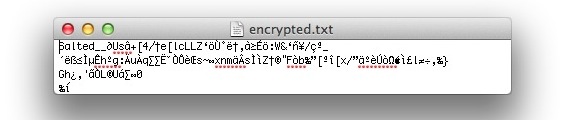
Need to quickly encrypt a file from the command line? With OpenSSL, you can encrypt and decrypt files very easily. For the purpose of this walkthrough, we’ll use des3 encryption, which in simple terms means a complex encryption algorithm is applied three times to each data block, making it difficult to crack through brute force … Read More

Password Protect an External Drive in Mac OS X with Encrypted Partitions

Jan 25, 2012 - 38 Comments
Drive Password in Mac OS X

We recently showed you how to password protect files and folders using encrypted Disk Images in Mac OS X, but if you have an external drive you can go a step further. By using encrypted disk partitions, any drive, be it a USB key, flash drive, hard disk, or whatever else, can be set to … Read More

Password Protect Folders & Files in Mac OS X with Encrypted Disk Images

Jan 11, 2012 - 25 Comments
Password Protect a Folder and Files in Mac OS X

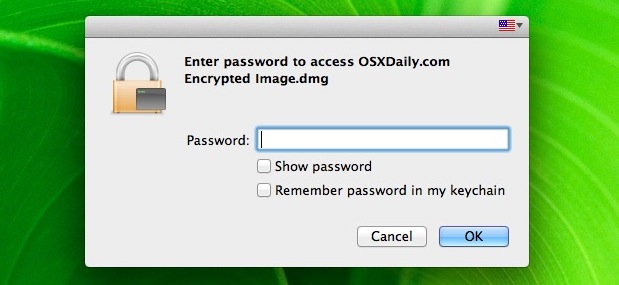
You can password protect files and folders in Mac OS X by using a trick with disk images. Here’s how it works; by placing files inside of an encrypted disk image, that disk image will work like a password protected folder and require a password before it’s mounted, preventing unauthorized access to all of the … Read More

Password Protect Zip Files in Mac OS X

Jan 7, 2012 - 63 Comments
Zip Password in Mac OS X

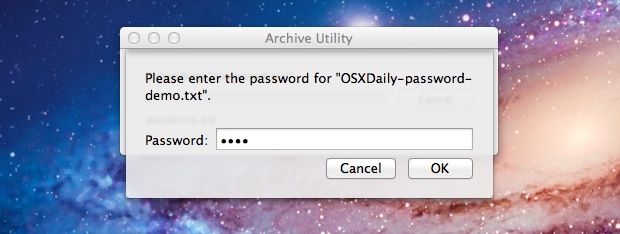
Creating a password protected zip file is easy in Mac OS X and does not require any add-ons or downloads. Instead, use the zip utility that is bundled with all Macs. This offers a simple way to protect a zip archive file from unwanted viewing access, as when a user attempts to decompress the contents … Read More

FileVault 2 Benchmarks Show Full Disk Encryption is Faster Than Ever in OS X Lion

Aug 10, 2011 - 8 Comments
FileVault 2 Speed Test benchmarks

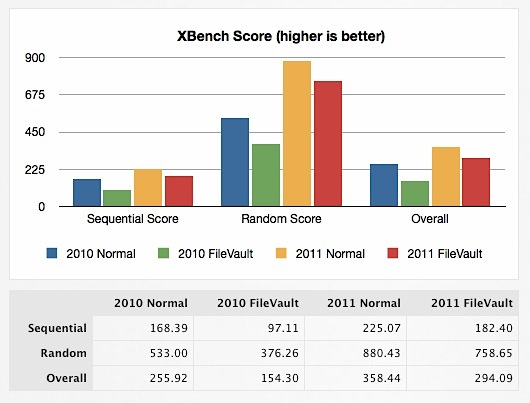
FileVault 2 is the all new disk encryption method that comes with Lion, and it’s more secure than ever, using XTS-AES 128 encryption on your entire disk, as opposed to just the user directory as in past versions. The other huge change that came with FileVault 2 is the significant performance boost, where using full … Read More

Subscribe to OSXDaily

Subscribe to RSS Subscribe to Twitter Feed Follow on Facebook Subscribe to eMail Updates

Tips & Tricks

News

iPhone / iPad

Mac

Troubleshooting

Shop on Amazon to help support this site