tricks

Search tricks

Find System Preferences Easier in Mac OS X by Sorting Alphabetically

Nov 12, 2011 - 8 Comments
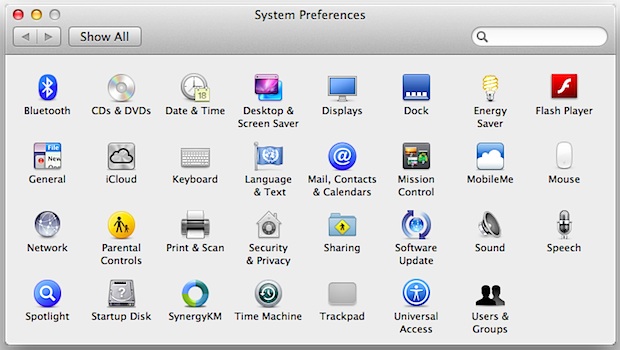
System Preferences

Mac System Preferences are grouped by categories by default, basically into Personal / iCloud, Software, and Hardware. For most of us this is intuitive and easy enough to navigate, but with modern versions of macOS they’ve been condensed down from more category separation, from Personal, Hardware, Internet & Wireless, System, and Other, to just the … Read More
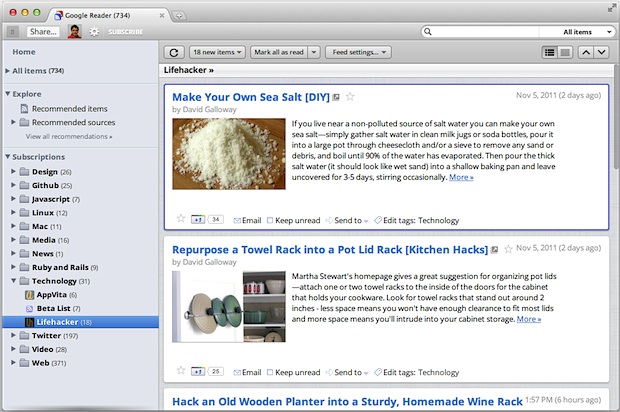
Reskin Google Reader with a Mac OS X Lion Theme

Nov 11, 2011 - 7 Comments
Google Reader Mac OS X Lion Theme

Google recently revamped their popular RSS aggregator (subscribe to our feed while you’re at it) Google Reader with a new look, if you’re not thrilled about the new appearance you can apply a theme to make G Reader look similar to a native OS X 10.7 application. You’ll need to be using a newer version … Read More

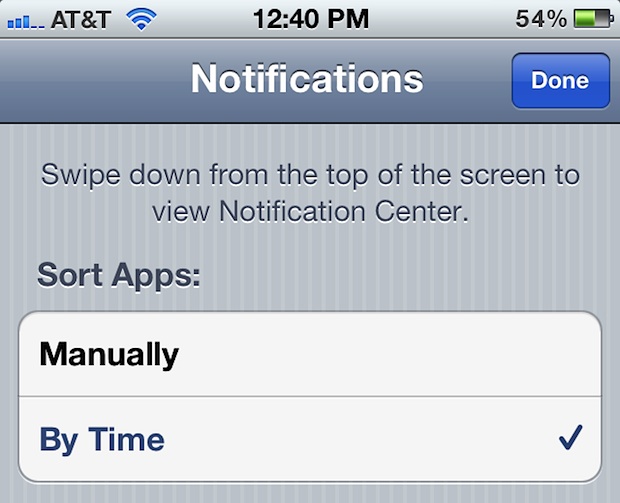
Sort Notifications in iOS by Time of Arrival

Nov 11, 2011 - 6 Comments
Sort iOS app notifications by time of arrival

If you get a ton of alerts or use the iOS Notification Center as a queuing system, sorting them by most recent event is preferential to grouping them by app. This makes it so you can quickly scan Notifications on iPad and iPhone by what came in most recently, rather than by what application the … Read More

iOS OTA Updates Not Working? Here’s How to Fix Them

Nov 10, 2011 - 10 Comments
iOS OTA update

Over-the-Air (OTA) updates are one of the better refinements to iOS as part of the whole “post-PC” thing, they bring delta software updates directly to your devices, making for quicker updates and using less bandwidth (a delta update means only the differences between the iOS versions are sent, preventing a much larger package from being … Read More

Change Siri’s Voice Accent & Gender from Female to Male or Vice Versa

Nov 10, 2011 - 14 Comments
Change Siri's voice

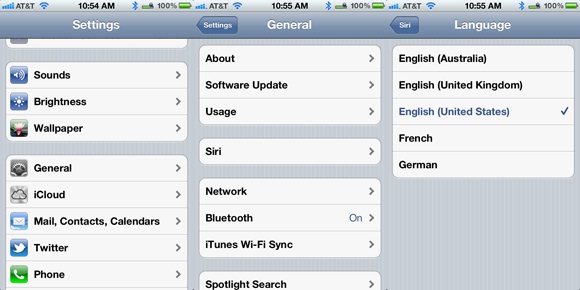
Siri’s gender and voice accent is different based on the region, with a female voice for USA and Australian users, and a male voice in the UK. Regardless of which location you’re in or where you bought the iPhone, you can change the gender and the accent of Siri yourself just by switching the language … Read More

Disable the Caps Lock Key on a Mac

Nov 10, 2011 - 18 Comments
Disable Caps Lock key on a Mac

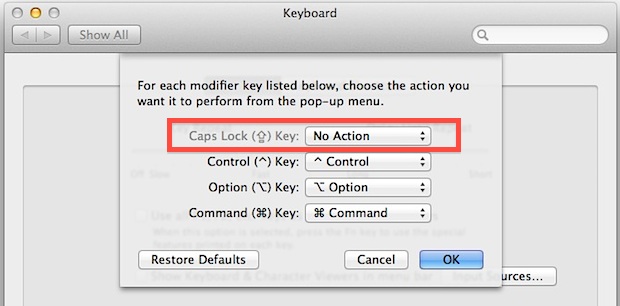
Does anyone like the CAPS LOCK key? Yes, it can be useful for typing some things that happen to be all uppercase, but as many internet readers know, it can also be an obnoxious key that many Mac users accidentally press on their keyboards, leading to ALL THEIR LETTERS APPEARING UPPERCASE. If you’re a Mac … Read More

Enable a Hidden Auto-Correct & Auto-Complete Word Suggestion Bar in iOS 5

Nov 9, 2011 - 18 Comments
autocorrect suggestion bar in iOS

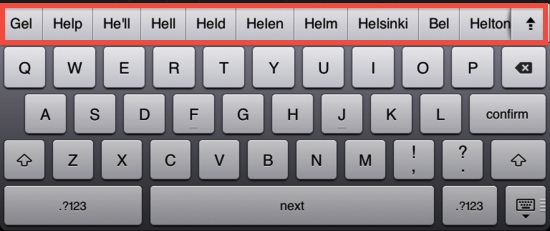
A hidden autocorrect suggestion bar has been uncovered in iOS, and with a bit of patience you can enable it yourself with any iPhone, iPad, or iPod touch running iOS 5+. The discovery was made by iOS developer Sonny Dickson, who provides the details on how to edit your iOS backups to turn the feature … Read More

Show Full File & Folder Names on the Mac Desktop

Nov 9, 2011 - 22 Comments
End file name truncation in Mac OS X

Have you ever noticed that some files and folders display truncated names when they’re placed on the Mac OS X Desktop? A file or folder named anything over a certain character limit will be shortened with a series of three periods, something like “Mobile Documents Sync” will display as “Mobile Do…ync” and so on. One … Read More

How to Split the iPad Keyboard For Easier Typing

Nov 9, 2011 - 12 Comments
iPad split keyboard

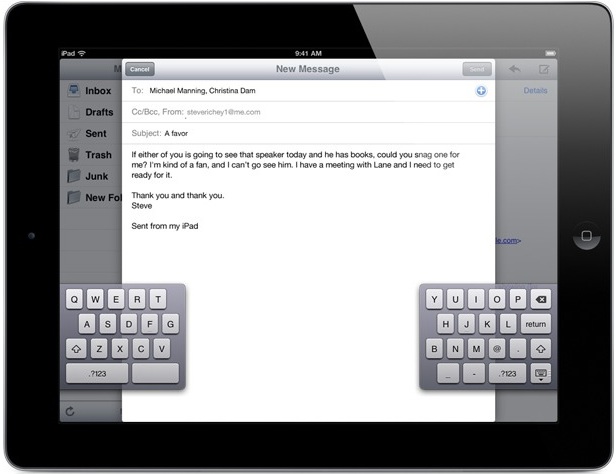
Typing on the iPad onscreen keyboard can be a little strange for some users who are accustomed to either an iPhone and typing with their thumbs, or even a Mac or PC and accustomed to typing on a regular touch keyboard. But one great way to improve iPad typing and make it faster is to … Read More

Delete Songs Directly on iPhone, iPad, or iPod touch

Nov 9, 2011 - 44 Comments
Delete Music from iPhone

You can now delete songs directly from the Music app on your iPad, iPhone, or iPod touch. The music removal action is achieved directly on the iOS device without having to re-sync to iTunes, allowing you to rapidly clear out music or songs you don’t want stored on the device.

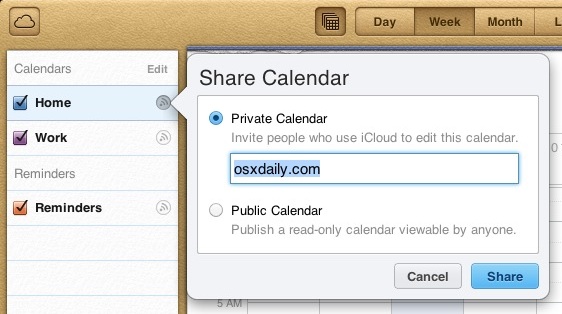
Share iPhone, iPad, and Mac Calendars with Anyone Else from iCloud

Nov 8, 2011 - 13 Comments
Share Calendars with anyone else through iCloud

Using iCloud, sharing a Calendar from your iPhone, iPad, or Mac OS X iCal with anyone else is now easier than ever. This is a straight forward process that requires iCloud, set it up if you haven’t already and you can get sharing, here’s how:

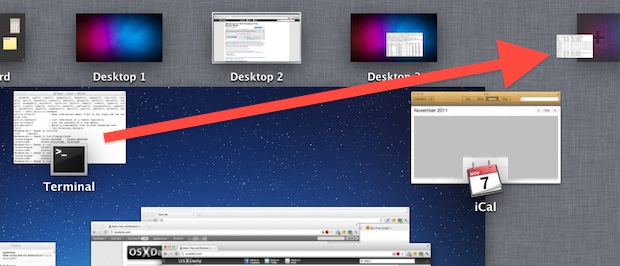
Quickly Create a New Desktop for an App from Mission Control in Mac OS X

Nov 8, 2011 - 1 Comment
Create a new Desktop from an App via Mission Control

Using Mission Control on the Mac, you can quickly create a new Desktop Space just by grabbing an app from the Mission Control window, and then dragging the window into the corner, then letting it go on the “+” plus icon. This will instantly generate a new desktop space, or a virtual desktop, with that … Read More

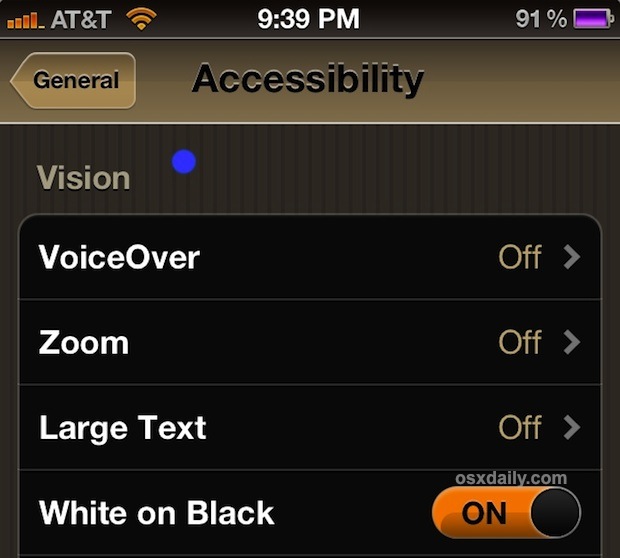
How to Invert the iPad or iPhone Screen to Make Reading at Night Easier on the Eyes

Nov 7, 2011 - 15 Comments
Invert iPhone or iPad Screen

If you’re like me you end up reading a fair amount while laying in bed using an iOS device. If you read in the dark, you can give your eyes a rest by turning on a little known Accessibility feature that inverts the display of the iPhone, iPad, or iPod touch to show white text … Read More

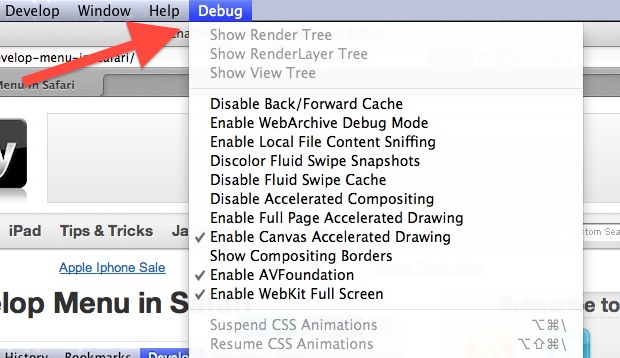
Enable Safari Hidden Debug Menu in Mac OS X

Nov 7, 2011 - 8 Comments
Debug menu in Safari

Safari has a hidden “Debug” menu that offers some additional features for debugging the browser, including stress and load tests, sampling, javascript error logging, the ability to intentionally crash a page, and more. Intended for Safari developers, the Debug menu is different from the Developer menu, which is geared more at web developers, although there … Read More

Still Having Lion Wi-Fi Problems? This Solution Works

Nov 6, 2011 - 240 Comments
Renew DHCP in Mac OS X Lion

We’ve published a variety of fixes for wireless connections dropping in Lion, and even a keepalive script that helps many users maintain a connection in some of the stubborn cases, but some Mac OS X Lion users continue to have problems with their internet connection failing. After diagnosing another MacBook with wireless stability problems post-Lion, … Read More

Backup to iCloud Manually from an iPhone or iPad

Nov 6, 2011 - 20 Comments
Back up to iCloud

Once you have iCloud set up, it becomes easier than ever to keep recent backups of your iPhone and iPad. With iCloud backup enabled, remember that the backup starts automatically any time the device is connected to a power source, and the synced computer is turned on and connected to the same wifi network. These … Read More

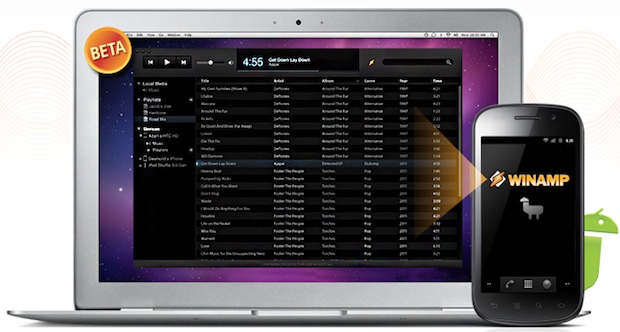
Sync iTunes to Android in Mac OS X with WinAmp

Nov 5, 2011 - 9 Comments
Sync iTunes with Android in Mac OS X

WinAmp, the longstanding Windows music player, has come to the Mac OS X platform and brings a few great features for Android users, most notably iTunes music syncing and library sharing, and Wi-Fi syncing. This means you can take any existing iTunes playlist and sync it directly to an Android device without having to jump … Read More

Show Photos By Location on iPhone

Nov 5, 2011 - 7 Comments
Show Photos by Location on iPhone

The iPhone and GPS-equipped iPad include a “Places” feature in the Photos app which allow you to see pictures based on geographical location. This works to show your own photos by location, and also photos that have been shared with you that you saved to your own Photos app Camera Roll. Here is how to … Read More

Subscribe to OSXDaily

Subscribe to RSS Subscribe to Twitter Feed Follow on Facebook Subscribe to eMail Updates

Tips & Tricks

News

iPhone / iPad

Mac

Troubleshooting

Shop on Amazon to help support this site