
Use Command Key to Open Folder in New Window or Tab in Mac OS X
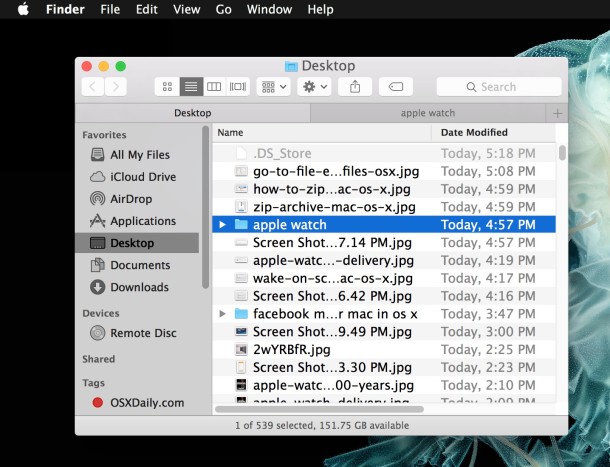
You can open a folder into a new window (or tab) by holding down the Command key when you double-click on the folder to open it within the Finder of Mac OS X.
A new window will open if new windows are set to open in folders rather than tabs, where as a Mac Finder configured to open new folders into new tabs will open a tab instead with the Command modifier. Make sense? If not, just give it a try in the Finder by going to a location with folders, hold down the Command key as you open them, and you’ll quickly understand how it works in just a moment or two.

 This is a really useful tip if you’re trying to copy files from inside one folder to another, just open the directories side by side and copy away! So, remember the Command+Double Click trick, it’s great for the Mac Finder.






How to open a folder with a keyboard shortcut in column view ? there is a rightclick menu option but how to assign a keybaord shorcut to ist ?
Actually, it’s a double-click. At least for me. :)
@mark, if you are in the finder and you want to open a new finder window you hold down the command key and a new window spawns from the old window
i dont get it. explain more please
cmd+N to open new window
cmd+W to close window
cmd+Q to quit app
this is so useful, why didn’t I know about this? so many hidden gems on the mac