Tips & Tricks

Tips and tricks for all things Apple! Whether you want to learn tips for a Mac, iPhone, iPad, Apple Watch, or much more, you will find many tricks, tips, tutorials, and excellent walkthroughs for Apple devices and software here.

Search Tips & Tricks

Play a YouTube Video in the Background of iPhone & iPad to Listen to the Audio in iOS 6

Sep 6, 2012 - 20 Comments
Play YouTube Videos in the Background of iOS to Hear the Audio

Got an iOS 6 or iOS 5 device? You’re in luck because you can play YouTube videos in the background of iOS and hear the audio while you perform other tasks on the device, just like you can with any other music player on an iPhone or iPad. If you’ve tried this before and discovered … Read More

Reboot Mac OS X from the Command Line

Sep 6, 2012 - 11 Comments
Reboot Mac OS X from the Command Line

Rebooting a Mac from the command line is fairly simple, though it should be pointed out that most Mac OS X users are best served just using the standard  Apple menu method to issue a system restart. Nonetheless, for advanced Mac users, using the terminal reboot command can be an invaluable trick for troubleshooting … Read More

iPhone Camera Slow to Open? Here’s How to Fix That

Sep 5, 2012 - 20 Comments
If iPhone Camera Slow to Open, Fix it By Clearing your Camera Roll Photos

When you’re stuck staring at the grey lens shutter graphic for 5 to 10 seconds before you can even take a picture, you’ve likely already missed the shot you were hoping to get. Obviously the quickest way to access the iPhone camera is using the lock screen camera swipe instead of manually launching the Camera … Read More

Dismiss Desktop Notifications in Mac OS X Immediately with a Swipe

Sep 5, 2012 - 6 Comments
Dismiss Notification Center Alerts in Mac OS X with a swipe

Want to quickly dismiss a desktop notification without opening Notification Center in Mac OS X? It’s easy, just hover over the notification with the cursor and use a two-fingered swipe gesture from left to right, swiping the alert to where Notification Center appears, and the alert will quickly zip away and off your Mac desktop … Read More

Use Event Invitations in iOS & OS X to Solidify Times, Meetings, & Dates

Sep 4, 2012 - 5 Comments
Invite people to events in Calendar from Mac OS X

Event Invitations are one of the best features of Calendars in iOS and OS X, and if you aren’t using them yet to confirm the time and dates of meetings and events with people you should start now. Once an invitation is sent, it comes through as an alert to the recipient, and they can … Read More

Set Location Based Reminders in Mac OS X

Sep 4, 2012 - 10 Comments
Set Location Based reminders in Mac OS X

Want to be notified of a reminder when you arrive at a specific place? Or maybe reminded to do something when you leave a location? You can do both of these from OS X with the Reminders app, much like you can in the iOS world. And because the reminders sync through iCloud, you’ll be … Read More

Add Folders to Dock on iPhone & iPad to Expand the App Capacity of the iOS Dock

Sep 3, 2012 - 5 Comments
Folder in Dock on iOS, shown on iPad

You can expand the app carrying capacity of iOS Dock by using Folders and placing those folders into the Dock on an iOS device. This is a great trick if you have more favorite apps than what fit in the iOS Dock by default (4 on iPhone, and 6 on iPad), so do yourself a … Read More

Share Videos to FaceBook, YouTube, & Vimeo from QuickTime Player in Mac OS X

Sep 3, 2012 - 3 Comments
Share video to YouTube, Facebook, Vimeo, and more in OS X QuickTime Player

The Mac OS X social sharing features on the Mac platform let you quickly publish images and videos to a variety of places. Using Share Sheets within QuickTime Player you can even publish videos directly to YouTube, Vimeo, and Facebook, right from the app. This is very fast, and offers a quick way to share … Read More

Control Which Apps Can Access Contacts Information in OS X

Sep 3, 2012 - 2 Comments
Control which apps can access Contacts data in Mac OS X

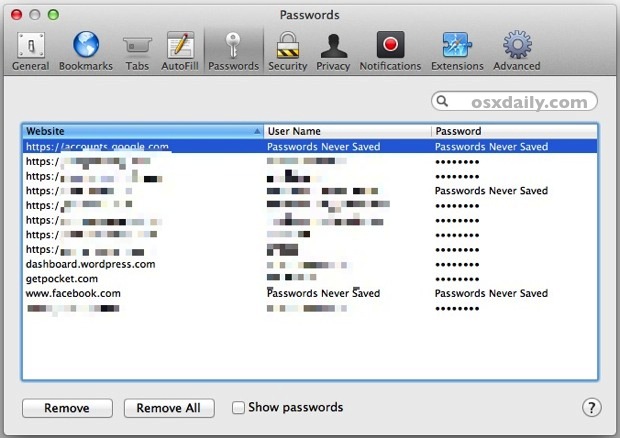
If you’re running the newest versions of OS X you’ve probably noticed that when apps attempt to access your Contacts list you will get an alert like “Application would like to access your contacts”, giving you the ability to allow or deny access. The apps that make the Contacts requests then get stored in a … Read More

Start an Apache Web Server in Mac OS X El Capitan, Mavericks, & Mountain Lion

Sep 2, 2012 - 65 Comments
Apache web server running in Mac OS X Mountain Lion

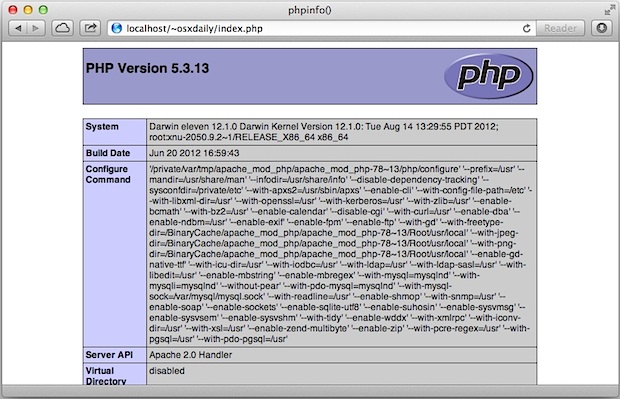
The Sharing preference panel options were changed a bit in OS X Mountain Lion and again in Mavericks, and while things like Internet Sharing remain, the Web Sharing preference panel was removed. The Apache web server remains bundled with Mac OS X though, but you’ll need to turn to the command line to enable the … Read More

Play Chess Online in Mac OS X Against Friends or Random Opponents

Sep 1, 2012 - 3 Comments
Start new internet Chess game in Mac OS X

You can play Chess over the internet with friends or random opponents with the help of GameCenter in Mac OS X. It’s entirely free, comes with every version of OS X on every Mac, and doesn’t require any downloads, which makes it particularly convenient. If you already have a GameCenter account from the iOS world … Read More

Control iTunes from the Menu Bar in Mac OS X with Significator

Sep 1, 2012 - 12 Comments
Control iTunes from Menu Bar in Mac OS X with Significator

Want to control iTunes without flipping to the app and disrupting your workflow? Maybe find a new song or skip the current one? The Mac menu bar is the perfect place for those kind of actions, so do yourself a favor and grab Significator. Significator is a great looking app that lets you control iTunes … Read More

How to Have iPhone or iPad Read Emails To You & Speak to Write Back

Aug 31, 2012 - 6 Comments
Speak emails to you in iOS

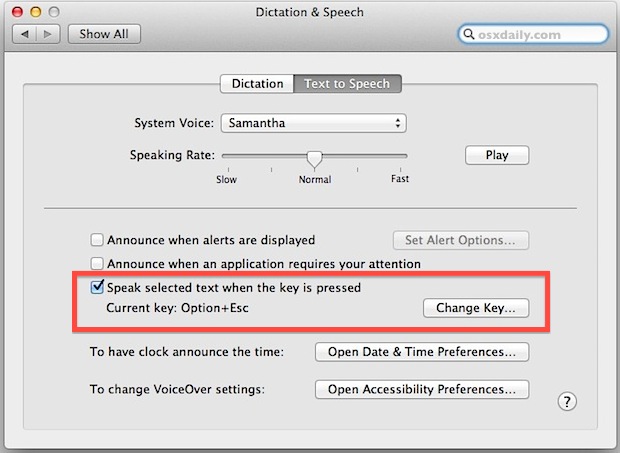
Want to have your emails read to you? How about talking to write out a reply rather than poking around on the touch screen? You can easily do both in iOS, so the next time you need to read and write emails while you’re on the go or driving, consider using the awesome text-to-speech and … Read More

How to Disable “Go To Folder” in Mac OS X

Aug 31, 2012 - 9 Comments
Disable Go To Folder in Mac OS X

The Go To Folder command is one of the most useful features in the OS X Finder, letting you quickly navigate deep into directory structures without having to click around. But it can also be used to access folders you may not want users to get to, be it /System/ directories or the Library folders. … Read More

How to Change the Software Update Frequency in MacOS X

Aug 30, 2012 - 7 Comments
Change Software Update check frequency in OS X Mountain Lion

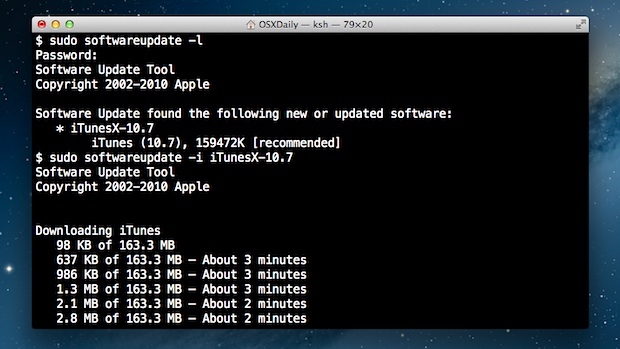
Do you want to change how often Mac OS checks for available software updates? It’s possible to adjust the Mac software update frequency with a little effort. Mac OS X now automatically checks for software updates, and a notification pops up if you have updates available. But unlike older versions of Mac OS X, there … Read More

Change the Font Size of Messages in Mac OS X

Aug 30, 2012 - 3 Comments
Change Text Size in iMessages for Mac OS X

Messages app Preferences in OS X defaults to greying out the “Set Font…” option, a peculiar choice considering a fair amount of people like to change the font size of their instant messages to make it easier to read. That doesn’t mean you can’t change the text size though, and there’s a simple solution that … Read More

Live Stream an iPhone or iPad Screen & Broadcast to the Web or iMessages

Aug 30, 2012 - 5 Comments
Live Stream an iOS Screen to the World

Have you ever wanted to broadcast a live stream of your iPhone or iPad screen to a group of people? Or maybe you just want to demonstrate something on your iPhone to a single person? You can easily livestream iOS screens to the world either through the web or iMessages.

Java 7 Security Vulnerability Discovered, Here’s How To Protect Yourself

Aug 29, 2012 - 8 Comments
Java Security Problem

A new potentially dangerous Java security vulnerability has been discovered that could allow malicious code to run on a Java-enabled computer, be it a Mac or Windows PC. Most Mac users will be safe from the vulnerability because OS X Mountain Lion does not include Java by default, and OS X Lion includes an older … Read More

Subscribe to OSXDaily

Subscribe to RSS Subscribe to Twitter Feed Follow on Facebook Subscribe to eMail Updates

Tips & Tricks

News

iPhone / iPad

Mac

Troubleshooting

Shop on Amazon to help support this site