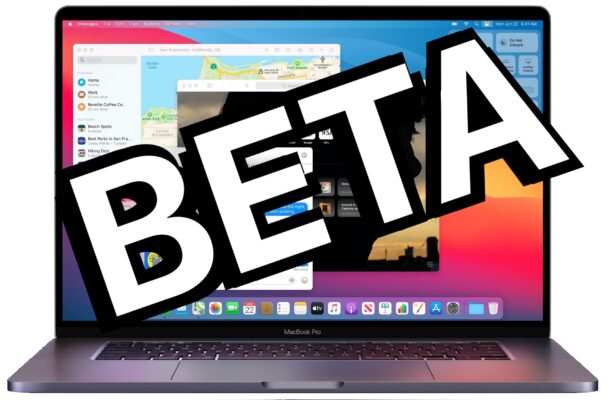
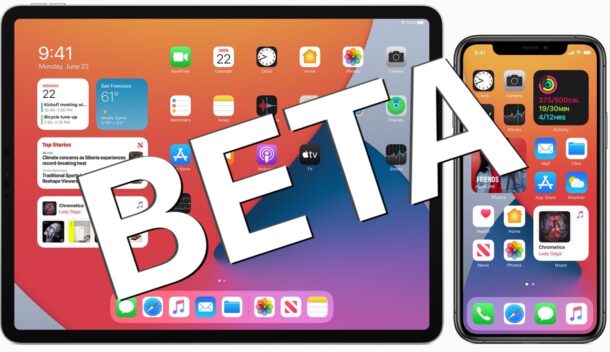
The sixth beta versions of macOS Big Sur 11.3, iOS 14.5, and iPadOS 14.5 have been made available to users enrolled in the beta testing programs for Apple operating systems. Both public beta and developer beta builds are available.
Want to get competitive with your Apple Watch? You can challenge a friend, family member, coworker, or anyone else with an Apple Watch to an activity competition!
Competition is always a good way to spur people on to achieve a goal, and that’s most definitely the case in terms of exercise. Sure, you can compete with yourself, set fitness goals, and gain your own achievements but competing with a friend adds some much-needed spice. And you can do it all from your Apple Watch.
If you use iTunes or macOS Finder to locally back up your iPhone or iPad, you could run into a situation where you forgot the devices backup password, and you’re no longer able to use this backup to restore your device. That’s not a great feeling, but don’t panic quite yet because if you find yourself unable to remember the encrypted device password, read along for some help.
Rarely, Mac users encounter an “Import Failed” error message when trying to open the Mail app in Mac OS, with a brief Message Import splash screen. The import failure prevents the Mail app from opening any further, and therefore renders the Mail app and inboxes unusable. This can happen on any version of Mail for Mac, sometimes at random, or sometimes after updating system software, if user accounts have been migrated, or in many other situations, including if the Mac hard drive is too full without available disk space.
The full error is usually encountered immediately upon launch of Mail app on the Mac, stating “The import failed – An error occurred during import. Make sure you have available space in your home folder and try again.” However, the problem is often unrelated to disk space, and can often be resolved by performing some other steps.
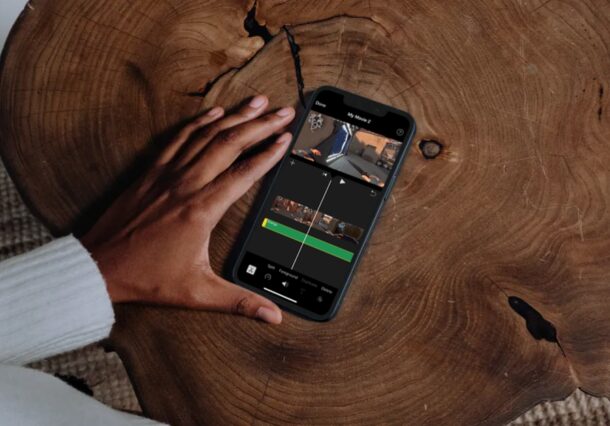
Do you want to cut and trim some of the videos you captured on your iPhone or iPad, perhaps to remove the unwanted portions, shorten the length, or otherwise make the video more appealing? With the iMovie app that’s available for iOS and iPadOS devices, this is a fairly simple and straightforward procedure.
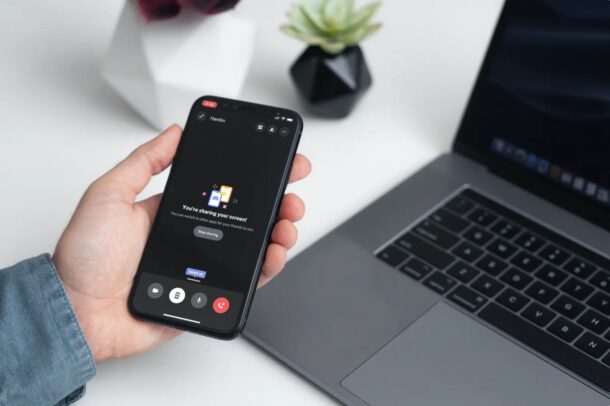
If you use Google Meet for group video chat and video calling, you might be interested in knowing that you can also screen share through Google Meet.
Like most other Google Meet features, screen sharing is easy to use and quite convenient, and while we’re focusing on using this from a Mac, it works basically the same on Windows too.
Whether it’s for personal, business, work, school, a presentation, or just for fun, read on to learn how to use Screen Sharing with Google Meet on your next video call. Read more »
If you’re letting your kids borrow your iPhone or iPad to watch a video or movie, you can take advantage of Guided Access to temporarily disable the entire touchscreen on your iOS or iPadOS device. This prevents them from being able to fiddle around with your device, accidentally delete apps, make purchases, or change its settings.
Is your Apple Watch not pairing with your iPhone? Or did it get disconnected after successfully setting it up using your iPhone? This issue isn’t exactly uncommon, but in most cases, you can resolve it within a matter of minutes.
Many of us have multiple email addresses that are used for various different purposes. If you use Gmail as your preferred email address or service, you can automatically forward all your emails from a Gmail account to any other email address.
Did you know that your iPhone can now help you track your sleep and overall help you prioritize your sleep in the long run? You may want to try using this feature if you’re struggling to maintain a fixed sleep schedule. You can set this feature up within a matter of minutes.
Do you use Google Chrome to browse the web on your iPhone, iPad, or Mac instead of Safari? If so, you’ll likely be interested in knowing how you can reopen closed tabs within Chrome.
Apple has released iOS 14.4.2 and iPadOS 14.4.2 for iPhone and iPad users. The update is small but includes an important security fix, and is therefore recommended for all iPhone and iPad users running an iOS 14 or iPadOS 14 release.
Additionally, iOS 12.5.2 was released for older iPhone and iPad models to address the same security concern for those devices incapable of running iOS 14.
Do you want to how much free space you have on your Mac? Or perhaps how much space a certain app is taking up on your computer? Either way, you can check your Mac’s storage space within a matter of seconds.
Do you want to prevent notifications from showing up on your Mac’s lock screen? Perhaps you want to hide them for privacy reasons? If you’re a frequent user of the handy lock screen feature on the Mac, you may be interested in disabling the display of notifications on the locked screen of the computer.
Some Mac users find it helpful to create a bootable installer drive for macOS Big Sur. Typically this is done with a USB flash key or thumb drive, and it can be used to boot up a Mac, erase, format, and of course install macOS Big Sur onto any compatible hardware.
There are many useful reasons to have a bootable installer USB drive for macOS Big Sur, whether to perform updates, installs, clean installs, install onto multiple machines, have as a troubleshooting tool, and so much more. Whatever the reason you want one, let’s check out the process of making a bootable installer drive for macOS Big Sur.
If you’re trying to install an iOS or iPadOS software update and discover a failure error that states “Unable to Install Update – An error occurred installing iOS 14.5” (or any iOS/iPadOS x.x.x) with an option to Retry or to Remind Me Later, you may be understandably frustrated. Fortunately this is usually pretty easy to get around.
Are you unable to download large apps on your iPhone over the cellular LTE network? This is intended to avoid excessive data charges, but it’s something that can be overridden by tweaking the settings, if necessary.
The fifth beta builds of macOS Big Sur 11.3, iOS 14.5, iPadOS 14.5, watchOS 7.4, and tvOS 14.5. The latest beta builds are available now to any eligible user enrolled in the beta testing programs, either for developer or public beta releases.
The latest beta builds suggest the final versions of these system software could be released in the coming weeks, as Apple typically goes through several beta builds before issuing a final version to the general public.