How to Turn Off Auto Capitalizing Words on iPhone and iPad
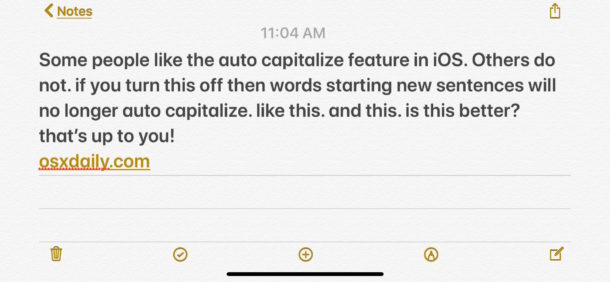
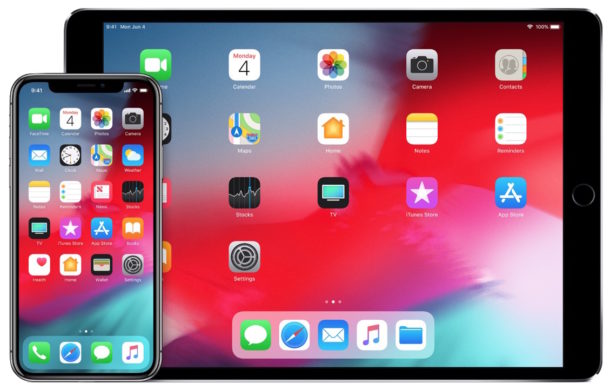
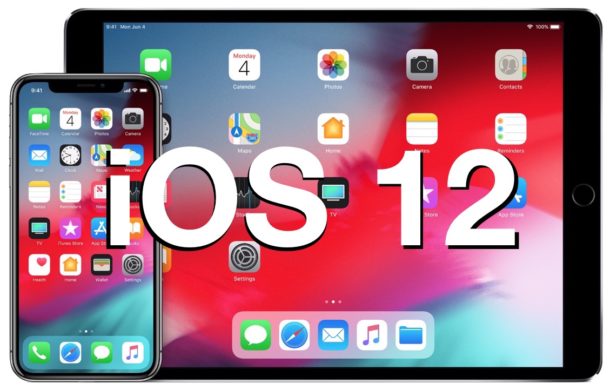
The iOS keyboard defaults to having a setting that automatically capitalizes a new word that is typed after the end of a sentence. This auto-capitalization applies to the first character of any word typed after a period, and while many iPhone and iPad users love this feature since it can make typing faster on iOS keyboards, some users may not like it.
If you want to disable the automatic capitalization of words after a period in iOS, read on to learn how to do do so.
Note the auto-capitalization feature is different from the auto-correct feature on iPhone and iPad, though many users confuse the two. In fact, they two different features controlled by two different settings. If you are looking to turn off auto-correct in iOS then blah.asdlfasdl