How to Install MacOS Mojave on Unsupported Macs with DosDude Mojave Patcher
Sep 27, 2018 - 116 Comments
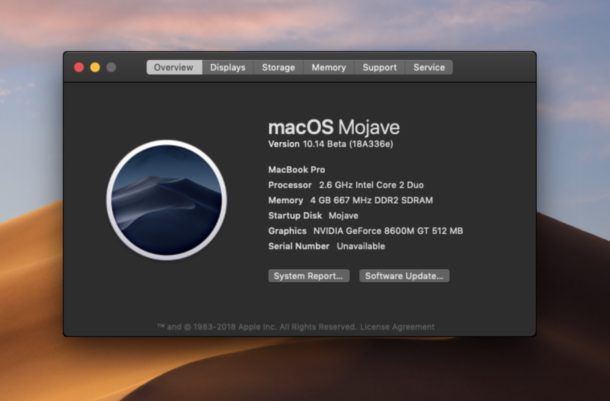
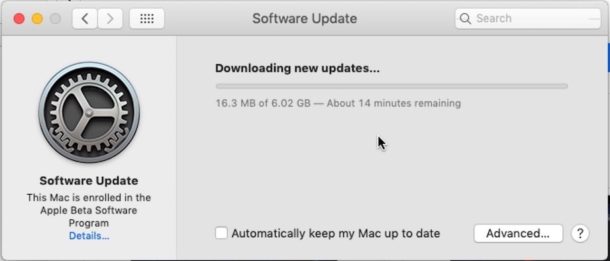
As you may know by now, the list of MacOS Mojave compatible Macs is more strict than previous releases of Mac OS system software, but that doesn’t necessarily mean you can’t install and run macOS Mojave on some unsupported Macs. If you’re an advanced Mac user and you’re reasonably brave (and have adequate backups), then it turns out you might be able to install and run MacOS Mojave on unsupported Mac hardware after all, thanks to a free third party tool from the technical wizard known as “DosDude”.
By Paul Horowitz - Mac OS, Tips & Tricks - 116 Comments