How to Remove Widgets from Today Screen of iPhone or iPad
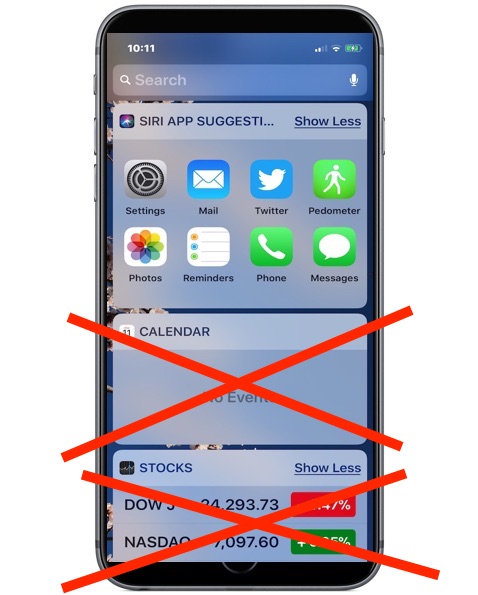
The “Today” screen of iOS contains many widgets for things like weather, news and tabloid headlines, calendar, maps, suggested apps, stocks, amongst others. This “Today” screen is available on the left-most screen and is accessible from the lock screen or Home screen of an iPhone or iPad by swiping to the right (unless you disabled the Today screen, that is). Some users may wish to declutter the widgets that show up on this swipe-over Today screen of their iOS device, and remove widgets that are not applicable or useful to them. Maybe you don’t want your calendar visible at the widget screen, or maybe you don’t want to see tabloid headlines mixed in with news, or maybe you don’t want to stocks or apps on the widget screen, whatever you decide is your choice.
This article will show you how to remove widgets from the Today widget screen of an iPhone or iPad.