MacBook Can’t Use Mouse & Trackpad at the Same Time? Here’s the Fix
Apr 13, 2018 - 6 Comments
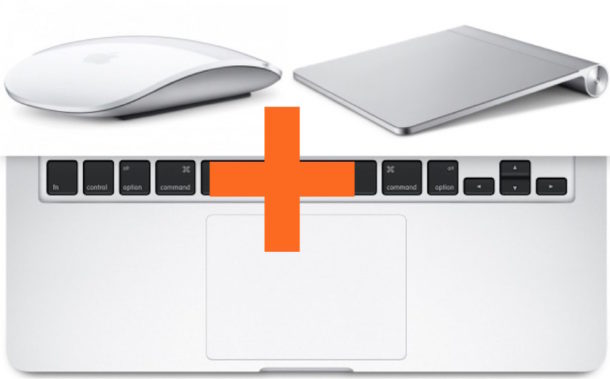
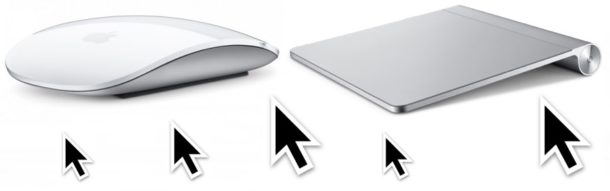
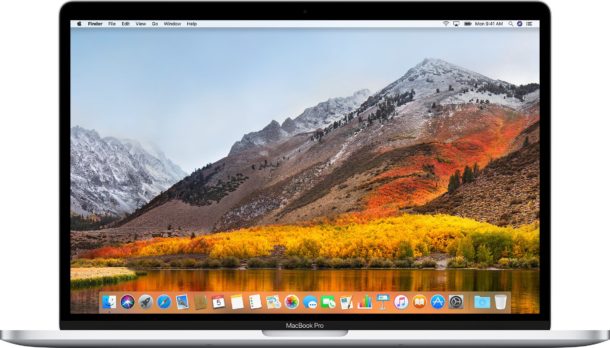
Some Mac users may find that if they connect an external mouse or trackpad to their MacBook or MacBook Pro, the internal built-in trackpad then no longer works. This may appear like a bug, and some users may think it’s a hardware problem, but the good news is that the inability to use both a mouse and trackpad at the same time on a Mac almost always has a simple software solution.
This walkthrough will quickly show you how to fix this issue and get a MacBook Pro or MacBook able to work with both the built-in trackpad as well as an external mouse or external trackpad.
By Paul Horowitz - Mac OS, Tips & Tricks, Troubleshooting - 6 Comments