macOS Sierra 10.12.1 Update Available with Bug Fixes

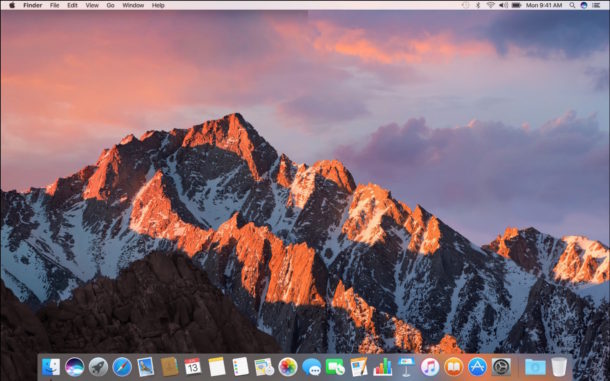
Apple has released macOS Sierra 10.12.1, the update includes a variety of bug fixes and feature enhancements for Mac users running the Sierra operating system.

Apple has released macOS Sierra 10.12.1, the update includes a variety of bug fixes and feature enhancements for Mac users running the Sierra operating system.

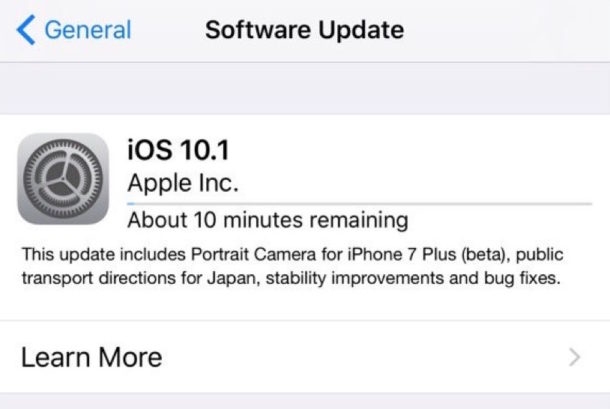
Apple has released iOS 10.1 for iPhone, iPad, and iPod touch. The latest version of iOS includes bug fixes and enhancements, but the most prominent feature is the inclusion of a Portrait camera mode ability for iPhone 7 Plus users.

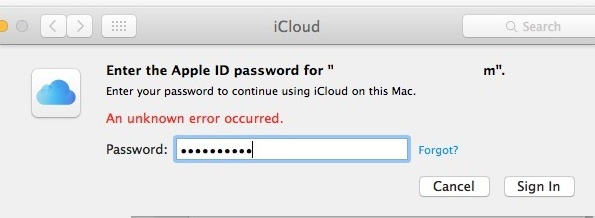
Some Mac users may encounter an error message stating “This Mac can’t connect to iCloud because of a problem with email@address.com”, which then directs the user to open the iCloud preferences. Once inside Mac iCloud preference panel, some users may be able to successfully login to iCloud, but often another error is encountered here which states “An unknown error occurred” when trying to login to iCloud on the Mac, or sometimes the iCloud preference panel freezes up and spins endlessly. Once these two error messages have been encountered, the Mac will typically be stuck in an infinite loop of iCloud login failures with an endless unknown error and the endless “problem” pop-up message, which prevents all iCloud functionality from working on the Mac including Messages, FaceTime, Notes, Mail, Contacts, Calendars, and all other iCloud related abilities.

The latest versions of iOS allow users to read and reply to Messages directly from the lock screen, without having to authenticate with a passcode or Touch ID on the device. This allows for iPhone and iPad users to quickly reply to inbound messages, but it can also lead to some potential privacy issues that may not be desirable for everyone.
With a settings adjustment, you can disable the ability to reply to messages from the lock screen in iOS, thereby requiring a passcode or Touch ID first, much like replying to lock screen messages worked in prior versions of iOS system software.
![]()
As you likely know by now, there are multiple ways to summon Siri on macOS; you can open Siri with a keyboard shortcut, you can access Siri from the menu bar icon, and you can open Siri from the Dock icon too. If you want to customize how you access Siri, you can change the keyboard shortcut to nearly anything of your choosing, allowing for a custom keystroke to open Siri on the Mac.

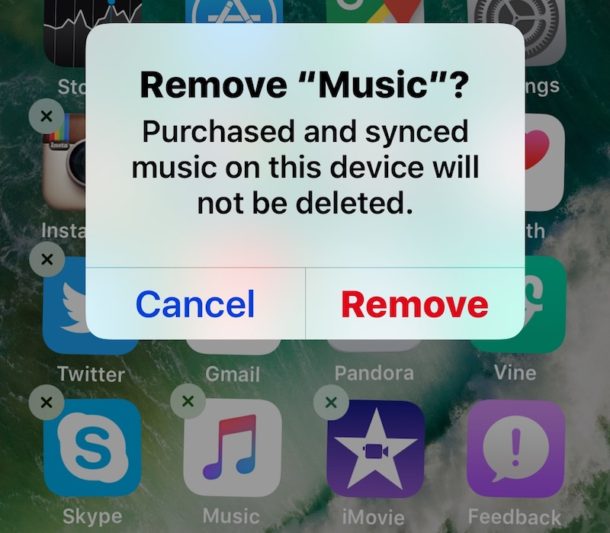
You can now delete defaults apps from any iPhone, iPad, or iPod touch running modern iOS releases. Yes this means you can delete Mail, delete Music, Stocks, Maps, Calendar, Watch, iTunes Store, Compass, Reminders, Videos, iBooks, Podcasts, Find Friends, Watch, Tips, Voice Memos, News, Activity, and any other of the pre bundled default iOS apps that arrive on iPhone and iPad, all of them can be removed easily.

Apple has scheduled a press event for October 27. The event is titled “hello again” and presumed focus will be on the introduction of new Macs.

Ever wondered if an iOS Setting was turned off or on? Don’t want to go fishing around in Settings of iOS to see if something is enabled or disabled? Maybe you’re away from your device and want to know a settings status using Hey Siri? You don’t always need to dig around in the Settings app or have direct device access, because sometimes Siri can inform you of how a particular setting is toggled on your iPhone or iPad instead.

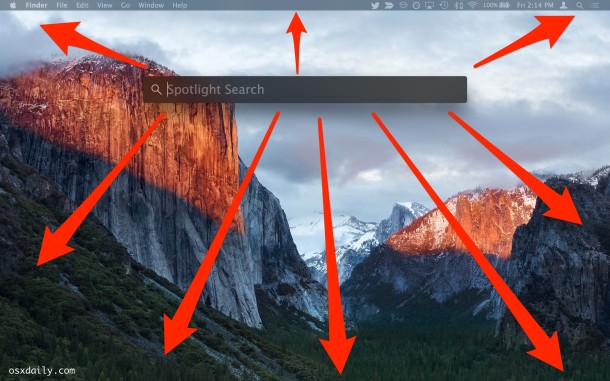
The Spotlight search window can be moved around screen in modern versions of Mac OS X, which is great if you want to move the Spotlight window away from something that it’s obstructing, or perhaps because you’d rather it be in the corner of the display then in the middle of the Mac screen.

The iOS Messages app for iPhone and iPad includes an animated GIF search feature which allows you to search for and send GIFs to any recipient, whether they have an iPhone with iMessage or not.

Apple has released iOS 10.0.3 for iPhone 7 and iPhone 7 Plus users. The small update, which arrives as build 14A551, includes a bug fix to resolve potential cellular connectivity issues.

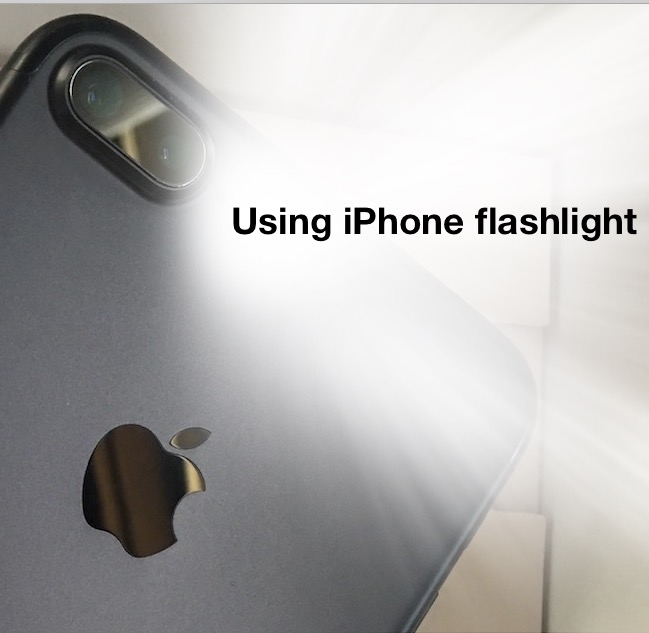
With the latest versions of iOS, your wonderfully useful iPhone flashlight can adjust the strength of its flashlight brightness, with three options of LED brightness intensity. This is really great to have the iPhone, as many dedicated LED flashlights have a similar ability to adjust the strength of the light, with a little switch to toggle between various levels of brightness shone from the flashlight. And now your iPhone does too!

Whether or not an IPSW firmware file is signed determines whether or not you can use that IPSW to update iOS or whether or not you can downgrade iOS to a prior version. Put simply, if an IPSW firmware file is not being signed by Apple through their servers, it can not be used to place onto an iPhone, iPad, or iPod touch.
This leads to a fairly obvious question; how do you know if a particular IPSW iOS version is being signed by Apple or not?

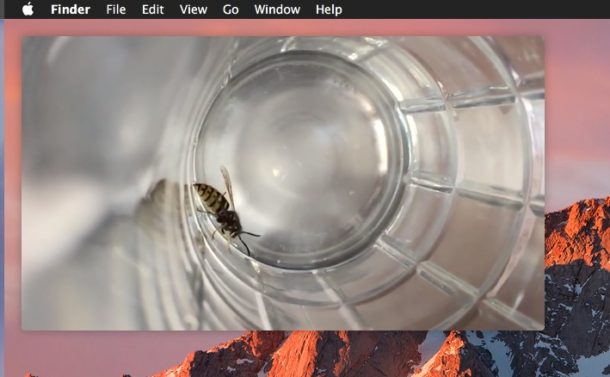
Picture in Picture mode is one of the more useful features available in the latest version of MacOS, essentially it allows you to pop open a little hovering video player that is unobtrusive as it floats over the screen. This is great whether you’re watching a game, tutorial, TV show, or a movie while working (or just pretending to work).

Capturing Live Photos with the iPhone camera is a lot of fun, but when you share those moments with friends through Instagram or Facebook the “Live” aspect of the photo disappears and only the still picture posts to the service instead. Of course, we want to post the Live Photo the Instagram or Facebook, rather than just the normal picture, and that’s exactly what we’ll show you how to do.

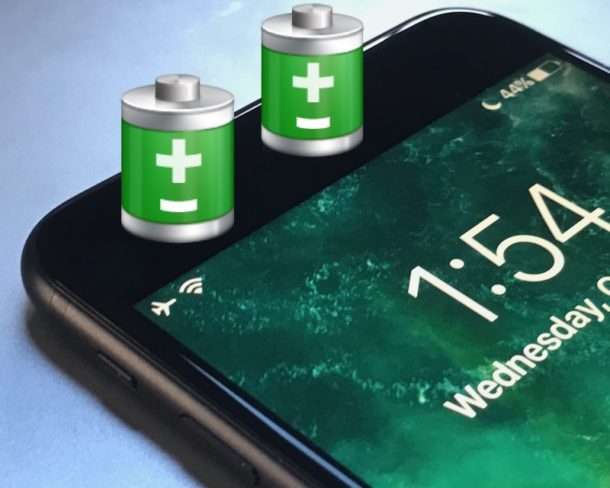
The iPhone 7 and iPhone 7 Plus are great phones that are said to get even better battery life than predecessors. But not everyone notices that increase in battery life, and some users may feel like their iPhone 7 battery is draining a little faster than it should. Additionally, many iPhone owners may already be satisfied with how long the iPhone 7 battery lasts, but they’d like it to sustain a charge even longer.
If you want to improve battery life on an iPhone 7 or iPhone 7 Plus, read on.
![]()
Want to delete your Snapchat account? Welcome to the club! OK but really, if you want to permanently delete your Snapchat account you’ve likely looked around in the Snapchat app and gone nowhere, that’s because you have to go through a series of steps to deactivate and then delete an account on every teenagers and millennials favorite service.
We’ll walk you through how to permanently delete any Snapchat account.