How to Print Double Sided on Mac
Sep 6, 2016 - 19 Comments
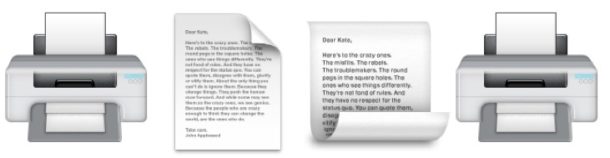
Macs with access to a printer capable of printing double sided can print any document as a two-sided print, meaning that each page of the document will go on the front and back of the piece of paper, kind of like a book. This is a popular printing method for many situations, whether it’s manuscripts, manuals, documentation, books and novellas, and even just for people who want to save paper.
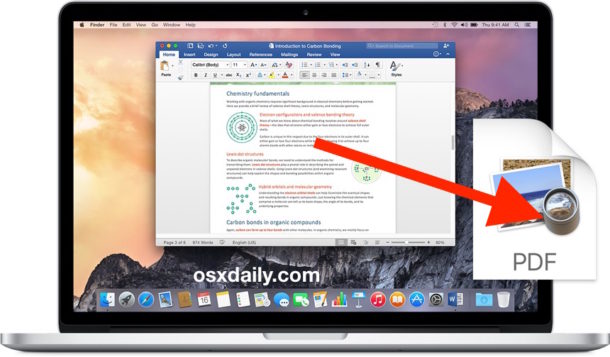
You can print double-sided on a Mac with Microsoft Word, Office, Pages, PDF files from Safari and Preview, and many other apps, and the feature works on all versions of macOS and Mac OS X as well, as this tutorial will detail through the relatively easy process.
By Paul Horowitz - Mac OS, Tips & Tricks - 19 Comments