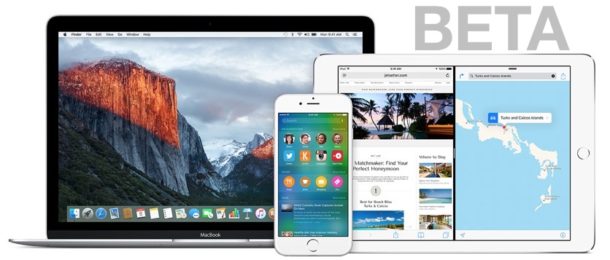
Apple has released iOS 9.3.5 for all compatible iPhone, iPad, and iPod touch devices. The small update appears to include important security fixes and is therefore recommended for all users to install.
Updating to iOS 9.3.5 is easy as we’ll walk through below, and advanced users can also choose to use the IPSW firmware files to update manually with iTunes if desired.
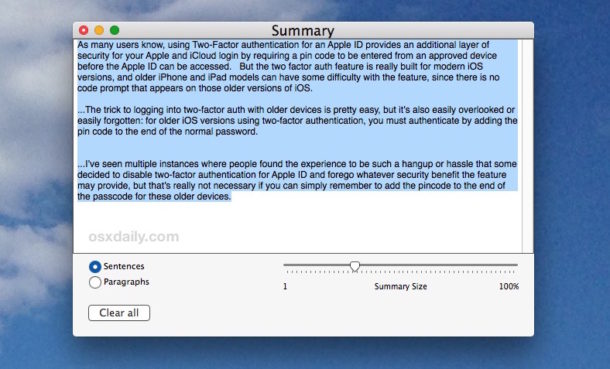
If you’ve ever encountered a lengthy document or webpage that you want the gist of, but don’t have the time to read or scan through, you can use the excellent Summarize Service in Mac OS X to summarize the text for you.
Summarize is adjustable as well, meaning you can choose how dense or light you want the summary to be. You can pick paragraphs or sentences, and adjust the length of the summary, which can vary from a simple outline condensed from the document, to a nearly cliff-notes like version of the text in question, or anything in between.
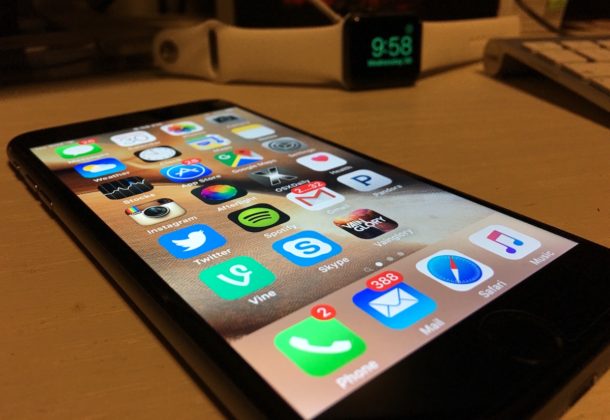
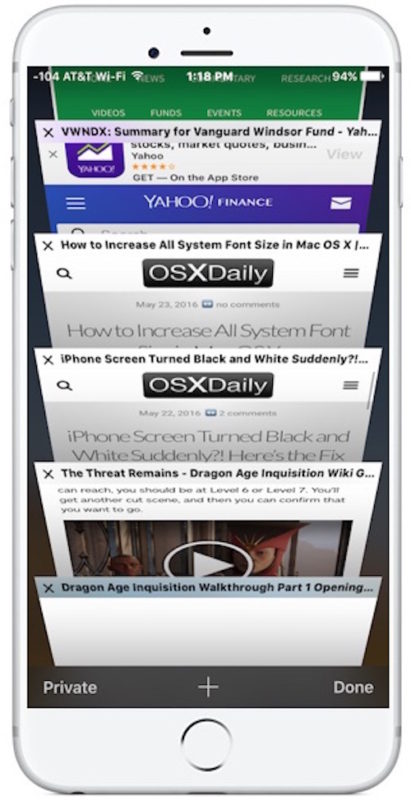
Safari Tabs let you maintain many different webpages and web sites on the iPhone, switching through them as necessary to review different sites and content. For those of us who open a ton of tabs in iOS Safari, it’s easy to be overwhelmed by huge numbers of tabs as you browse more sites and pages over time.
There are two ways to close open Safari Tabs on the iPhone and iPod touch, we’ll cover them both. And yes this applies to iPad too, but the iPad Safari app has a slightly different interface, thus the focus here is on the iPhone version.
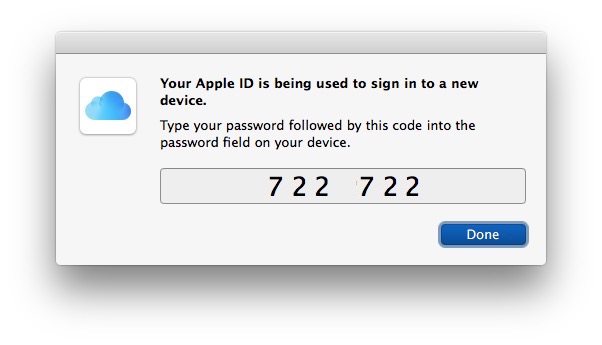
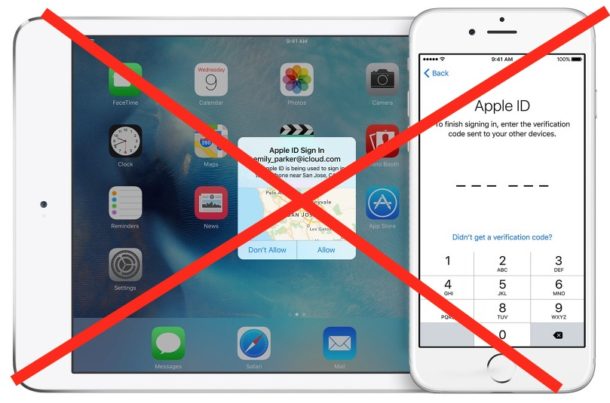
As many users know, using Two-Factor authentication for an Apple ID provides an additional layer of security for your Apple and iCloud login by requiring a pin code to be entered from an approved device before the Apple ID can be accessed. But the two factor auth feature is really built for modern iOS versions, and older iPhone and iPad models can have some difficulty with the feature, since there is no code prompt that appears on those older versions of iOS. So what do you do? How do you log in with two-factor authentication on an older iOS version where there is no code prompt?
The Mail app for Mac will automatically check email accounts for new mail, and with a little customization you can even adjust how often it refreshes and checks for new emails as well.
Those settings work fine for many users, but another option is to manually refresh and force a check for new email by pressing a keyboard shortcut. This causes the Mail app in Mac OS X (or macOS) to contact the email servers and retrieve any new mail instantly.
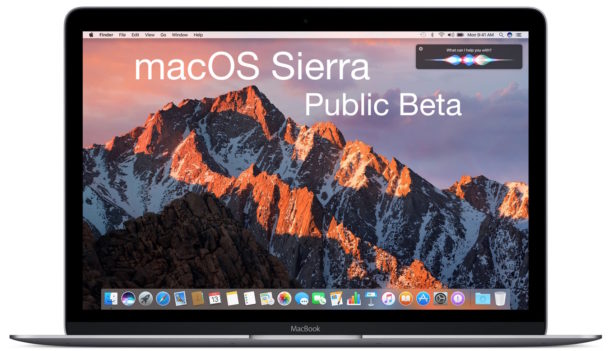
Apple has released the seventh beta version of macOS Sierra to users participating in the Mac developer beta testing program. The same build is also available to public beta release testers versioned as macOS Sierra public beta 6.
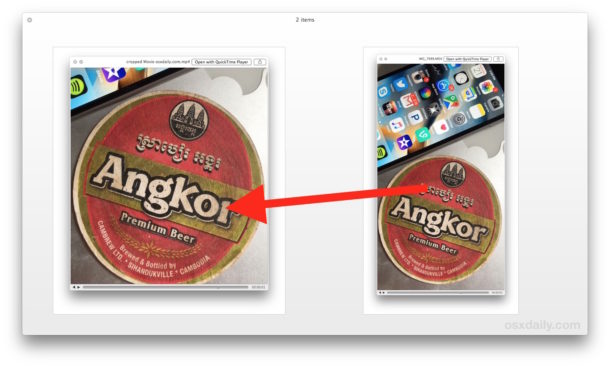
If you have ever recorded a video or movie and found that some of the surrounding frame is unnecessary or irrelevant, you can use an editing function to crop down the video to focus on what should be the focus of the movie. This tutorial will show you how to quickly crop a video on the Mac by using iMovie.
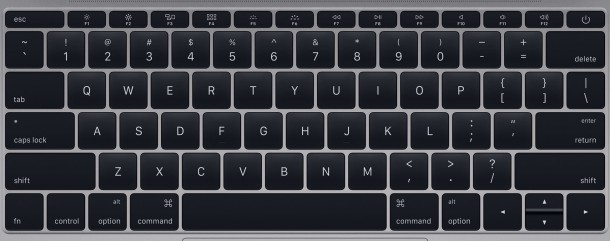
Cleaning the keyboard on a MacBook, MacBook Pro, or MacBook Air is a necessary chore from time to time, but it can also be more challenging than expected as anyone who has done so can attest. The moment you start wiping down the Mac keyboard, it’s inevitable for keys to be pressed, and as a result, things are typed, applications are accessed, messages are sent, improper code is written, gobbledegook is made, amongst other potential mishaps. Of course with a desktop Mac, you can simply disconnect the keyboard, but that isn’t possible on any laptop in the MacBook line. You can’t put the Mac to sleep because then hitting a key would wake it up, and you don’t want to shut down the Mac because aside from being inconvenient, you almost certainly want to clean the power key as well.
This is where a little app that has been around for ages called Keyboard Cleaner comes in to play, it locks down the Mac keyboard and rejects all input (aside from the quit command) so that you can press as many keys as needed as you wipe down and clean the keyboard. Once you’re finished, you leave the app. Easy. So, let’s walk through how to use Keyboard Cleaner in Mac OS X to properly clean the keyboard on a MacBook, MacBook Pro, or MacBook Air.
Apple has released yet another beta release of iOS 10. The new build arrives as Developer Beta 7 and iOS 10 Public Beta 6, and as usual is compatible with the iPhone, iPad, and iPod touch devices which support the iOS 10 release.
Mac users can run AppleScript from the command line if desired, either by running a script file directly or by giving the osascript command direct plain text script statements. This can be useful for many purposes, but should be particularly nice for users who spend a lot of time in the command line or who perform remote administration tasks with ssh.
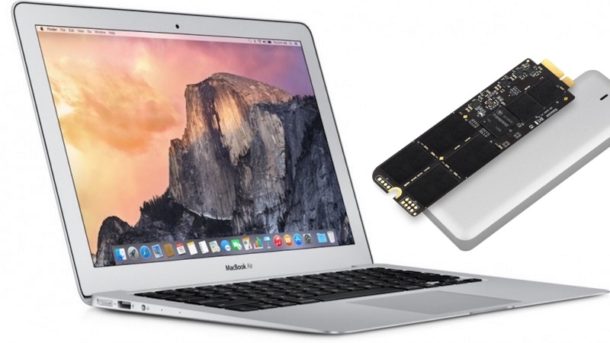
The MacBook Air is not really thought of as being expandable or upgradeable, but it turns out that with a little effort and patience, you can replace the SSD on the MacBook Air yourself. Changing the SSD on a MacBook Air can allow you to dramatically increase the storage size of the Mac and can often increase performance too, and while those are elective reasons to upgrade the devices SSD hard drive, another common reason to require swapping the SSD drive is due to an all out drive failure. That latter scenario is what led me to replace the SSD on this particular MacBook Air model for a friend, but regardless of the reason for upgrading or changing the SSD, it’s really not that difficult to do and the process is the same.
The iPhone Stocks app and Stocks Notification Center widget typically is used to follow markets, ETFs, mutual funds, or individual equities, but with the proper syntax you can add just about any globally traded currency to watch as well. Adding currency to the Stocks app should be particularly nice for users who travel often, or anyone who makes purchases with international currency. For some, it may even prove to be the sole reason to use the Stocks app!
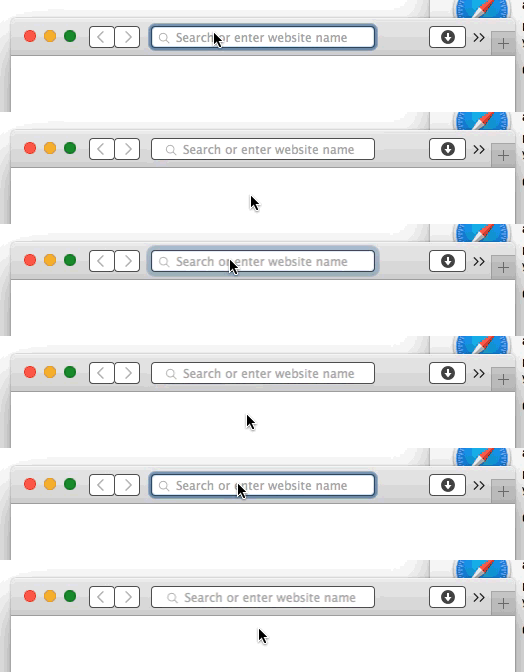
One of the most subtle animations found in Mac OS X and macOS is known as the “focus ring animation”, which is a sort of zooming highlight around where ever the cursor focus goes in a text book. Many users likely haven’t even noticed it, it’s that subtle. If you have no idea what the animated focus ring is, the animated GIF in this article shows what it looks like when selecting the Safari URL bar.
Some users may benefit from enabling Two-Factor Authentication with Apple ID to further protect and secure their devices and data, but sometimes people decide two-factor auth is too much of a hassle and want to disable the feature.
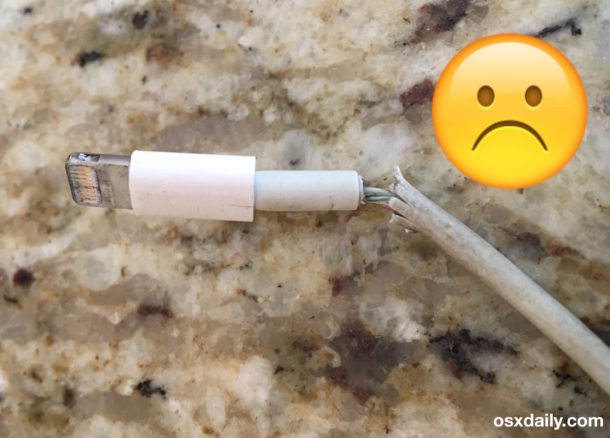
Having a broken iPhone charger cable is exceptionally annoying, not only because they become extremely delicate and often wind up failing completely, but also because it’s only a matter of time before you’ll need to replace the thing and toss out the broken cord. Aside from that, they can also throw various errors, and if they’re badly broken or ripped they may not allow backups and syncs to occur at all, let alone fail to charge the iPhone or iPad properly.
If your iPhone charger is broken, should you try to fix it? Or should you just replace it?
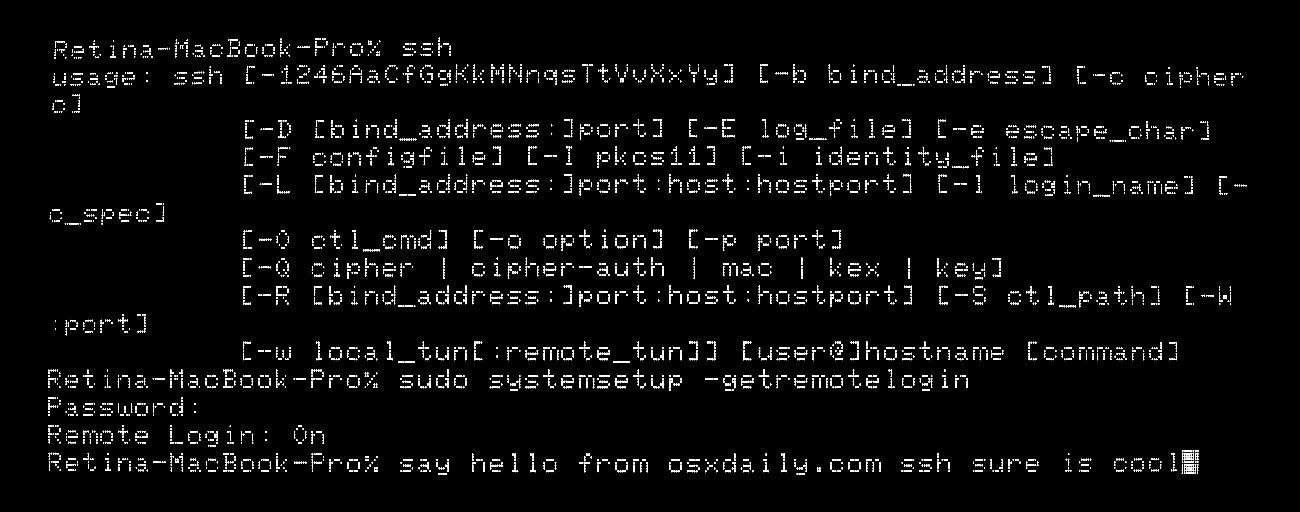
All modern Macs running macOS or Mac OS X come with SSH pre-installed by default, but the SSH (Secure Shell) daemon is also disabled by default. Advanced Mac users may appreciate knowing the ability to enable SSH and disable SSH are both available entirely from the command line of Mac OS, allowing for a simple way to allow or disallow remote connections into a computer. There’s no kext loading, downloads, or compiling necessary, to turn on SSH from the Terminal on any Mac you simply have to execute a system setup command, as we’ll show in this tutorial.
The Mac Mail app keeps track of all previous recipients that have received an email message sent from an email address that is associated with the app. That means every email recipient will be shown and can be reviewed in the Mail app, including the recipients name when available, their email address, and even the last time the email address was used – even if they are not part of your regular address book Contacts list.
This can be incredibly useful for many situations, including making it easy to recall a forgotten address or misplaced contact information with someone whom the Mac user has communicated with before. Here is how you can access this email recipient list, which is searchable for added convenience. Read more »
Apple has released new beta versions of iOS 10, macOS Sierra 10.12, tvOS, and watchOS. The new beta builds are available now for users who are running either the developer beta or public beta.





 The Mac Mail app keeps track of all previous recipients that have received an email message sent from an email address that is associated with the app. That means every email recipient will be shown and can be reviewed in the Mail app, including the recipients name when available, their email address, and even the last time the email address was used – even if they are not part of your regular address book Contacts list.