iOS 8.3 Beta 4 Released to Developers & Public Beta Users for Testing
Mar 24, 2015 - 3 Comments
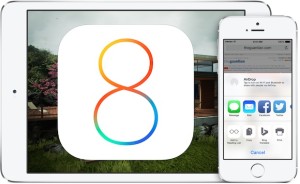
Apple has released the fourth beta release of iOS 8.3 to those registered with the iOS developer program, or who are participating in the iOS Public Beta. The build is versioned as 12F5061 and is available now for compatible iPhone, iPad, and iPod touch devices.
By Paul Horowitz - iPad, iPhone, News - 3 Comments





 Apple has released a group of important security updates for the Mac Safari web browser, versioned as Safari 8.0.4 for OS X Yosemite, Safari 7.1.4 for OS X Mavericks, and Safari 6.2.4 for OS X Mountain Lion.