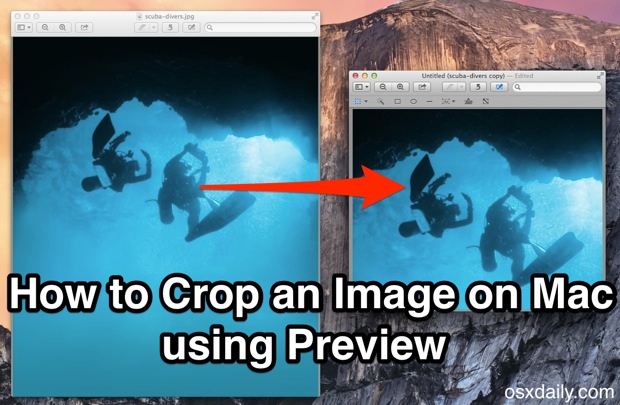
How to Add the Date to the Menu Bar in Mac OS X
Jun 23, 2014 - 16 Comments
 You can customize the menu bar clock that appears in the upper right corner of your Mac to include more than just the current time, and one of the more useful things to add is the current date. This is particularly helpful in OS X because unless you have the Calendar app open all the time, you have to actually click on the clock to pull down into the menu to see the date and day of the week on Mac.

By Paul Horowitz - Mac OS, Tips & Tricks - 16 Comments
 My iPhone 5 camera completely stopped working recently, and appeared to stay that way despite forced resets, killing camera apps, and every other traditional troubleshooting trick in the book. What do I mean by stopped working? I mean the Camera app loads, but the camera viewfinder shows nothing at all just a black screen, and other apps that’d tap into the iPhone camera also fail to function entirely. Instagram throws an “Error: Error Launching the camera. Please try again.” alert message, while most other apps just show a blank screen.
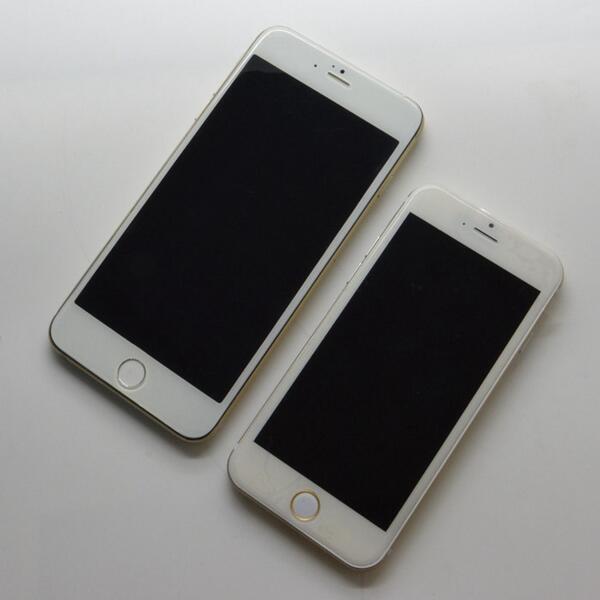
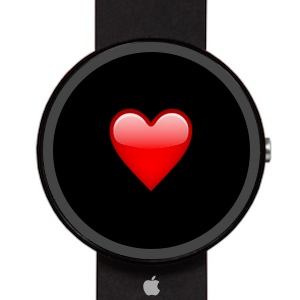 Apple’s upcoming smartwatch will include multiple health sensors and come in variety of screen sizes, according to a new report from the
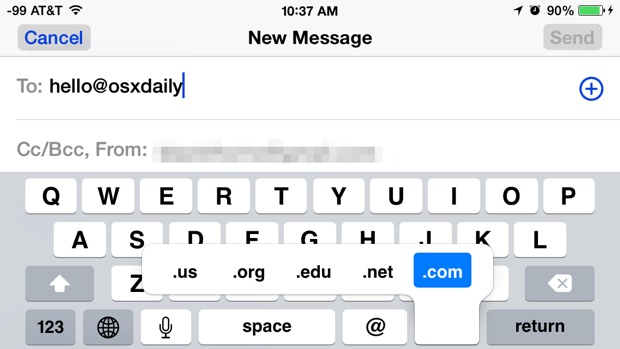
  Nearly all web browsers default to keeping a list of recent searches which are easily retrievable as part of the browser history. Safari shows this recent search list when the URL bar is clicked into with the cursor, revealing the 10 most recent web search terms or phrases.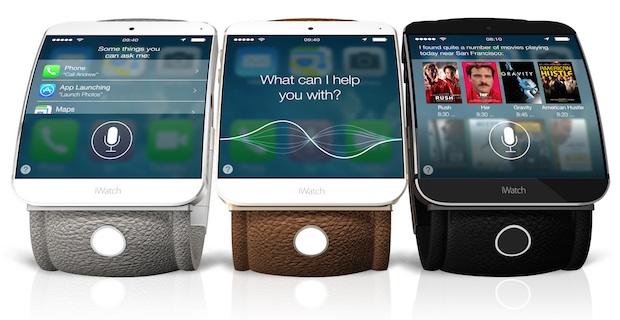



 Apple has released iOS 8 beta 2 to developers, bringing bug fixes and feature improvements to the developer build of iPhone and iPad software. The second beta build arrives versioned as 12A4297e and is made available through the iOS Developer Center at Apple’s website, or as a quick Over-The-Air update for devices that are currently running the first iOS 8 beta.
 Many Mac users use utilities to