iPhone 6 Pre-Orders Start This Friday, Release Date Set for September 19
Sep 9, 2014 - 5 Comments
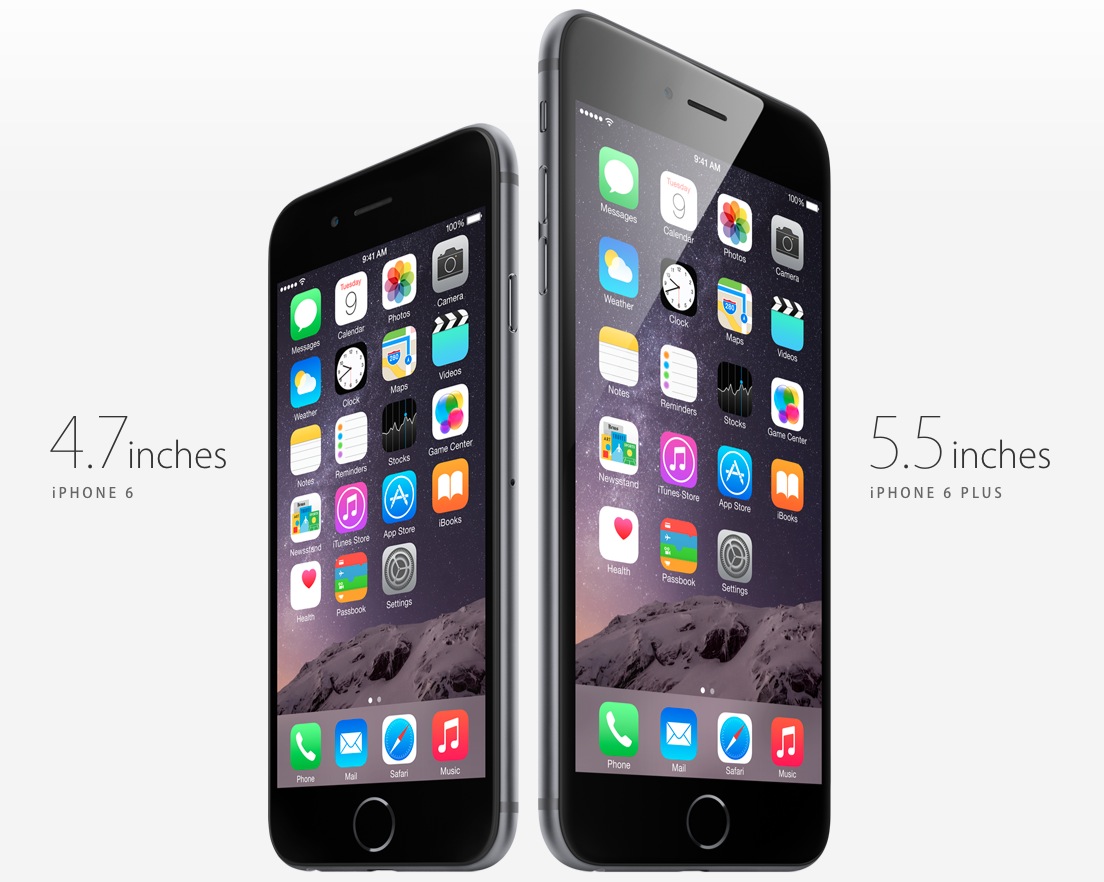
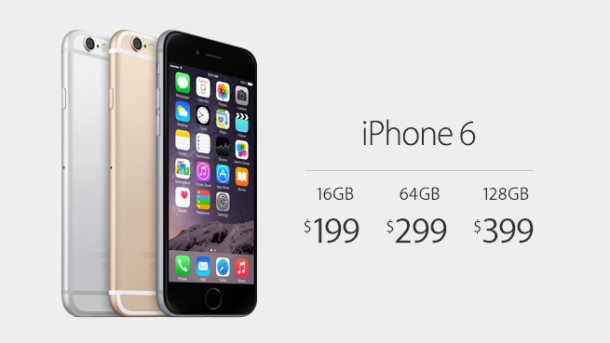
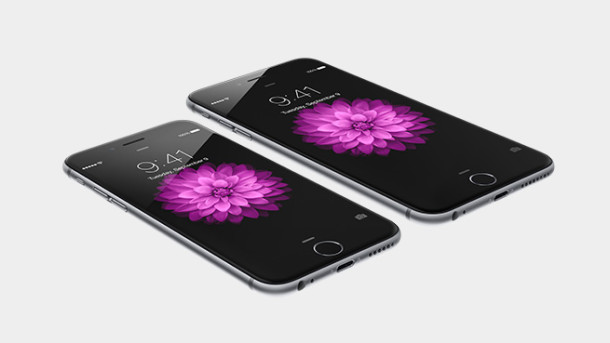
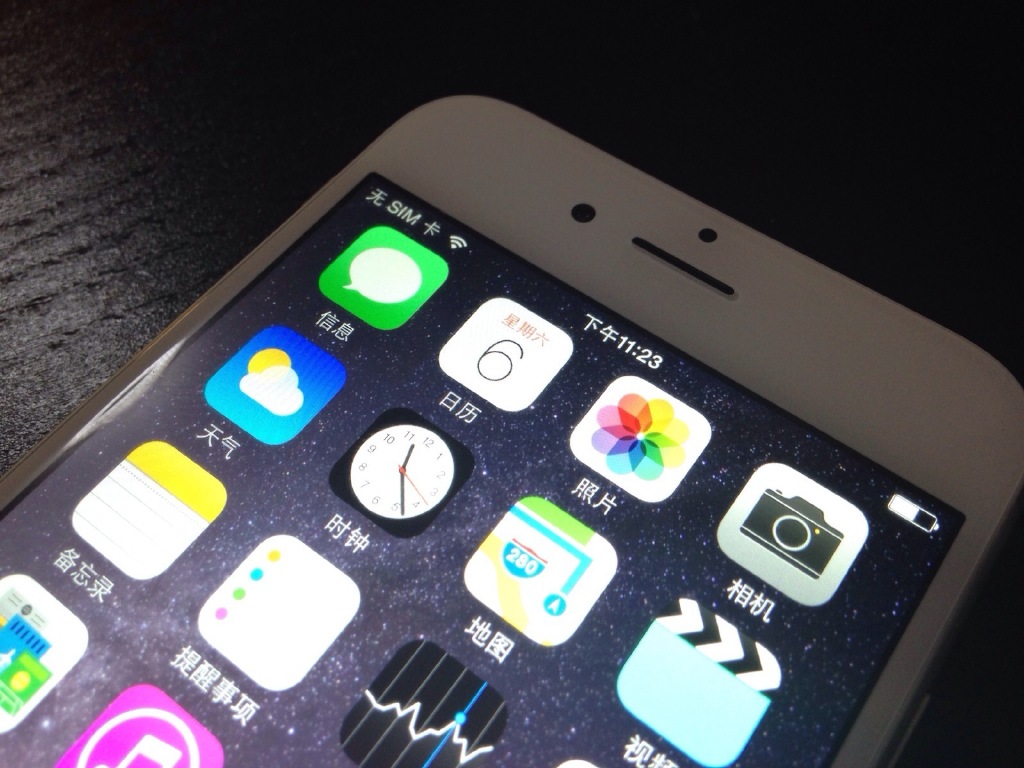
The iPhone 6 and iPhone 6 Plus will be available for pre-order starting this Friday, September 12, with the actual shipping date arriving a week later on Friday, September 19. That latter Friday will also be when they appear for purchase in physical Apple Store locations.
By Paul Horowitz - iPhone, News - 5 Comments
 Apple has announced that iOS 8 will be released on Wednesday, September 17, two days prior to the release of iPhone 6. As usual with iOS, the major software update will arrive as a free download from the Over-the-Air update mechanism, or through iTunes.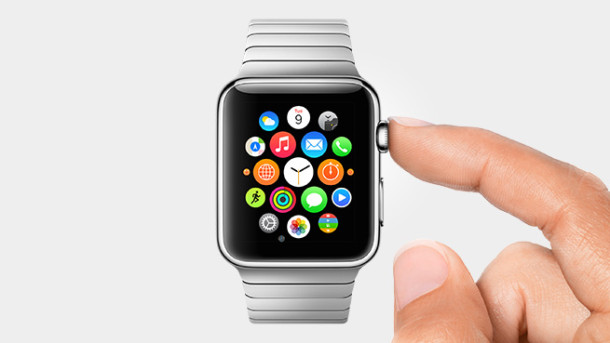
 There’s a rather amusing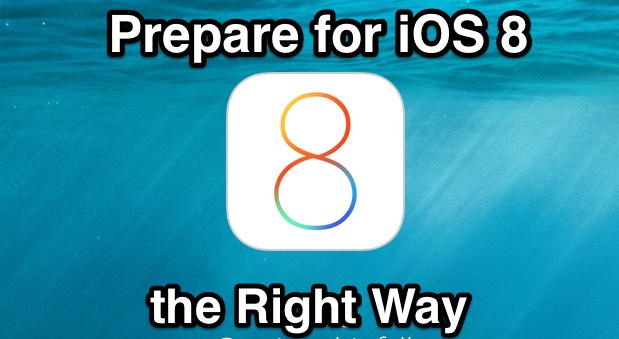

 Quitting apps gracefully is typically done through the appropriate application menu by choosing “Quit”, but the Mac GUI is obviously inaccessible from the command line of Mac OS X. So when most command line users are confronted with the need to exit an application, they wind up using the ‘kill’ command to terminate the process and
 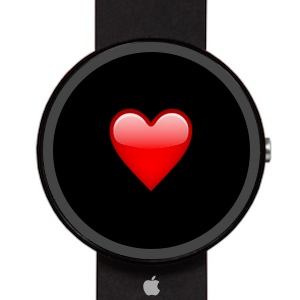 The wearable device that Apple is set to debut on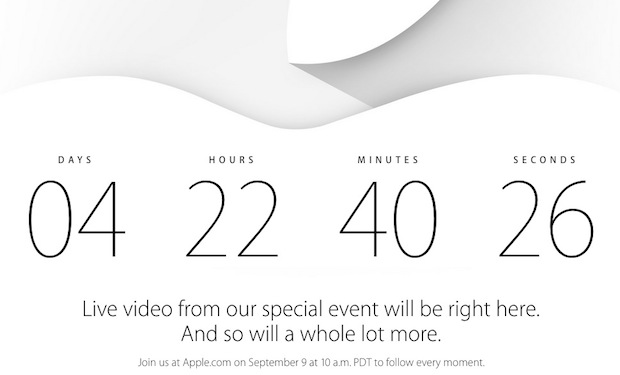
 Troubleshooting complex issues on a Mac can be challenging as is, and if you’re ever confronted with some complex situations you may find the command line to lend a major hand. In this case, advanced users can boot a Mac into safe mode through the usage of the nvram utility, a tool which allows users to directly manipulate firmware variables. We’ll use nvram to enable safe booting entirely through the command line, preventing a user from needing to use the
  Have a favorite song that you want to use to seed a new music station? Maybe you’re looking to find some new tunes to hear based on a particular song or artist? iTunes Radio makes this process simple, and you can instantly create a new iTunes Radio station from any playing song or artist, whether that song is in your music library or playing from an existing iTunes Radio station. The latter situation is fairly well known by Radio users, but creating a new station from songs that already exist in an iTunes playlist is less well known. This works with any iTunes client that supports the Radio feature, whether it’s the desktop iTunes app or the Music app in iOS.