Disable Carrier IQ on iPhone, iPad, & iPod touch
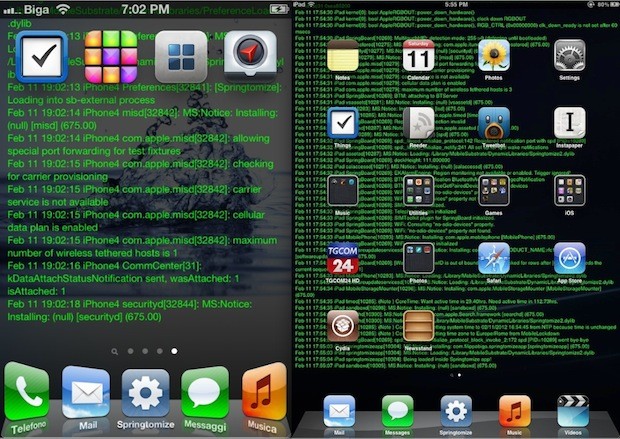
If you’ve been following the Carrier IQ brouhaha and ensuing fallout, you might be interested to know that it’s very easy to disable the Carrier IQ service, logging, and reporting on iPhone or any other iOS device:
- Tap on “Settings”
- Go to “General” and tap on “About”
- Tap on “Diagnostics and Usage”
- Tap on “Don’t Send”
If this was already disabled for battery saving purposes or whatever other reason, you should have nothing to worry about, if not, then this should prevent Carrier IQ from sending any data over to Apple.
For some background here, Carrier IQ is network diagnostic software that some cellular carriers have been installing on smartphones and tablets. Going beyond just gathering network diagnostics, Carrier IQ was found on some Android phones to be gathering personal and private information, including phone call logs, text message content, and even encrypted web searches, or, put simply, it’s a substantial invasion of personal privacy. Later, renowned iOS hacker chpwn found references to Carrier IQ in some versions of iOS, but it isn’t nearly as nefarious as what was discovered on Android, doesn’t track nearly as much personal information, and thankfully, it’s much easier to disable.
Keep in mind that Apple also told WSJ’s AllThingsD that they stopped supporting the feature in iOS 5 for most of their products, saying the following:
“We stopped supporting CarrierIQ with iOS 5 in most of our products and will remove it completely in a future software update. With any diagnostic data sent to Apple, customers must actively opt-in to share this information, and if they do, the data is sent in an anonymous and encrypted form and does not include any personal information. We never recorded keystrokes, messages or any other personal information for diagnostic data and have no plans to ever do so.”
We should expect an update to iOS in the near future to address this on any remaining devices.

Command line users who wish to add an additional layer of security to their keyboarding within Terminal app can find a helpful privacy feature built into the Mac client. Whether aiming for generally increasing security, if using a public Mac, or are simply concerned about things like 


This is a neat little hack that lets you activate any stack within the Mac Dock by hovering over it and making the scroll gesture on a multitouch trackpad or Magic Mouse, or by rolling the scroll wheel on a mouse.


Have an Android phone or tablet that you want to transfer files and movies to and from your Mac with? Maybe you got a new Kindle Fire that is freshly rooted, and you’re looking to move some of your own movies and pictures to it? No sweat, there are some really easy ways to do this, one of which is Google’s free Android File Transfer app, which is compatible with almost every Android smartphone or tablet out there.