Pages App Going to the Cloud for True Cross Platform Compatibility?

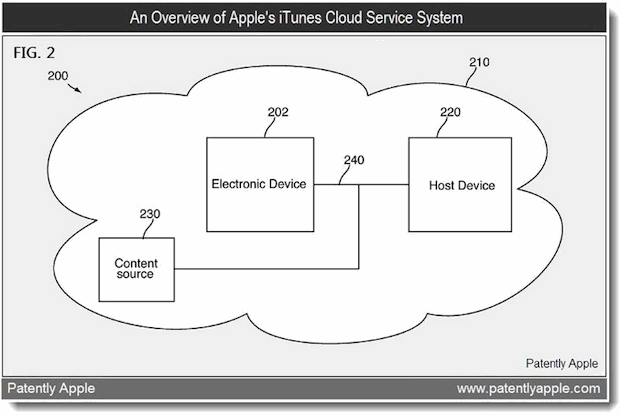
The always resourceful PatentlyApple has dug up an interesting patent that shows Apple is working on a platform independent word processor. While Pages isn’t specifically mentioned, it would be logical for the Pages app to be the focus of this patent considering it is Apple’s flagship word processor. Other than competing with web-based productivity offerings from Google and Microsoft, the patent shows some very practical uses of providing much needed cross-platform page layout consistency.
One of the most useful goals addressed in the patent is to remedy the font and character inconsistencies that appear when displaying documents on different platforms. Here’s how it would work, described by PatentlyApple:
Some embodiments presented in Apple’s patent application describe a system that typesets and renders a document in a platform-independent manner. During operation, the system first obtains the document, wherein the document includes text content and associated style information including one or more fonts. The system also generates platform-independent font metrics for the one or more fonts, wherein the platform-independent font metrics include information that could be used to determine the positions of individual characters in a rendering of the document. Next, the system uses the platform-independent font metrics to determine how the document is divided into line fragments and pages. Finally, the system uses the determined division while rendering the document, so that the division of the document into line fragments and pages is the same across different computing platforms.
Patently Apple suggests this could be a part of Apple’s Post-PC strategy, which seems very plausible. Nearly everyone has had the experience of a document looking vastly different across platforms, with font and formatting inconsistencies that can sometimes be severe enough for a document to be unusable without significant reformatting. Having the ability to create a document within Mac OS X or iOS and then sending it to a cloud word processor where the formatting would present exactly as intended on another platform would be extremely useful.
This is one of many newly discovered Apple patents that give an insight into the future of Apple products and computing in general.

 .
.