
ShufflePuck Cafe and Flying Toasters for Mac OS X? Get Retro!
Feb 3, 2007 - 2 Comments

Think back, and pretend for a minute that it’s 1989 and you’re on a Macintosh SE/30.
What was the hottest game? Shufflepuck Cafe.
What was the coolest screensaver at the time? AfterDark’s Flying Toasters.
It’s time to get retro with your Mac, and thanks to Mac developers these two blasts from the past have modern versions for Mac OS X.
Check out the screenshots below and be sure to download each, enjoy reliving the Mac 80’s.
By Bill Ellis - Fun, Mac OS, Retro - 2 Comments

 Highlighting, cutting, and pasting is a part of virtually every computer users daily routine. We select the desired text by dragging horizontally across the screen, highlighting what we want to copy or edit. But say you want to highlight vertically, in a column of text, rather than choosing an entire line. Easily done thanks to a simple keystroke, and just another well thought out and little known feature in Mac OS X.
 We all know how to launch applications from the GUI with a double-click on the icon or clicking on the app in the Dock, and there are numerous ways to do so, and they’re all relatively speedy. If you spend a decent amount of time with the command line though, it’s nice to be able to launch Mac apps directly from there as well. Also, the Terminal has a fair share of applications that run in text based mode, but maybe you wanted to edit a text file in the Mac OS X GUI app TextWrangler rather than the text based nano or vim.
  All of us have likely admired the results of a nice time-lapsed sequence, perhaps of a flower opening or the sun setting, the effect of time lapse video can be simply gorgeous. So, wouldn’t it be cool to do these on your own with little effort? With a Mac and the front-facing FaceTime / iSight Camera, you can with the help of this neat little app.
  Whenever you log in to your Mac, you’re greeted by the familiar login screen with the Mac OS X logo, the computer name, and a list of users. You can actually get useful system information from this login screen by clicking on the computer name, which cycles through a series of statistics and info on your Mac, ranging from build version to IP address.
  Whenever you launch the Terminal in Mac OS X, you may get a little message: “Welcome to Darwin!” or a “Last Login” time – well, after you’ve seen it a few hundred times you might be sick of it, or perhaps you’d prefer something more amusing, meaningful, or even useful to yourself and other computer users. That little message you’re seeing is the MOTD, otherwise called a Message of the Day, and it’s a simple text file located at /etc/motd.
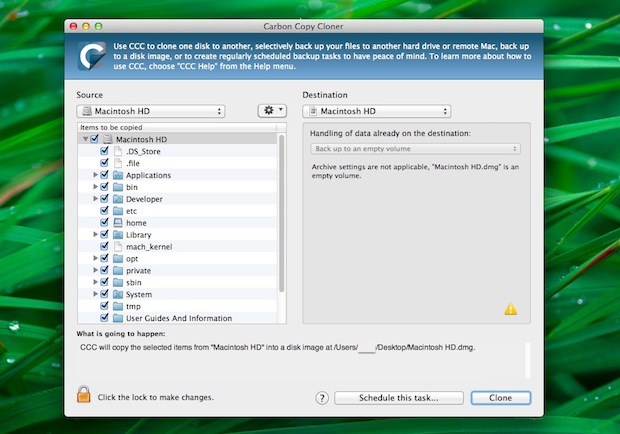
 Navigating around Mac OS X is significantly easier than competitive operating systems, and that’s largely thanks to the Dock, Expose (Mission Control), Spotlight, and the improved Finder, which is the OS X file system. Of course there are also third party apps that people swear by, such as Quicksilver, but with so many great features built into OS X, it’s usually not necessary to install any third party software if you’re just looking to optimize your workflow and move around more. Instead, simply dig deeper and learn a few new tricks.
  This is a fun little program that quickly gives you information on when and where your Mac and iPod were built (it claims to check any Apple products based on serial number, but we couldn’t test this feature). There’s also an ability that allows you to check your serial number against a database to see if your Mac was reported stolen, which could be useful for those who have purchased a used Mac or iPod via Craigslist and eBay. If the Coconut name sounds familiar, its because the developer also makes
  Regardless of your thoughts on Apple’s switch to the Intel architecture, we are now in a transition period where many apps are either PowerPC, Universal, or Intel only. While most new applications are at least Universal binaries, some are PowerPC, and running these through Rosetta on your Intel Mac can cause a performance decrease. So how do you know what architecture type each application is? There’s multiple ways to tell, but we’ll give you two of the easiest.

 Hidden from the casual Mac user is a spiffy command line utility that allows you to view, configure, and troubleshoot your Mac’s wireless connection, entirely from the Terminal of MacOS and Mac OS X. This command has a help file but is otherwise but not much documentation, and judging by the obscure location of the command, Apple probably didn’t think it would be too useful for the average Mac user. But the hidden command line airport tool is very useful indeed, particularly for more advanced Mac users who want to have full control over their wi-fi hardware directly from the command line in Mac OS X.
  Safari is my browser of choice in Mac OS X, I like Chrome and FireFox a lot but it doesn’t have the same Apple polish to it, and page rendering seems speedier in Safari (my opinion, no intention on sparking a browser war here).



