You can play Fortnite on iPhone again, thanks to the impressive capabilities of GeForce Now. No, the Fortnite app is not back on the App Store for iPhone or iPad, but it is available to play by streaming from the web through Safari and the Geforce Now service, and believe it or not it works pretty well.
If you have credit cards saved into Apple Wallet on the iPhone for ease of use and Apple Pay, like the Apple Card, then you may occasionally run into a situation where you need the CVV code number, or security code number, that is associated with that credit card.
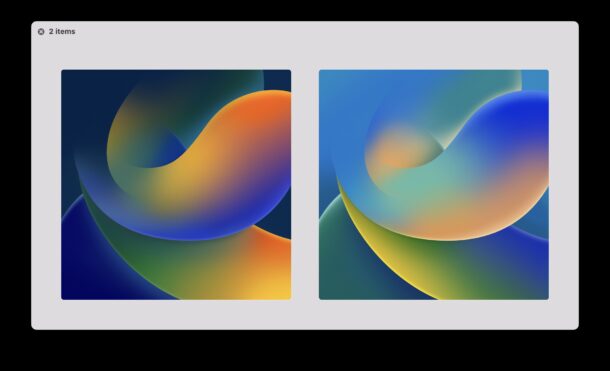
Want the iOS 16 default wallpaper on your iPhone or iPad, but don’t want to bother with installing the iOS 16 beta onto your device? That’s understandable.
Fortunately, you don’t need to install any beta software just to get a new wallpaper.
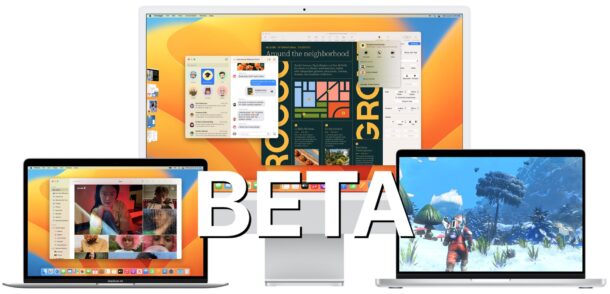
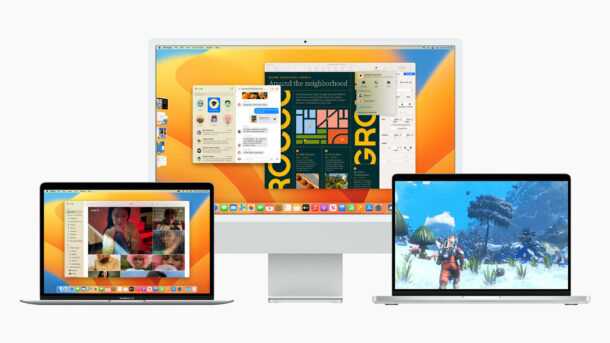
MacOS Ventura beta is available to install and run for Mac users who are interested in trying out the developer version of the upcoming Mac operating system.
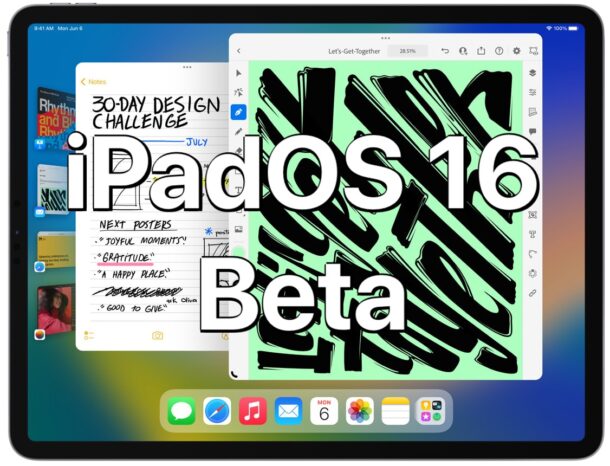
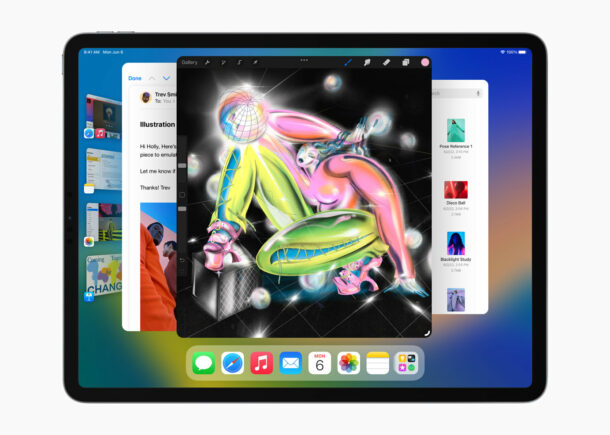
iPadOS 16 will bring some significant changes to the iPad, particularly for users that have an iPad with M1 chip. If you’re interested in trying out iPadOS 16 beta right now, you can do so through the developer beta program.
Apple just recently released the first beta of iPadOS 16 to those enrolled in the Apple Developer program, so if you don’t mind running buggier than usual system software on your iPad, you may enjoy taking the plunge and trying out the new beta iPadOS.
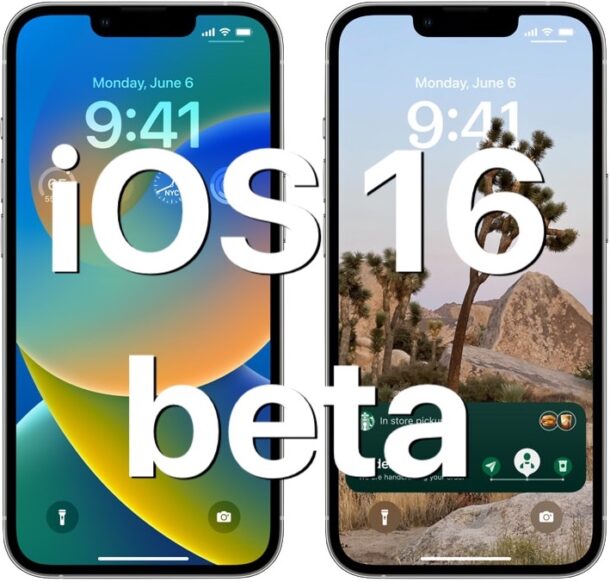
If you’re excited about iOS 16 for iPhone and don’t want to wait until the public beta next month, or the final version in the fall, you can install the iOS 16 developer beta right now.
The first beta of iOS 16 is available to download for those registered in the developer program, so if you have a device you don’t mind running buggier beta system software on, you may be interested in using the beta release on your device. Let’s take a look at the necessary requirements, and the general process of installing the beta of iOS 16 onto an iPhone.
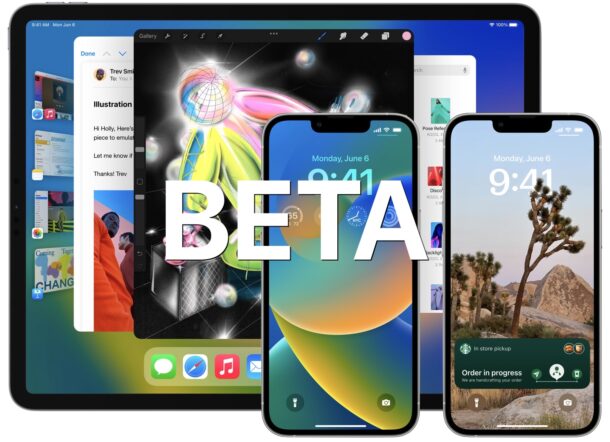
Apple has released the first beta versions of iOS 16 for iPhone and iPadOS 16 for iPad to users enrolled in the developer beta testing programs for Apple system software.
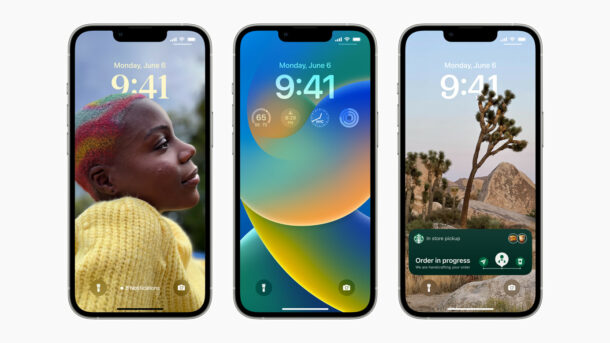
Apple has unveiled iOS 16 for iPhone, featuring a new customizable lock screen, updates to iCloud Shared Photo Library, the ability to recall and edit sent iMessages, Mail scheduling, and more.
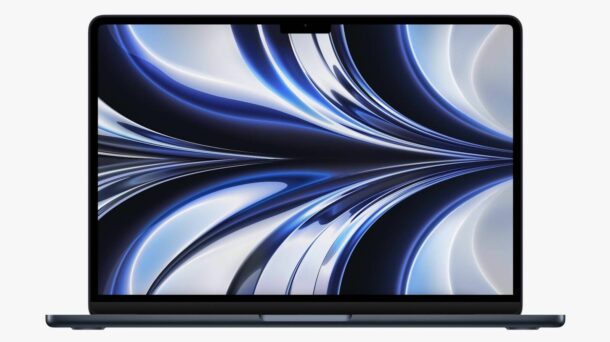
Apple has announced an all new redesigned MacBook Air with a faster M2 chip, along with a spec-bumped MacBook Pro 13″.
The new MacBook Air includes a 13.6″ display with a center notch, MagSafe charging, two USB-C ports, a headphone jack, a 1080p camera, and is available in four color options including midnight, starlight, space gray, and silver.
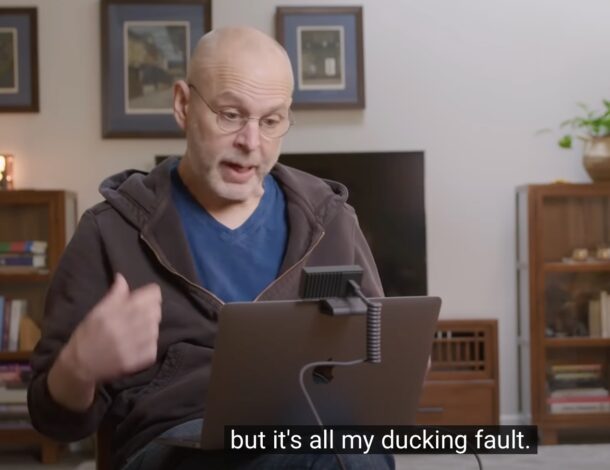
Most iPhone users have experienced this before; you’re trying to emphasize just how teed off you are about something and rather than everyones favorite F word, the iPhone shows a D word instead; duck. Ducking duck. Why is autocorrected so ducked up?
If you’re wondering why the duck the iPhone is constantly ducking autocorrecting duck instead of duck with an F, then you might enjoy the video below from Wall Street Journal, where they explain how autocorrect works and interviews the creator of the original iPhone autocorrect feature, Ken Kocienda.
Ghostery is a popular content blocker that aims to block annoyances, trackers, pop-ups, ads, and other web clutter. When implemented properly, it often even helps to speed up Safari performance by preventing the loading of a bunch of unnecessary stuff on a webpage.
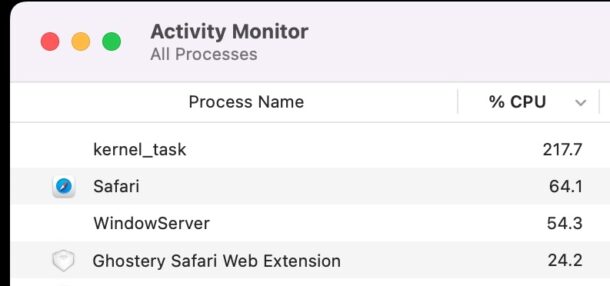
But after updating Ghostery recently on a Mac, I noticed a serious performance hit to Safari browsing, and suddenly Safari was working at a snails pace. It was as if my speedy M1 Mac with the latest macOS Monterey build had become an old beige box Pentium II struggling to run a bloated Internet Explorer on Windows XP – the CPU was pegged and grinding to a halt when any webpage was loading, the beachball from unresponsive pages, and searching the web was suddenly uselessly slow – something was clearly amiss.
The culprit? Some new settings in Ghostery that appeared after updating the extension. Turning those off immediately returned performance to where it should be in Safari with a functional content blocker.
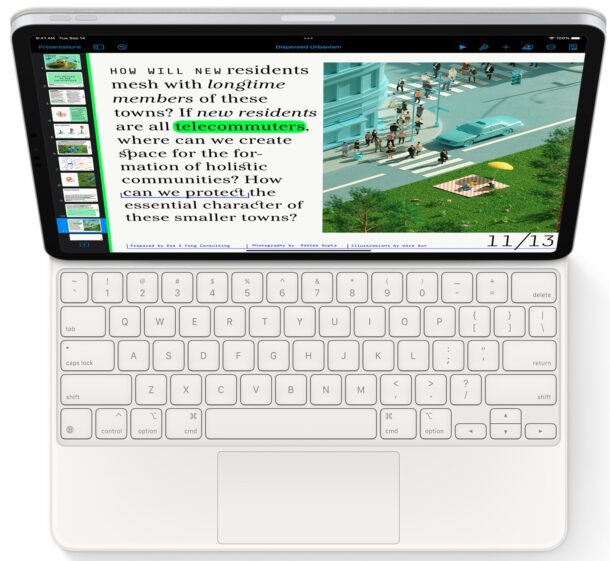
The Magic Keyboard for iPad Pro and iPad Air is a phenomenal accessory that takes the iPad to a new level by adding a great backlit keyboard, a great trackpad, and a nice design.
If you recently got a Magic Keyboard for your iPad, you may be wondering how long the keyboards battery lasts, how to charge it, and how to check the battery life of the Magic Keyboard. Certainly reasonable questions, particularly given that most keyboards have a battery. So you’ve dug around in the Settings, looked around in Battery, and there’s seemingly nothing anywhere about the battery life of the iPad Magic Keyboard, right?
And so here’s where you may be surprised; the Magic Keyboard for iPad Pro and iPad Air does not have a battery at all.
Did you know your iPhone has a built-in ability to identify many common flowers, plants, and objects?
Thanks to Siri Knowledge, your iPhone camera can easily identify a surprising amount of plants, flowers, items, and other objects that you point the camera to and snap a picture of, but most people don’t know about this hidden feature.
Grab your iPhone, go find a flower or plant somewhere, and let’s walk through how this cool feature works.
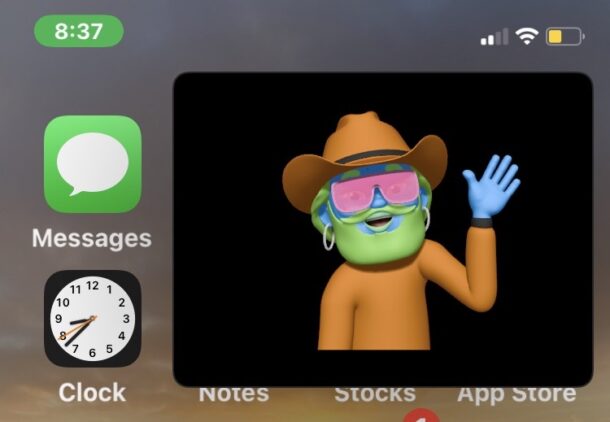
The latest versions of Zoom for iPhone allow you to minimize a Zoom Meeting, yet maintain the Zoom video call in a picture-in-picture mode window.
This is super handy if you host or join Zoom Meetings from your iPhone, and want to continue to participate in the meeting while doing other stuff on your iPhone, like finding a relevant document, sending people an email, jotting down notes, or anything else that involves multitasking while on a Zoom call.
For the less familiar, Picture-in-Picture Mode allows you to place a hovering video window over the Home Screen and other apps on the iPhone, and it works with many third party apps, including now Zoom.