Customize

Search Customize

Speed Up Mission Control Animations in Mac OS X

Feb 14, 2012 - 27 Comments
Speed Up Mission Control Animations

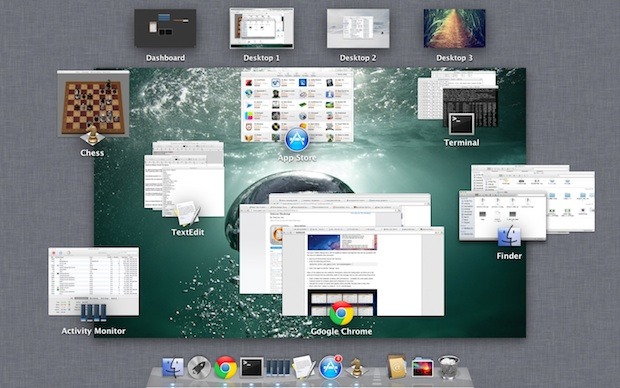
Boosting the speed of Mission Control animations can make Mac OS X feel a bit faster when switching between windows, spaces, and apps within the feature. It’s easy to do and reversible if you decide you don’t like it, launch the Terminal to get started. These defaults commands work in Lion, Mountain Lion, and beyond. … Read More

Remove Finder from the Command+Tab Application Switcher in Mac OS X

Feb 13, 2012 - 14 Comments
Remove the Finder from Mac OS X App Switcher

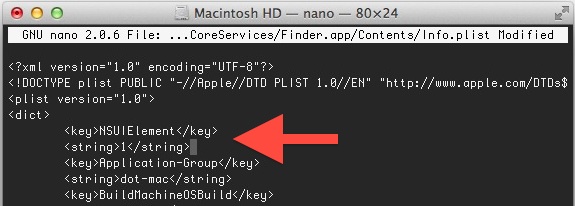
The Command+Tab application switcher gets a lot use by many Mac OS X power users, and by default it will include the Finder in the apps to be able to switch to and from. If you’d rather limit the App Switcher to only swap between open applications and not include the Finder though, you’ll have … Read More

Disable Launchpad Fade Transition Effect in Mac OS X Lion

Feb 10, 2012 - 9 Comments
Remove Launchpad Fade Effect

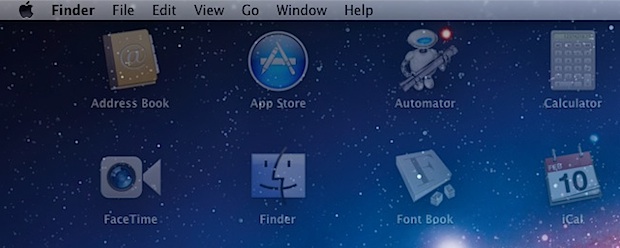
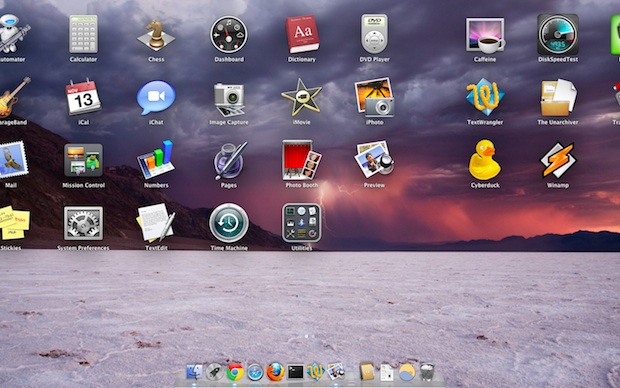
Launchpad shows a fading transition anytime it is opened or closed, making for a nice effect over whatever is in the background. It’s pleasant looking, but if you don’t like it you can disable the fading with a few defaults write commands. You can also choose to disable only half of the transition, either for … Read More

Focus on Apps Easier & Apply Background Filters with Isolator for Mac OS X

Feb 6, 2012 - 5 Comments
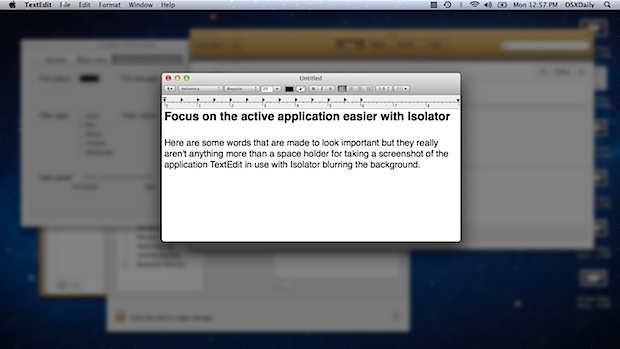
Isolator blur effect

It’s easy to be distracted by other open applications and windows while using a computer, and sometimes even the best of us need a bit of help to focus. Lion’s full screen mode can be helpful, but when that’s not enough or when you need access to other windows and apps, then Isolator is your … Read More

Switch Background Styles of Launchpad in OS X 10.7.3

Feb 6, 2012 - 11 Comments
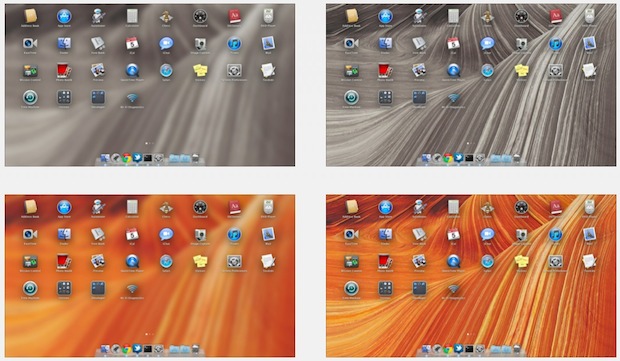
Launchpad Background Styles

The OS X 10.7.3 update brought with it a variety of subtle changes, including a minor adjustment to how the Launchpad background image style is switched. In previous Mac OS X versions, Command+B would switch between the background effect styles, but this is now achieved with Control+Option+Command+B. Try it yourself by opening Launchpad and then … Read More

Set a User Agreement Policy to Appear Before Login in Mac OS X

Jan 18, 2012 - 28 Comments
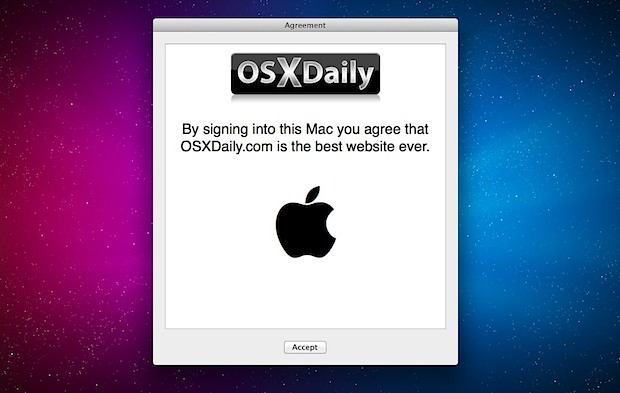
User Agreement on Login in Mac OS X Lion

All versions of Mac OS X from Lion onward (meaning Mountain Lion, Mavericks, etc) can display messages that require acknowledgement prior to the standard login screen appearing on a Mac. For administrators, this allows a user agreement or acceptable use policy to be displayed before users can login, and for personal use it lets users … Read More

Hide Folders in Mac OS X

Jan 6, 2012 - 26 Comments
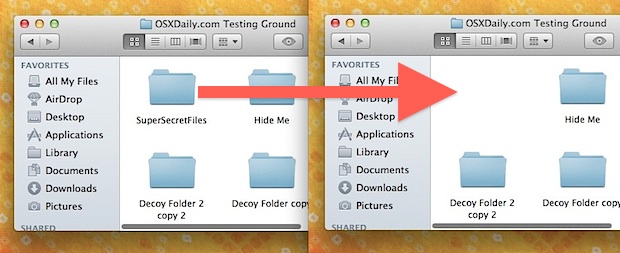
Hide Folders in Mac OS X

Need to hide a folder or two on a Mac? A while back we showed you how to make invisible folders and to even how to make hidden folders in Mac OS X, but now we’re going to demonstrate how to turn an existing folder into a hidden folder.

How to Remove Icons from the Menu Bar in Mac OS X

Jan 5, 2012 - 26 Comments
Remove menu bar icons

If your Mac menu bar is starting to resemble an icon farm, remember that you can remove items from the menu bar by holding down the Command key and dragging items out of the menu. The icon will disappear into a puff of dust, the same way an icon from the Dock or sidebar disappear.

Remove Shadows from Mac OS X with ShadowKiller

Dec 27, 2011 - 16 Comments
Remove Shadows from Windows in Mac OS X

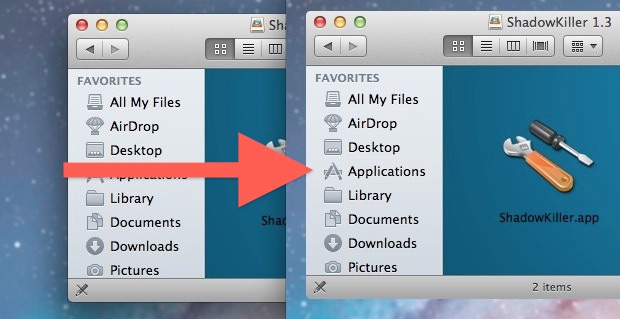
Ever wanted to remove shadows from windows, menus, and box items in Mac OS X? You can with a free tool called ShadowKiller, and it works in newish versions of OS X too. All you need to do is launch the app, the screen will flicker briefly, and all on screen windows will appear shadowless. … Read More

iChat Matte Mod for OS X Lion Removes Glossy Bubble Text Blocks from iChat

Dec 23, 2011 - 7 Comments
iChat

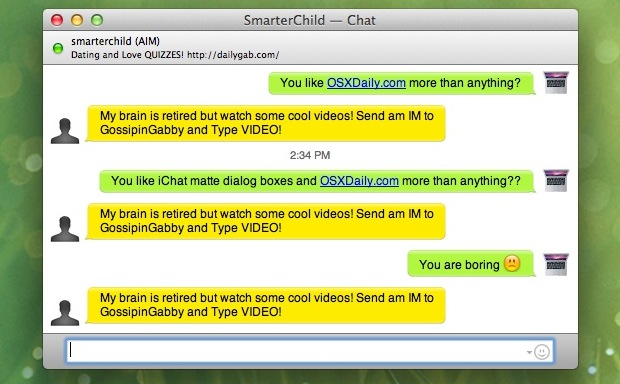
iChat Matte is a popular mod for iChat that removes the bubble aqua style text blocks and changes them to a flatter matte. The tweak works by replacing a few image files, but the official version hasn’t been updated for OS X Lion and an unofficial version floating around has the chat bubbles facing the … Read More

4 New iPad Wallpapers from iOS 5.1

Dec 16, 2011 - 7 Comments
iPad wallpapers in iOS 5.1

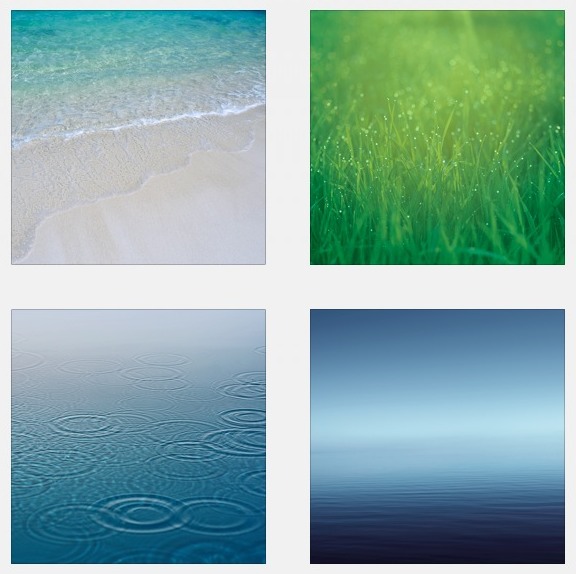
We’re suckers for new wallpapers around here, and iOS 5.1 includes four new gorgeous background pictures sized at 1024×1024 for the iPad. Extracted from the iOS 5.1 beta releases, 9to5mac found and resized the images to fit the iPhone 640×960 display as well. Grab them in a bundle from Mediafire or via the 9to5 links … Read More

Customize the Login Screen of Mac OS X Lion Easily with Loginox

Dec 7, 2011 - 11 Comments
Customize the Login Screen of Mac OS X 10.7 Lion

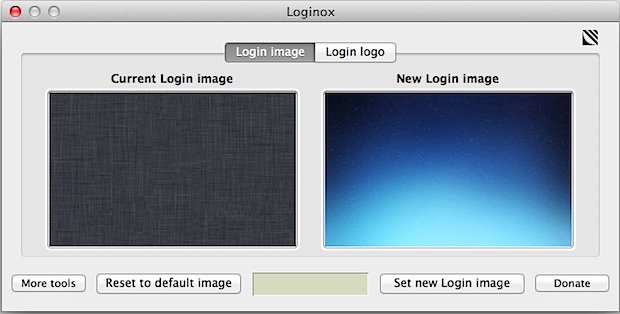
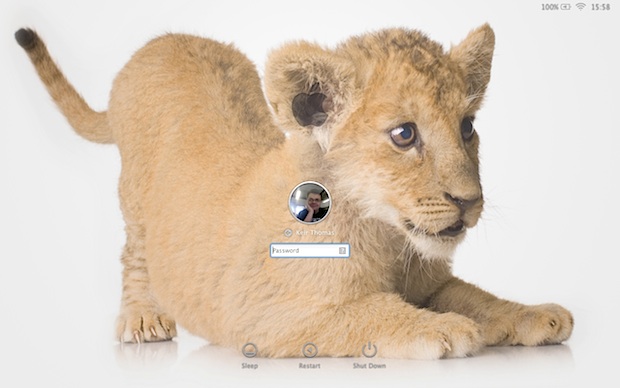
We recently showed you how to manually change the login screen wallpaper, but if you don’t want to deal with resizing images and digging around in the filesystem, you can use a free app called Loginox. Loginox sets new background wallpaper at the click of a button, resizing the images for you to the native … Read More

Set the Path Bar to be Relative to Home Directory in Mac OS X Finder

Dec 3, 2011 - 6 Comments
Finder Path Bar from the Home Folder

Finder on the Mac can show the path to the currently browsed folder (that is, something like Lion->Users->John->Music->MP3 collection). Just click View->Show Path Bar. However, there’s a slight problem—the path is listed from the root of the hard disk up to the current directory. I f all you ever do is browse your home directory, … Read More

Change the Login Screen Wallpaper in OS X Lion

Dec 2, 2011 - 31 Comments
Change the login wallpaper in Mac OS X Lion

NOTE: New instructions are available to change the login screen background image within OS X Mavericks. Please refer to those if you are looking to customize the login wallpaper in the latest versions of OS X. Here’s how to change the wallpaper that lies behind the standard login screen on OS X Lion & Mountain … Read More

45+ Wallpapers from the National Geographic Photo Contest

Nov 13, 2011 - 9 Comments
Nature wallpapers

The entries into the 2011 National Geographic Photo Contest make for some spectacular wallpapers, one of which was shown in a recent tip screenshot and requested. You can find them split between TheAtlantic and National Geographic: NationalGeographic: National Geographic Contest Entries Wallpapers TheAtlantic: National Geographic Photo Contest 2011 Most of the wallpapers are best on … Read More

Hold Shift Key to Use Launchpad in Slow Motion

Nov 13, 2011 - 12 Comments
Launchpad in Slow Motion

Like most of the other transition effects in Mac OS X, you can hold down the shift key to force the animation to render in slow motion. In the case with Launchpad, this will cause the app icons to slowly rise out of the background, or for the Launchpad screens to very slowly switch between … Read More

Reskin Google Reader with a Mac OS X Lion Theme

Nov 11, 2011 - 7 Comments
Google Reader Mac OS X Lion Theme

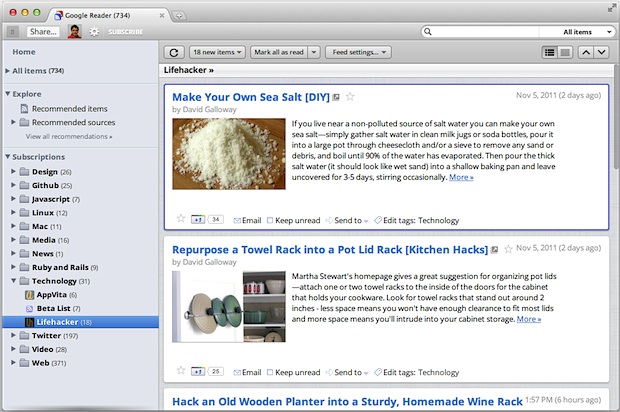
Google recently revamped their popular RSS aggregator (subscribe to our feed while you’re at it) Google Reader with a new look, if you’re not thrilled about the new appearance you can apply a theme to make G Reader look similar to a native OS X 10.7 application. You’ll need to be using a newer version … Read More

6 Colorful Aurora Wallpapers

Nov 8, 2011 - 1 Comment
Colorful Aurora Wallpapers

Looking for a few more gorgeous wallpapers for your desktop? This pack of colorful aurora themed images should do the trick, with two variations of each image, one with a Windows 7ish aurora stripey look and the other a blurred faint aurora more reminiscent of OS X. They all look great, and with the 2560×1600 … Read More

Subscribe to OSXDaily

Subscribe to RSS Subscribe to Twitter Feed Follow on Facebook Subscribe to eMail Updates

Tips & Tricks

News

iPhone / iPad

Mac

Troubleshooting

Shop on Amazon to help support this site