Mac OS X

Search Mac OS X

Play Music from the iTunes Artwork Screen Saver in Mac OS X

Jan 15, 2012 - 7 Comments

Play Music from the iTunes Cover Art Screensaver

Did you know the iTunes Artwork screensaver in Mac OS X is interactive? By hovering over an album when the screen saver is active, a pop-up play button will appear similar to what is found by hovering over music in the Finder, click it and that album or song will begin to play.

Restart the Finder in Mac OS X

Jan 14, 2012 - 6 Comments

Need to quickly restart the Finder in Mac OS X? Perhaps for a change to take effect with a defaults string, or to resolve a simple error or problem? Restarting the Finder does just what it sounds like, it quits the Finder application and then re-opens it again.

Discover What Apps or Processes are Interacting with a File in Mac OS X

Jan 13, 2012 - 3 Comments
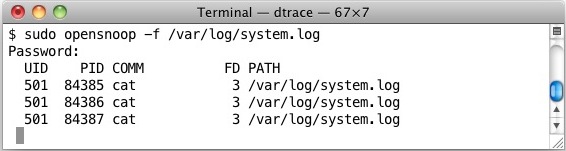
Watch what apps are using a file with lsof or opensnoop

Using the lsof command, we can find out exactly what process or application is using a specified file at that given moment. This is similar to the opensnoop command, but rather than watching the changes to a file over time, lsof can give us a snapshot of this very moment, which can be helpful for … Read More

Show File Name Extensions in Mac OS X

Jan 13, 2012 - 11 Comments
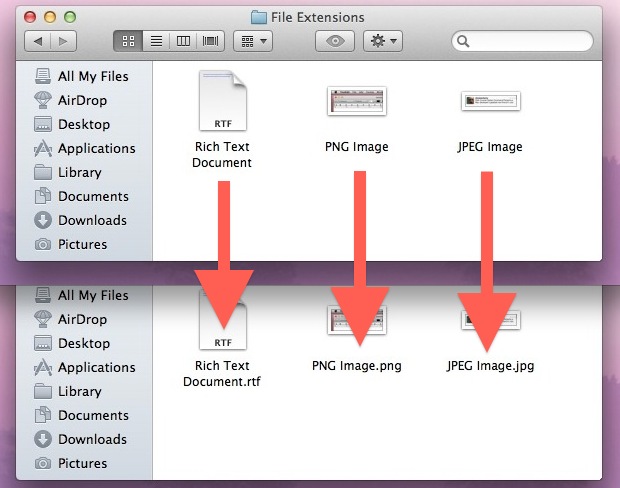
File extensions shown in Mac OS X

File extensions (like .jpg, .txt, .pdf, etc) make it easy to see what a specific file type format is, but as many Mac users notice, those file extensions are hidden by default in Mac OS X. While hiding the format suffix makes for a cleaner user experience and is fine for many users, it can … Read More

Change & Customize the Dock in Mac OS X Lion with Docker

Jan 13, 2012 - 10 Comments
3D Transparent Dock in Mac OS X Lion

We have gone through tons of OS X Dock tips before, but with the help of a free Lion compatible app called Docker, we can apply many changes to the Docks behavior and customizations to the Docks appearance easily with just a few clicks. What exactly can you customize? Using Docker, you can: change Dock … Read More

How to Install Kernel Extensions in Mac OS X Manually

Jan 12, 2012 - 11 Comments
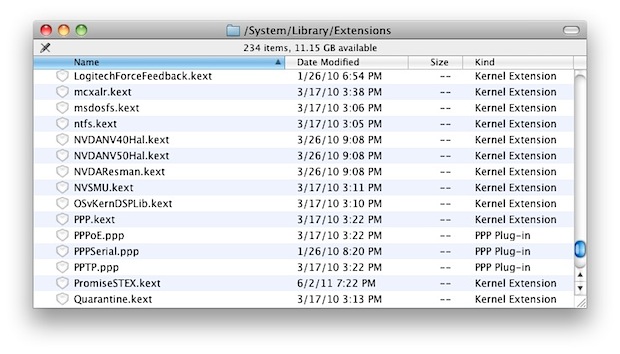
Kext files

Advanced Mac OS X users may find it useful to know that KEXT (kernel extensions) can be manually installed. The process of installing kexts manually into OS X is not too difficult if you’re comfortable with the command line, but it is a multi-step process of copying the appropriate .kext file to the appropriate kernel … Read More

Enable HiDPI Display Modes in Mac OS X Lion with Quartz Debug

Jan 12, 2012 - 20 Comments
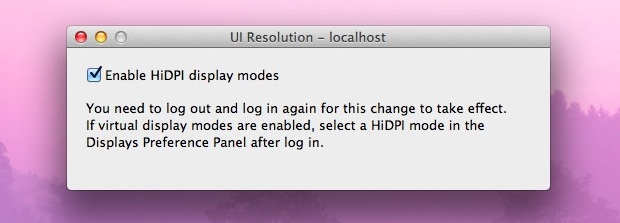
Enable HiDPI Resolutions in OS X Lion

In what is some of the strongest evidence that Apple is working towards bringing higher resolution retina style displays to Macs, a series of hidden HiDPI resolutions can be enabled in OS X Lion.

Enable & Access AirDrop File Transfer in Mac OS X Quickly with a Keystroke

Jan 12, 2012 - 3 Comments
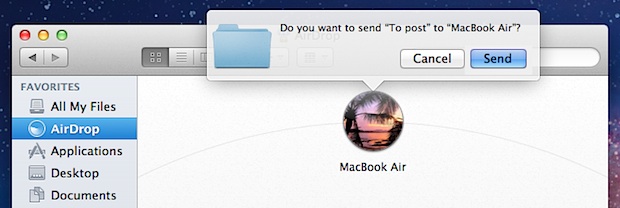
Quick AirDrop access

Remembering a keyboard shortcut makes using AirDrop even easier in Mac OS X, by quickly accessing the AirDrop window and enabling the Mac to be ready to accept or send files to other nearby computers.

Color Oracle is a Free Color Blindness Simulator for Designers

Jan 11, 2012 - 5 Comments
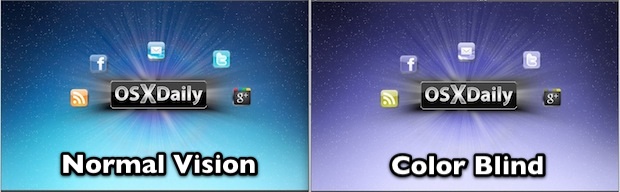
Color Blindness Simulator

Color Oracle is a free app that makes simulating color blindness easy, allowing for a real time look at how those with different types of color impairments will view images on screen. The utility “takes the guesswork out of designing for color blindness” and according to it’s developers, uses the best available algorithm for simulating … Read More

Password Protect Folders & Files in Mac OS X with Encrypted Disk Images

Jan 11, 2012 - 25 Comments
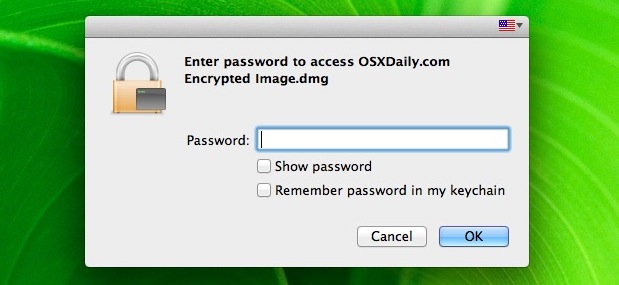
Password Protect a Folder and Files in Mac OS X

You can password protect files and folders in Mac OS X by using a trick with disk images. Here’s how it works; by placing files inside of an encrypted disk image, that disk image will work like a password protected folder and require a password before it’s mounted, preventing unauthorized access to all of the … Read More

New OS X 10.7.3 Build 11D42 Released to Developers

Jan 10, 2012 - 6 Comments
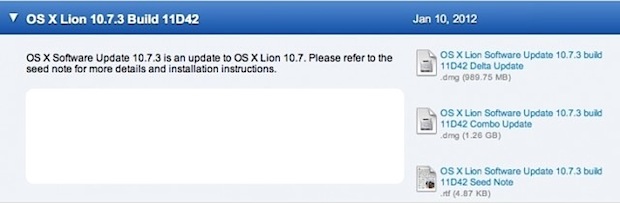
Lion 11D42 build

Apple has released a new build of OS X Lion 10.7.3 to developers, the latest build is 11D42 and weighs in around 1GB. Like the past dev builds of 10.7.3, the focus continues to be on Address Book, Mail, iCal, Spotlight, and Safari, and has no known issues. The first beta of OS X 10.7.3 … Read More

Remove the User Name from the Menu Bar in Mac OS X

Jan 10, 2012 - 17 Comments
Name shown in the menu bar of OS X Lion

On some fresh OS X installations, you’ll find the user name or login appears in the upper right corner of the menu bar, even if there is only one user account on the Mac. This is actually a feature called Fast User Switching, and the name likely appears in the menu bar due to the … Read More

How to Zip Files in Mac OS X

Jan 10, 2012 - 27 Comments
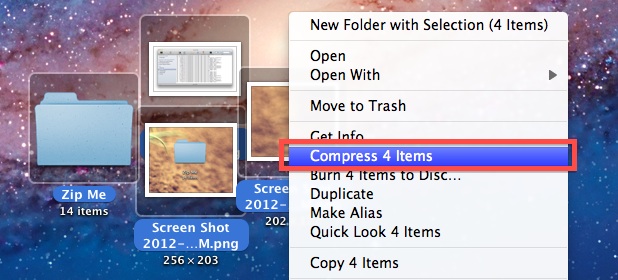
Make a Zip File in Mac OS X

Ever wondered how to make a zip file in Mac OS X? We recently demonstrated how to password protect zip archives, but in the comments a reader asked a more simple yet completely valid question: “what about just making a standard zip file?” Well, making a zip archive on a Mac is easy, and with … Read More

How to Enable the Root User Account in Mac OS X

Jan 9, 2012 - 15 Comments
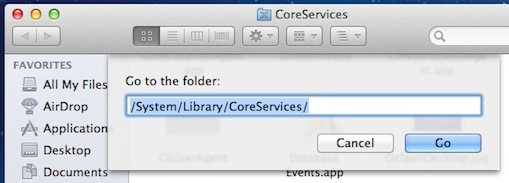
Directory Utility located within CoreServices

The root user is a special user account with high level system-wide access privileges intended for system administration, monitoring, and in depth troubleshooting purposes. By default, root user is disabled in Mac OS X for security purposes, but if you need to enable superuser, this guide will show you how to do so in OS … Read More

Password Protect Zip Files in Mac OS X

Jan 7, 2012 - 63 Comments
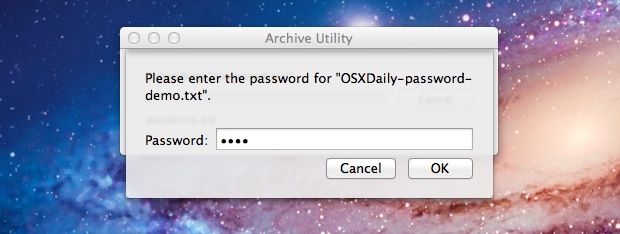
Zip Password in Mac OS X

Creating a password protected zip file is easy in Mac OS X and does not require any add-ons or downloads. Instead, use the zip utility that is bundled with all Macs. This offers a simple way to protect a zip archive file from unwanted viewing access, as when a user attempts to decompress the contents … Read More

Hide Folders in Mac OS X

Jan 6, 2012 - 26 Comments
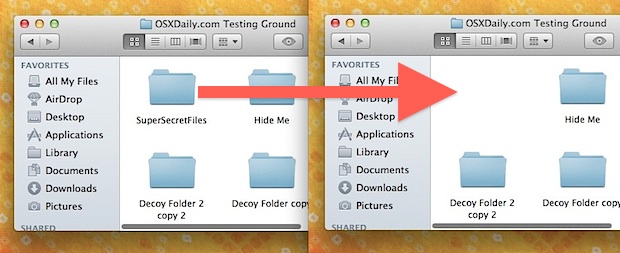
Hide Folders in Mac OS X

Need to hide a folder or two on a Mac? A while back we showed you how to make invisible folders and to even how to make hidden folders in Mac OS X, but now we’re going to demonstrate how to turn an existing folder into a hidden folder.

How to Remove Apps from Launchpad in Mac OS X

Jan 5, 2012 - 38 Comments
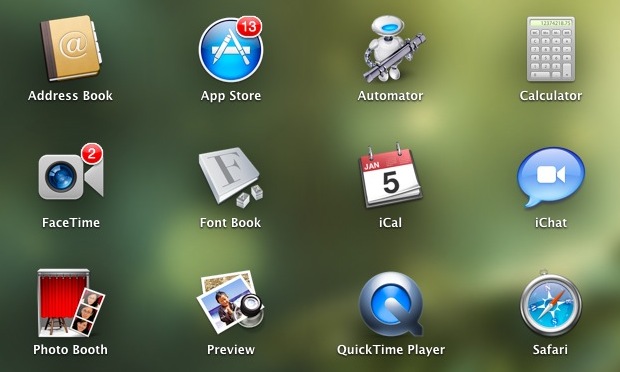
Remove Apps from Launchpad

Launchpad is the iOS-like application launcher that came to Mac OS X with the release of 10.7 Lion. It’s a nice addition, but Launchpad can also be difficult and inconsistent to delete apps from. Third party utilities like Launchpad-Control will help to manage Launchpad for you, but if you’re a DIY kind of individual, you … Read More

Find the Purchase Date of Apps Bought from the Mac App Store

Jan 5, 2012 - 2 Comments
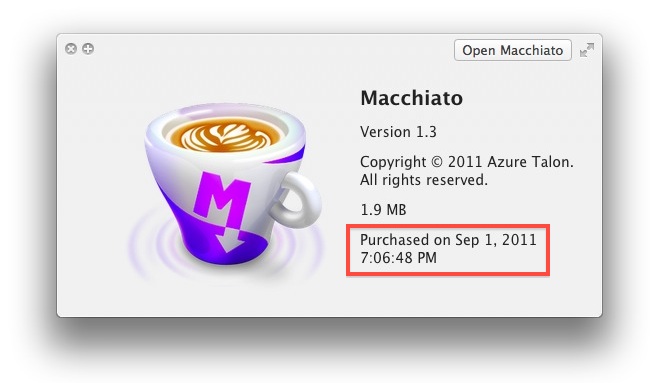
Purchase date shown in Quick Look

Need to know when you bought an app from the Mac App Store? Knowing purchase dates of apps can be helpful for accounting and year end tax purposes, plus a variety of other reasons, and here are two quick ways to get that information. Get a List of All Apps and Purchase Dates from the … Read More

Subscribe to OSXDaily

Subscribe to RSS Subscribe to Twitter Feed Follow on Facebook Subscribe to eMail Updates

Tips & Tricks

News

iPhone / iPad

Mac

Troubleshooting

Shop on Amazon to help support this site