Not Thrilled with Apple Maps in iOS 6? Bing Maps is a Decent Replacement
Sep 20, 2012 - 25 Comments
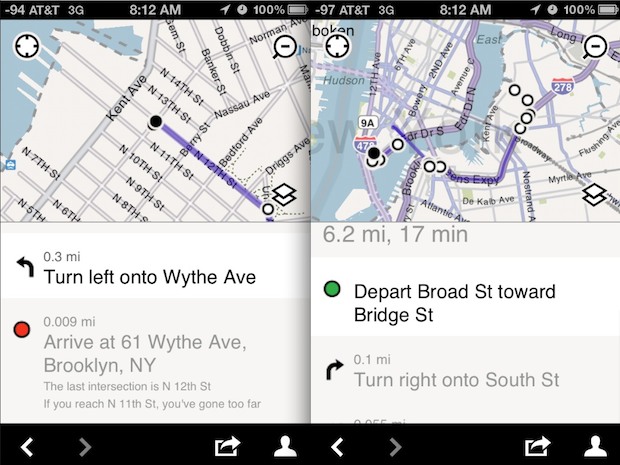
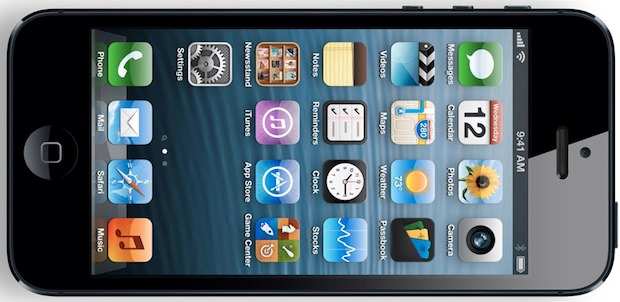
The primary shortcoming of iOS 6 for some people is Apple’s new Maps app. Sure, it’ll get better as more people use it and as Apple updates it, but if you’re highly dependent on reliable detailed maps right now you may not want to wait. An official Google Maps app for iOS is likely coming … Read More