Subscribe to OSXDaily

Subscribe to RSS Subscribe to Twitter Feed Follow on Facebook Subscribe to eMail Updates

OSXDaily on Facebook

OSXDaily on Google+

Shop at Amazon

Ad

Shared on Facebook

Search dashboard

dashboard

Add Weather & Other Dashboard Widgets to the Desktop in Mac OS X

Jan 18, 2013 - 8 Comments

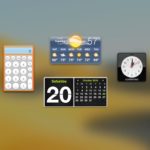
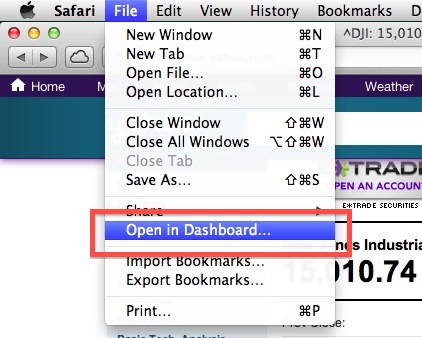
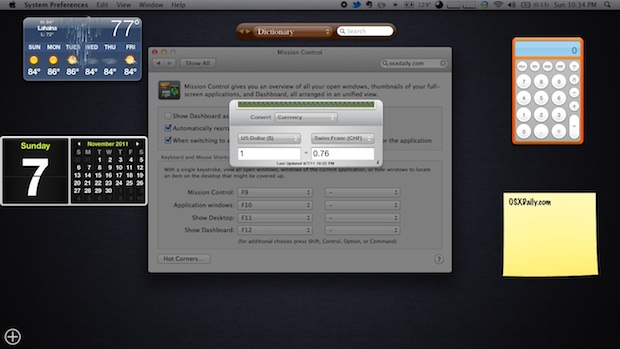
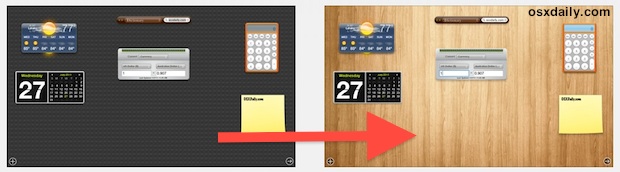
A fun way to customize the Mac desktop is to add floating widgets for things like weather, ski conditions, stocks, and time. These widgets are actually from Dashboard, a largely forgotten feature of OS X that can be made useful again by bringing them more to the forefront of your desktop experience. This is different … Read More

Put Dashboard Widgets into Folders

Aug 28, 2012 - Leave a Comment

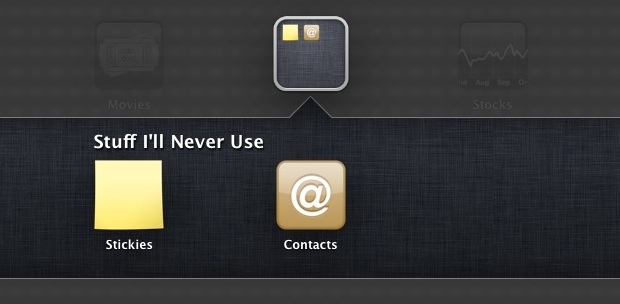
Dashboard got a user interface overhaul with OS X Mountain Lion and it now more closely resembles, surprise surprise, iOS and OS X’s very own Launchpad. You’ll find the new look when you go to add a widget to the Dashboard, and just like iOS you can now arrange all those widgets into Folders to … Read More

Set Dashboard to Transparently Hover Again, Out of Mission Control in OS X Lion

Aug 16, 2011 - 12 Comments

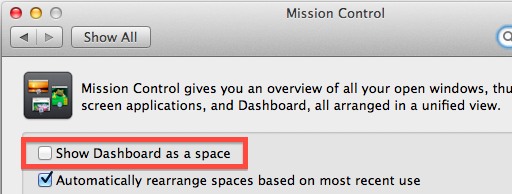
Don’t like Dashboard much in Mac OS X Lion? If changing Dashboards background wallpaper wasn’t enough for you, you can always return it to the standard transparent hovering state that existed prior to OS X 10.7 Lion. This pulls Dashboard widgets out of their own space in Mission Control and shows widgets directly over the … Read More

Remap F4 to Open LaunchPad on Older Pre-Mac OS X Lion Keyboards

Aug 12, 2011 - 10 Comments

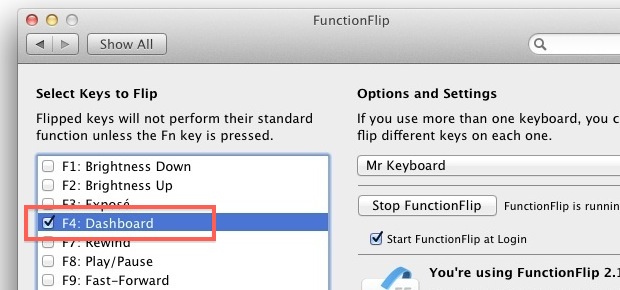
Since the launch of Mac OS X Lion, all keyboards on new Mac products have replaced F4 with a ‘LaunchPad’ button instead of the old Dashboard button. If you have pre-Lion Mac, you can remap that F4 Dashboard button to open LaunchPad instead though, here’s how:

Change Dashboards Lego Background Wallpaper in Mac OS X Lion

Jul 27, 2011 - 84 Comments

Mac OS X Lion brought a few changes to the Dashboard, one being that it’s contained within it’s own Space by default, and the other noticeable UI difference is the new Lego lookalike background wallpaper that looks a little, well, Lego-like. That background image is easy to change, so pick an image you’d rather see … Read More

Refresh Dashboard Widgets: Command+R Sends a Widget into a Whirlpool

Jul 7, 2011 - 7 Comments

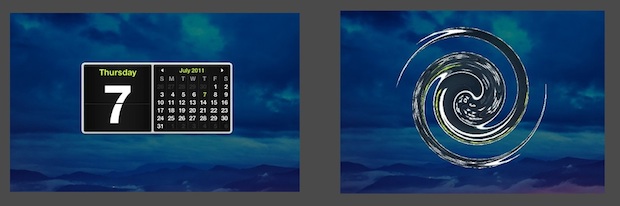
Mac OS X has a fancy way of refreshing your Dashboard widgets. It’s better watched than described or shown in pictures, so open up Dashboard, click on any widget, then hit Command+R and watch the widget disappear and reappear into a twirl. The larger and more colorful the widget the better the effect, and you … Read More

New Patent Looks Like iOS Running Atop Mac OS X as a Dashboard?

May 31, 2011 - 1 Comment

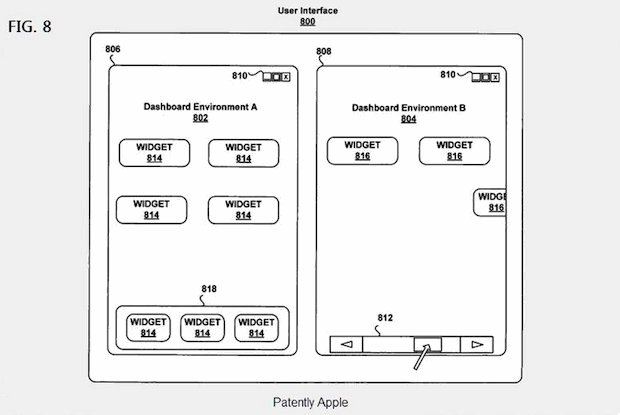
A new patent has been discovered that details a revised Dashboard system in Mac OS X that allows for multiple Dashboard environments and a new method of managing widgets. On the surface, that might not seem too exciting since Dashboard has been around for ages, but when you look at the patent diagrams, see the … Read More

What if you could check Star Wars weather via the Dashboard weather widget?

Nov 19, 2010 - 2 Comments

If only the Mac OS X Dashboard weather widget could tell us the weather in distant galaxies far, far away from famous science fiction movies… wouldn’t that be nice? If you enjoy Star Wars, you’ll probably enjoy these images from Cristian Kit Paul, a graphic designer who also must be a Mac user and Star … Read More

Use Mac OS X Mail to Track Flights

Jun 11, 2010 - Leave a Comment

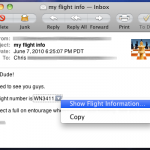
One of Mail’s many talents (this one does not require a plugin) is the ability to automatically detect when a flight number is present and then give you the option to view the status using the flight tracking Dashboard widget. You don’t have to do much to utilize this tip, just next time you receive … Read More

Cycle through all the weather graphics in the Dashboard Weather Widget

Jan 31, 2010 - 2 Comments

Hey look it’s raining out of the snow! That’s something I don’t see everyday. You can cycle through all the possible weather graphics in the Dashboard Weather Widget by hitting the Command+Option keys and clicking on the main weather icon, which changes the location to ‘nowhere’, keep clicking and you’ll see different weather graphics. Some … Read More