Improve Find My iPhone By Locking Down Location Services

Jan 4, 2013 - 16 Comments
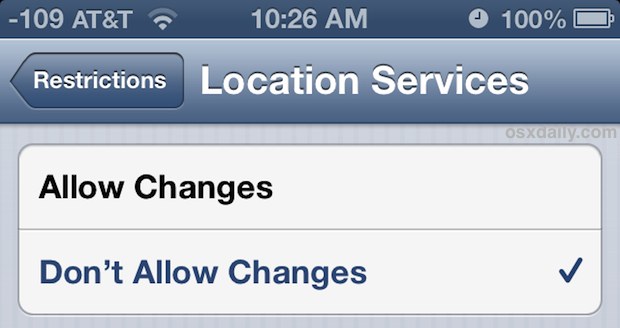
Lock Down Location Services

Find My iPhone and Find My iPad are security features that make it simple to locate lost iOS devices by tracking them on maps through GPS. A potential problem is that after a device has been lost, or perhaps more accurately, after a device has been stolen, GPS or Find My iPhone can be turned … Read More


Watch an iPhone 5 Fall 100,000 Feet and Survive [Video]

Jan 4, 2013 - 15 Comments
iPhone at 100,000 feet drop

G-Form, the makers of extreme protective cases for iPads, MacBooks, and iPhones, is demonstrating the effectiveness of their latest iPhone 5 case by sending a device 100,000′ into the atmosphere with a weather balloon, and then letting it free fall and crash land back to Earth. As you probably guessed, the device survives just fine, … Read More

Old iPhone and iOS? You Can’t Block Calls, So Creating a Blocked List is the Next Best Thing

Jan 3, 2013 - 25 Comments
Do it Yourself Block Call List on iPhone

The ability to block incoming calls on the iPhone is missing on older versions of iOS, and though new versions of iOS can block calls, older devices are left withthe Do Not Disturb feature. Do Not Disturb is excellent, but it’s not really blocking unwanted calls, it just sets a time period where any calls … Read More

Set a Unique Alert Tone for New Mail Messages from VIP List in iOS

Jan 2, 2013 - 6 Comments
Set VIP Mail Alerts in iOS

Managing slews of email can be one of the most challenging and time consuming parts of ones day, but with the help of VIP lists in iOS and OS X you can help to weed through some of the nonsense by simply having defined persons get precedent over others. On the desktop side of things, … Read More

New iPhone “Dream” Commercial Features Do Not Disturb Mode

Jan 2, 2013 - 10 Comments
Do Not Disturb on iPhone

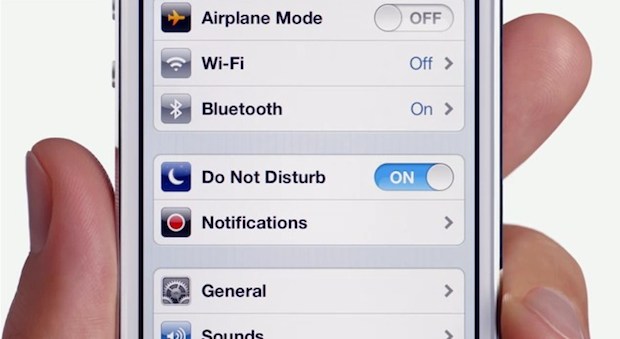
A new iPhone TV commercial titled “Dream” is running that focuses on the excellent Do Not Disturb feature of iOS, which allows you to block out certain hours where notifications, sounds, and alerts won’t bother you unless they’re from a pre-selected important list. The advertisement features the professional tennis player Williams sisters, playing table tennis … Read More

9 Essential OS X Maintenance & Set Up Tips Mac Users Should Do Right Now

Jan 1, 2013 - 6 Comments
Essential Mac maintenace tips for new years (or any time of year)

Ever wondered what maintenance is truly essential for a Mac? Maybe you’re wondering what the best backup solution is? Or maybe you just want to secure your Mac a bit more? Take the time for these simple digital resolutions to make your Mac perform better, be safer and more secure, plus give you some added … Read More

The Top iOS, iPhone, and iPad Tip Collections of 2012

Dec 31, 2012 - 1 Comment
Best of 2012 iOS tip collections for iPad, iPhone, and iPod touch

2012 is at it’s end, and just like with our favorite Mac tip collections of the year, OSXDaily.com is looking back and gathering some of the most useful multi-trick collection posts for iOS, iPhone, iPad, and iPod touch too. Again, we are aiming to give you the absolute most bang for your reading buck here … Read More

The Top Mac & Mac OS X Tip Collections of 2012

Dec 31, 2012 - Leave a Comment
Best of 2012: Tip Collections for OS X and iOS

With 2012 coming to an end, OSXDaily.com is looking back and gathering some of the most useful Mac multi-tip and trick collection posts from the year past. Yes, we post individual tips and walkthroughs every day, but we’re aiming to give you the most bang for your reading buck here by focusing on our favorite … Read More

Write & Send a Complete Email with Siri Faster Than Ever

Dec 30, 2012 - 6 Comments
Write and send a complete email with Siri

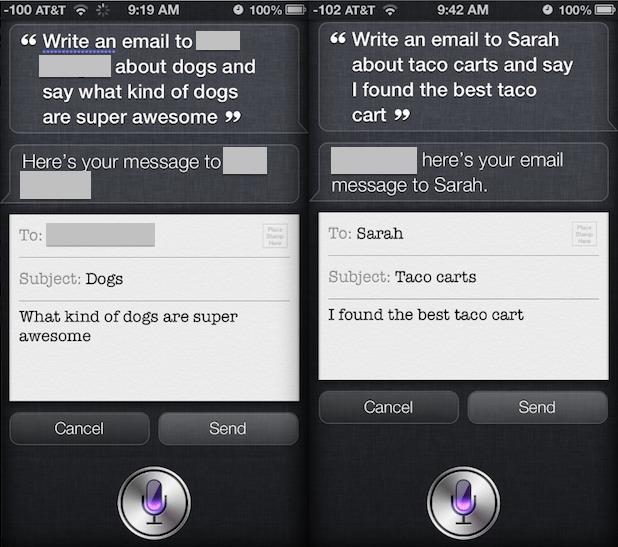
If you’ve sent emails out with Siri before, you have probably noticed that Siri will often respond to the initial email request with an inquiry about what the mail subject or body should contain, making you respond with another phrase and continue a back-and-forth dialog with Siri until the to, subject, and message fields are … Read More

A Nice & Simple Binary Clock Screen Saver for Mac OS X

Dec 29, 2012 - 25 Comments
Binary clock screen saver

Minimally styled clock screen savers are fairly popular and we’ve shared a variety of them here before, but it’s hard to get more minimal than a binary clock. The aptly named BinaryClock is just that, a free and simple binary clock screen saver for OS X that has some nice color effects that change with … Read More

How to Get Emoji Definitions on iPhone & iPad Quickly

Dec 28, 2012 - 5 Comments
Define Emoji in iOS with Speak

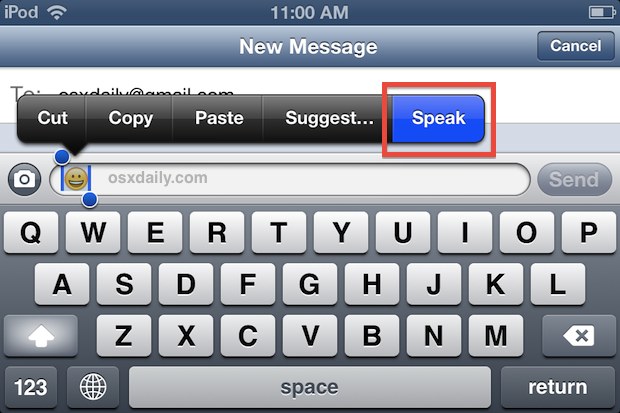
Did someone send an Emoji to your iPhone, iPod, or iPad and you have not the faintest of clues as to what it’s supposed to mean? With the vast array of emoji icons out there, you’re not alone, but there’s an excellent little-known feature that uses iOS text-to-speech to give a precise definition of the … Read More

How to Get Snapchat in Mac OS X (or Windows)

Dec 28, 2012 - 72 Comments
Snapchat on Mac

Snapchat is a very popular quirky picture messaging client for Android and iPhone that allows people to share pictures and have conversations that disappear after a very short time interval, after which the shared content is gone forever. The spontaneous and fleeting nature of the messages has given the app an interesting reputation that you … Read More

11 Must-Have Free Apps for New Macs

Dec 26, 2012 - 93 Comments
Evernote for Mac

Some OS X apps are so great and so universally useful that they earn the title of “must-have” on just about any Mac, and we’re bringing you an essential list of these must-have apps that also happen to be completely free. Whether you have a brand new Mac that needs some new apps and utilities … Read More

Connect & Use an External Wireless Keyboard with iPhone or iPod touch

Dec 26, 2012 - 4 Comments
iPhone syncing with an external keyboard

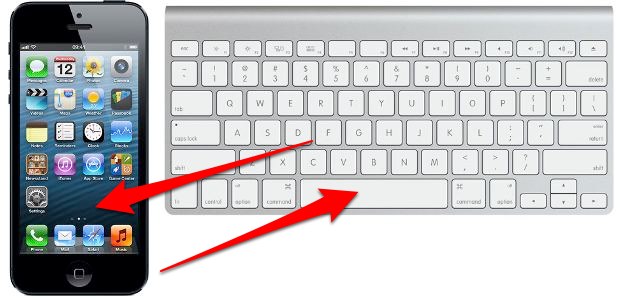
External wireless keyboards can be connected to and used with iPhones and iPod touches through Bluetooth. This can help when typing anything of length, particularly if you’re not as fast a typer with the virtual keyboard, and it allows you to create an immediate (albeit tiny) workstation just about anywhere. There’s also a very nice … Read More

Super Last Minute Gift Guide: App Gifting, Emailing Gift Cards, & Printable Gift Cards

Dec 24, 2012 - 3 Comments
Amazon email gift card

If you’re anything like me, you waited until the absolute last minute to get Christmas shopping done and you’ve probably already raided the gift card rack at a grocery store to stock up on last minute presents. But don’t forget to take advantage go email-friendly gift cards from Apple’s iTunes Stores, Amazon, and if you’re … Read More

Track Santa Live this Christmas with a NORAD iPhone App, Google, or Bing

Dec 24, 2012 - Leave a Comment
Santa Tracking

Christmas Eve is upon us, and that means it’s Santa tracking season! Whether you’re keeping an eye on Santa’s yearly world journey for yourself or just the little ones in your life, tracking Santa is now easier than ever. You can track Santa directly from your iPhone with an official NORAD app, use the official … Read More

New iPad Commercial “I’ll Be Home for Christmas” Now Airing

Dec 22, 2012 - 12 Comments
iPad Christmas Commercial for 2012

Apple has started running their Christmas ad for this year, and it shows off the iPad and iPad Mini with a girl playing a ukelele while singing the classic “I’ll Be Home for Christmas” song to a relative over FaceTime. The video is embedded below, and you’re likely to catch the ad airing the next … Read More

2 Simple Tips to Get to Websites Faster in iOS

Dec 21, 2012 - 8 Comments
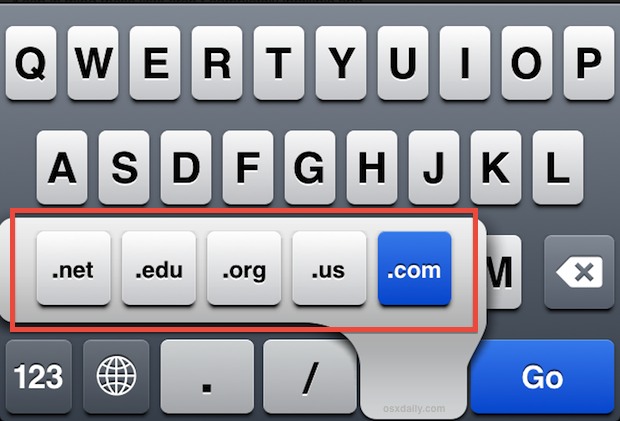
Show more web TLD's in iOS Safari

Have you ever wished you could visit certain websites faster while you’re on the go? Maybe you know a specific website you want to get to, but you don’t visit the site enough to have a bookmark for it on the home screen. Or maybe you’d rather just type as little as possible on the … Read More

Subscribe to OSXDaily

Subscribe to RSS Subscribe to Twitter Feed Follow on Facebook Subscribe to eMail Updates

Tips & Tricks

News

iPhone / iPad

Mac

Troubleshooting

Shop on Amazon to help support this site