Make Mac OS X Speak (or Sing) the Output of Any Command Line Task
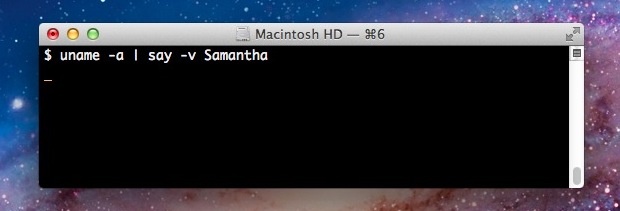
Along the lines of vocally announcing task completion within the command line, you can also have Mac OS X speak the output of any executed command.
The command line interface is an alternate method of interacting with macOS and Mac OS X, relying on text based command entry to execute commands and perform tasks. It is accessed on the Mac by using the Terminal application. Generally, the command line is considered advanced, and thus it’s usage tends to be more complex than many standard procedures on a Mac.
Along the lines of vocally announcing task completion within the command line, you can also have Mac OS X speak the output of any executed command.
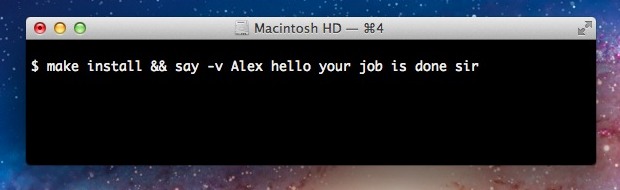
By appending the say command to the end of another command, Mac OS X will vocally announce when the initial task has finished running successfully. For example, to have OS X announce that a particular script has finished running the command could be: python backup.py && say “jobs done” The important part is the “&& … Read More
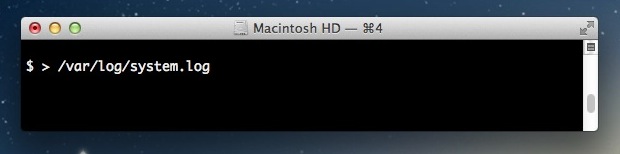
If you’re working at the command line and need to quickly empty the contents of a file, you can do so by throwing a greater than symbol and a space in front of the filename in question.
We’ve shown you how to generate MAC addresses randomly and then how to go about changing a MAC address in OS X Lion and OS X Mountain Lion, but why have those be two separate actions? Using the command line, you can combine the two events into a single action to generate a valid MAC … Read More
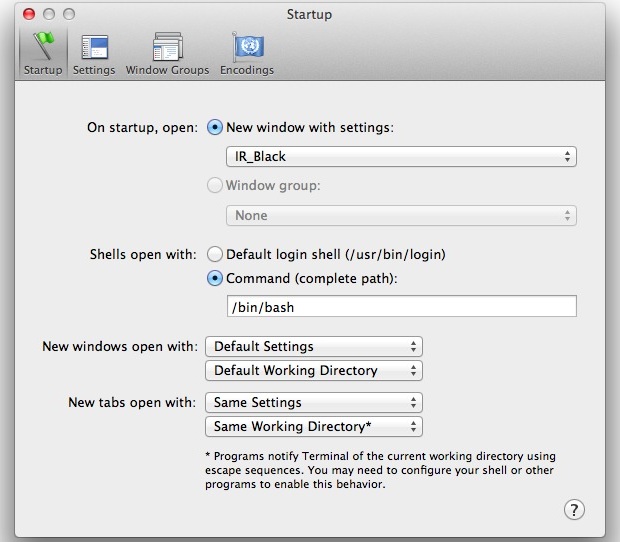
Whenever a new Terminal window is launched, a variety of system logs are read to provide information on the last login. One way to speed up launching a new terminal window is to delete those .asl log files, but you can achieve a substantial speed boost by simply setting Terminal to open a shell rather … Read More
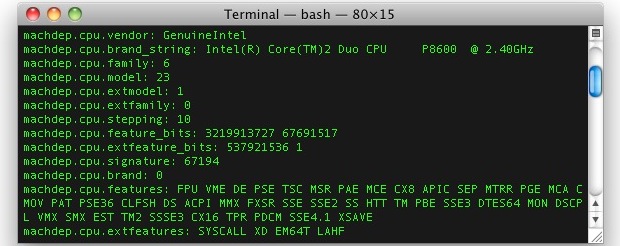
Using sysctl we can get extended information on a Macs processor, covering everything from CPU brand and identifier, clock speed, number of cores, thread count, thermal sensor data, cache size, and some significantly more technical information. This is a handy way to get detailed processor specs and info without turning to the system profiler in … Read More
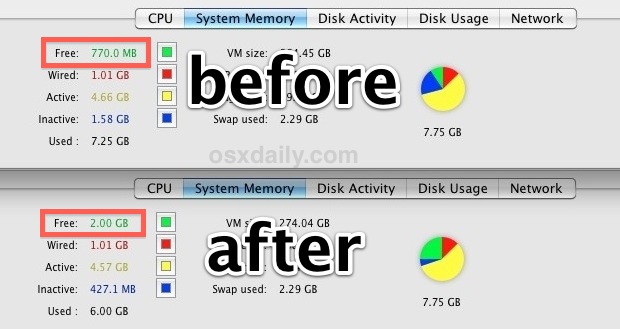
Mac OS X has fairly good memory management but it’s not perfect, and sometimes RAM can be held unnecessarily in the “inactive” state despite the contents no longer being needed. If you’ve been participating in memory heavy activities or you just need to free up some available RAM you can actually force Mac OS X … Read More
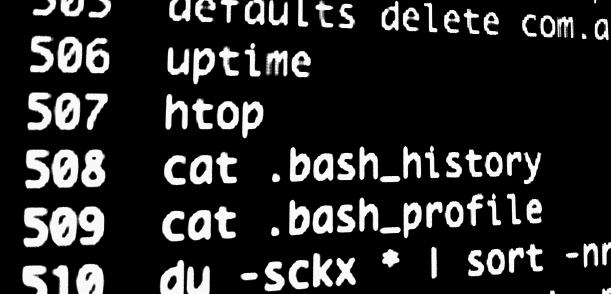
A users .bash_history file keeps a running tab of command line history, logging every command that has been entered into the bash prompt. These command history files make it very easy to find and recall past commands that may have been forgotten, and they’re also extremely useful for system administration. We will cover how to … Read More
You’re probably familiar with making your own zip files if you’ve ever needed to transfer a group of files or if you’re managing your own backups outside of Time Machine. Using the GUI zip tools are easy and user friendly, but if you want some more advanced options with better compression you can turn to … Read More
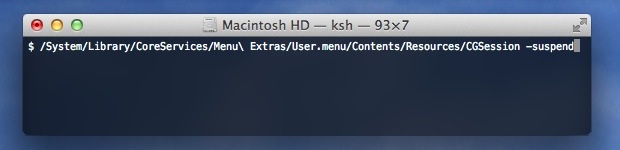
With the help of a buried menu item, we can lock the Mac OS X screen right from the Terminal. This does not log a user out, it just brings up the standard Mac OS X lock screen and login window, requiring a valid user and password before the Mac can be used again. This … Read More
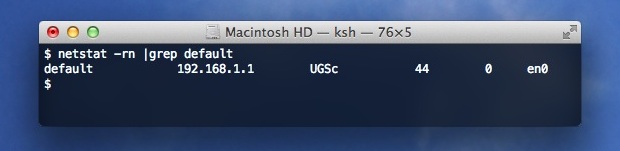
If you need to quickly retrieve the IP address of the router you are connected to or through, you can find this information immediately in the Terminal of Mac OS X.
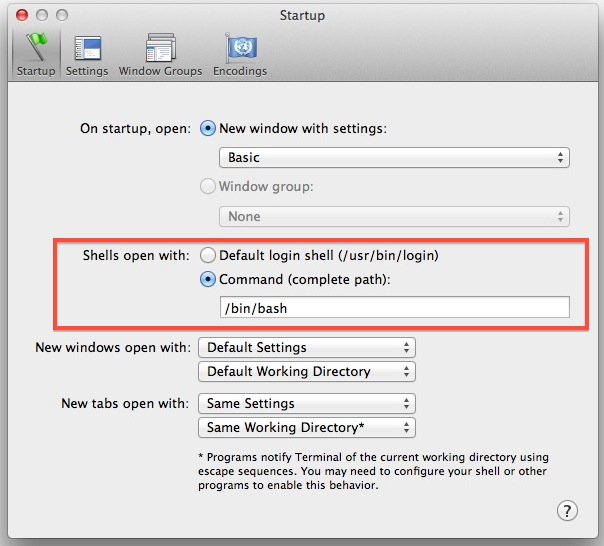
Tired of bash? Prefer zsh, ksh, tcsh, fish, or sh? You can quickly change the default shell in Terminal app, in addition to changing a users default login shell for when logging in remotely with SSH or otherwise. Here’s how to do both.
You can create ISO images from any source disk or data by using the command line in Mac OS X. This isn’t too different than burning them through Terminal, and you can use either the hdiutil tool or dd command. While the command line is generally reserved for advanced users, using it to create ISO’s … Read More
The most straight forward way to burn an ISO from a Mac is using Disk Utility, but you can also burn ISO’s and disk images directly from the command line with the help of a tool called ‘dd’. This works for Mac OS X and Linux, but we’re going to be focusing on the Mac … Read More
A MAC address is a unique identification number assigned to network interfaces, these can be attached to physical hardware like NIC and Wi-Fi cards or assigned to virtual machines. On some occasions, you’ll need to change a MAC address to another ID. We’ve received a few questions about this recently because the process of changing … Read More
A long hidden airport command line utility buried deep in Mac OS X can be used to scan for and find available wireless networks. This powerful tool is very helpful for network admins and systems administrators, but it’s handy for the average user to help discover nearby wi-fi routers as well.
We recently covered 12 keyboard shortcuts to help navigate around and manipulate text in Mac OS X, and now we’ll show you a handful of similar tricks for use at the command line. These shortcuts can be used just about anywhere in the Terminal, including the bash prompt.
We recently covered the classic method of adding colors to the command line by editing .bash_profile, but it turns out that Terminal in OS X Lion and OS X Mountain Lion both support custom ANSI colors, giving the ability to easily change the ansi color scheme through external theme files. One such color scheme is … Read More