List All Mounted Drives and their Partitions from the Terminal
Dec 1, 2009 - 7 Comments
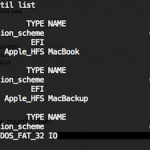
To list all mounted drives and their accompanying partitions from the Terminal on Mac OS X, you can use the diskutil command with the list flag. This approach will display all disks, drives, volumes, and containers on any drive connected to the Mac, including boot volumes, hidden volumes (like the Recovery partition), empty volumes, unformatted … Read More