How to Use Tile Window Multitasking in macOS Monterey, Big Sur, & Catalina
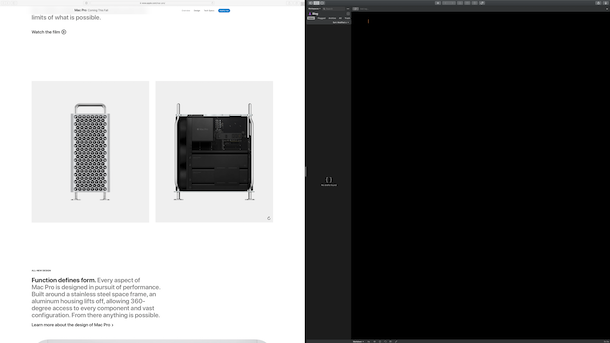
macOS introduced a handy way to tile windows for multitasking, improving upon the split screen multitasking features that were available in previous MacOS releases. These new simple tiling window multitasking options are available from any window, and now you can easily choose to tile a window to the left or right side of the screen, or jump immediately into full screen mode.
This isn’t an entirely new feature in and of itself (Window Snapping and Split View have been around a while), but now it’s arguably easier to use than ever before, and it behaves similar to the Split View feature on iPad. The new Tiling feature is windowed multitasking without you needing to manually position everything, and it’s a great way to make use of any display, small or large.