How to Hide Chrome Suggested Articles on iPad, iPhone, Android
Sep 14, 2019 - 9 Comments
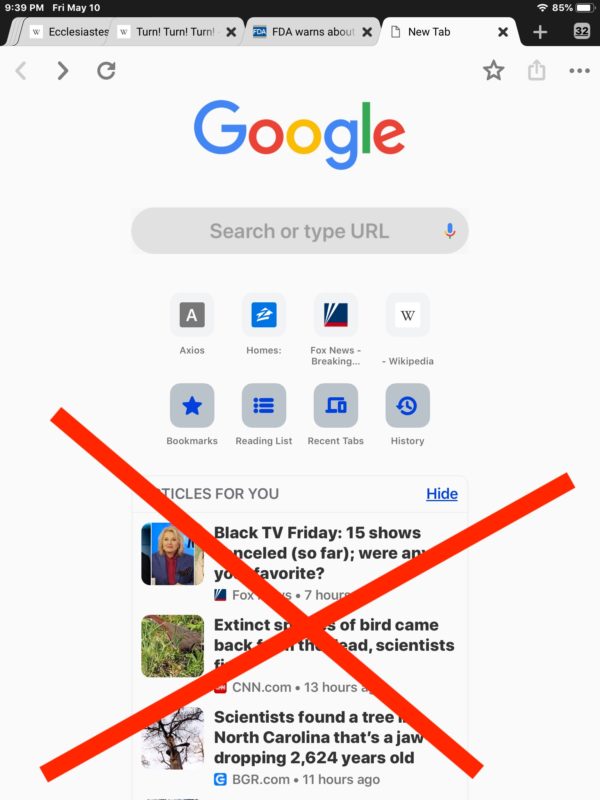
Chrome for iOS and Android defaults to showing an “Articles For You” suggested article section when opening a new Chrome tab or window with Google search.
If you don’t want to see the Chrome suggested articles on iPad, iPhone, or Android, you can disable the Articles For You feature.
By Paul Horowitz - Tips & Tricks, Troubleshooting - 9 Comments