How to Turn Off Auto-Correction on iPad Hardware Keyboards
May 16, 2019 - 3 Comments
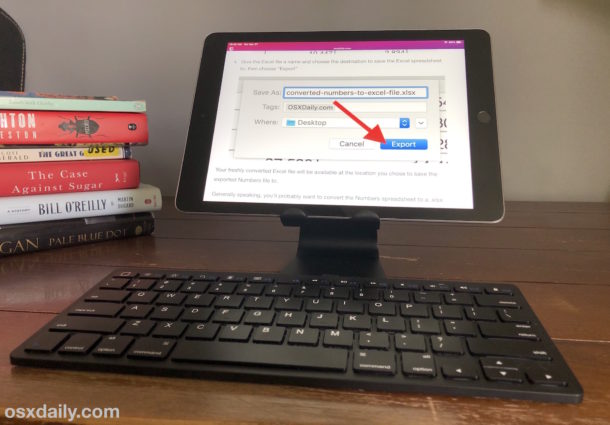
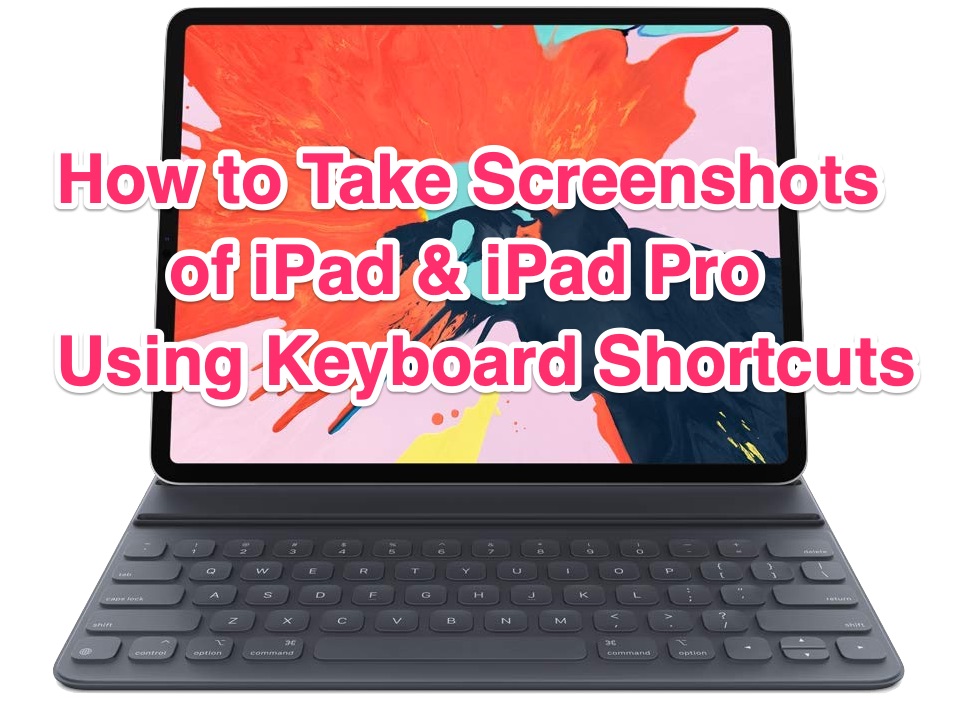
If you use a hardware keyboard with iPad you may have noticed that auto-correct and some other keyboard settings that applied to iOS are no longer taking effect. This is because the iPad has separate settings for the software keyboard onscreen, and a hardware keyboard if one is connected to the iPad, and thus disabling autocorrect in iOS for the screen keyboard won’t carry over to the hardware keyboard, like a Smart Keyboard, iPad keyboard case, or external keyboard. Thus, to turn off autocorrection on iPad with a physical keyboard, you must adjust a separate setting.
We’ll show you how to disable auto-correction on iPad when using a hardware keyboard with the tablet.
By Paul Horowitz - iPad, Tips & Tricks - 3 Comments