How to Disable / Enable Always On Display for Apple Watch
Nov 12, 2019 - 3 Comments
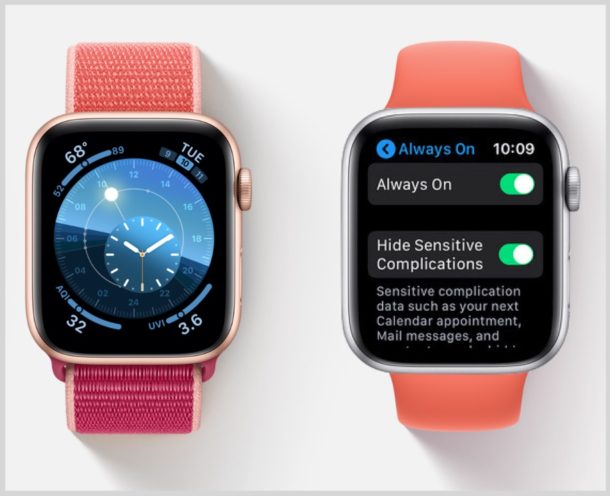
The latest Apple Watch models have a fantastic ‘always on’ display that lets you easily see the time without waking the devices screen with a lift or tap. The Apple Watch always-on display is excellent, but some users may notice that having the screen on all the time can lead to a reduction in battery performance of Apple Watch. Additionally, some users may prefer their Apple Watch screen not be on all the time for other reasons. Like many features, the Always On display can be enabled or disabled, depending on Apple Watch user preference.
This article will show you how to disable the Always On display of Apple Watch, and also how to enable the always on Apple Watch display if you had it turned off.
By Paul Horowitz - Apple Watch, Tips & Tricks - 3 Comments