
Run Mac OS X Tiger, Snow Leopard, Lion, etc on Apple Silicon Macs with Virtual Intel Mac
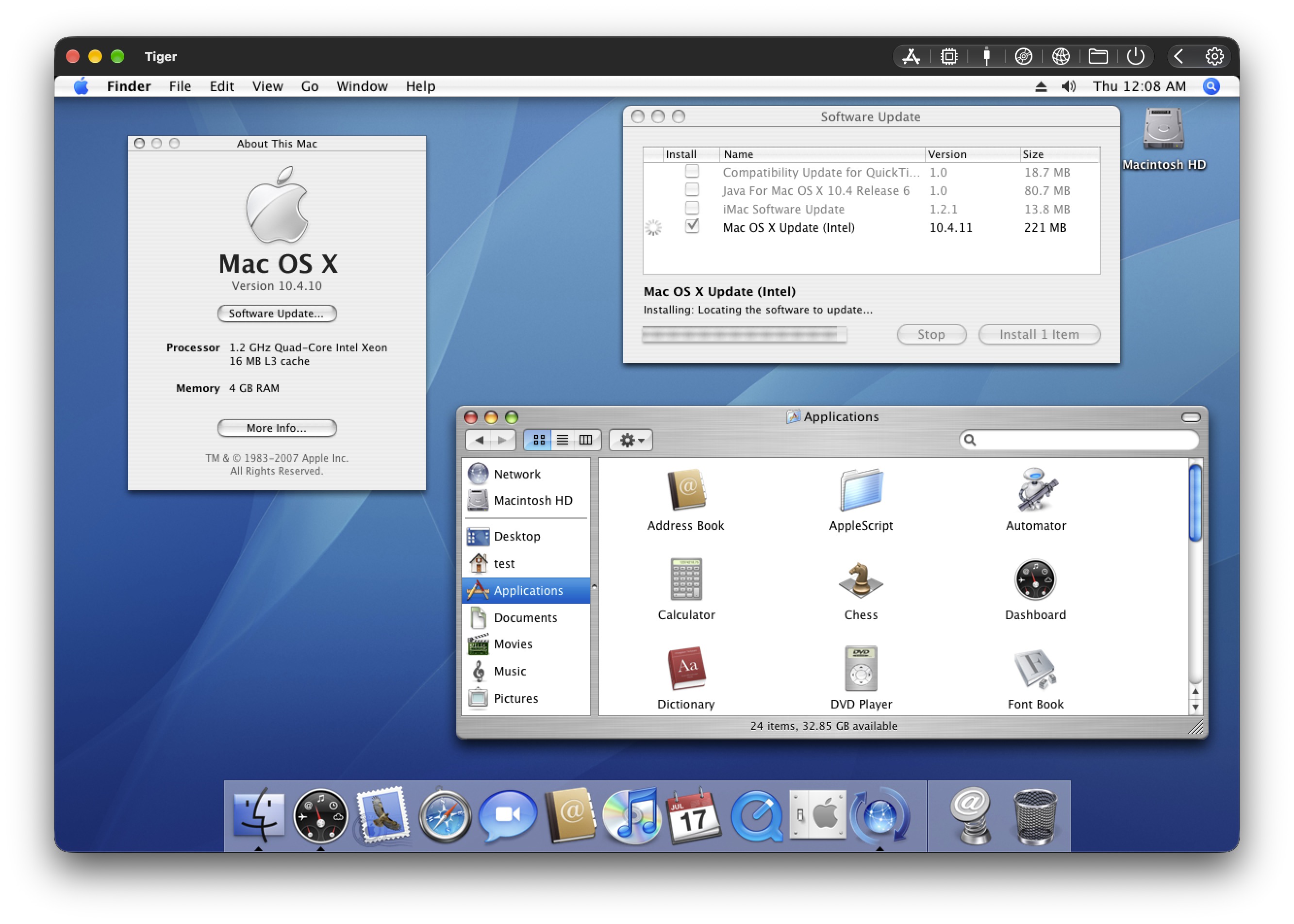
Apple Silicon Mac users can now install and run any Intel version of MacOS and Mac OS X directly on their modern Mac, with great performance, thanks to the Virtual Intel Mac project.
Virtual Intel Mac, which has a fairly self explanatory name, allows you to run any Intel version of MacOS on a modern Apple Silicon Mac, ranging from Mac OS X 10.4 Tiger to MacOS 11 Big Sur. Yes that means you can install Mac OS X Snow Leopard 10.6, or OS X Mountain Lion 10.8, right now on your modern Apple Silicon Mac. This allows you to be able to run older 32-bit Intel apps on a modern Mac, and even some PPC apps too, even on Apple Silicon.
Using Virtual Intel Mac is remarkably simple and easy, upon first launch (you’ll probably need to bypass Gatekeeper first) you can choose whichever Intel MacOS version you’d like to run.
Supported Mac OS X versions by Virtual Intel Mac include; Mac OS X Tiger 10.4, Mac OS X Leopard 10.5, Mac OS X Snow Leopard 10.6, Mac OS X Lion 10.7, OS X Mountain Lion 10.8, OS X Mavericks 10.9, OS X Yosemite 10.10, OS X El Capitan 10.11, macOS Sierra 10.12, macOS High Sierra 10.13, macOS Mojave 10.14, macOS Catalina 10.15, macOS Big Sur 11, and MacOS Monterey 12. Later versions of MacOS can be run on a modern Mac as any standard virtual machine by downloading the desired macOS installer or IPSW and setting them up in a virtual machine.
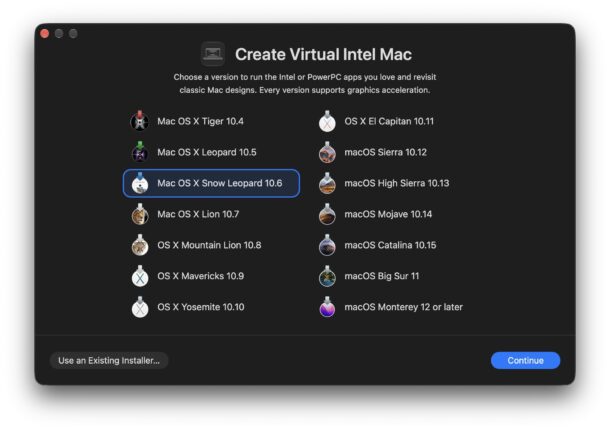
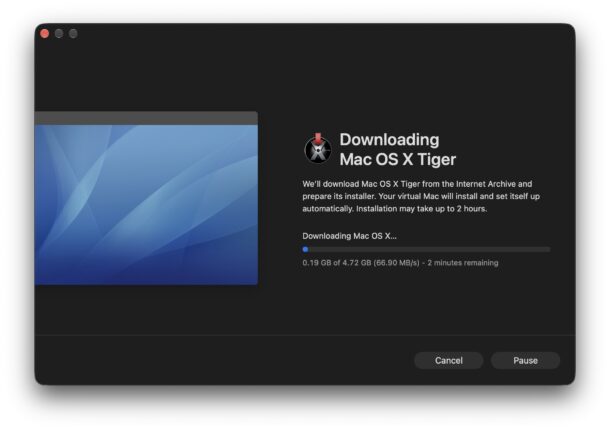
Just pick the version you’d like to install and go through the simple walkthrough, Virtual Intel Mac will then download and install the version of MacOS for you.
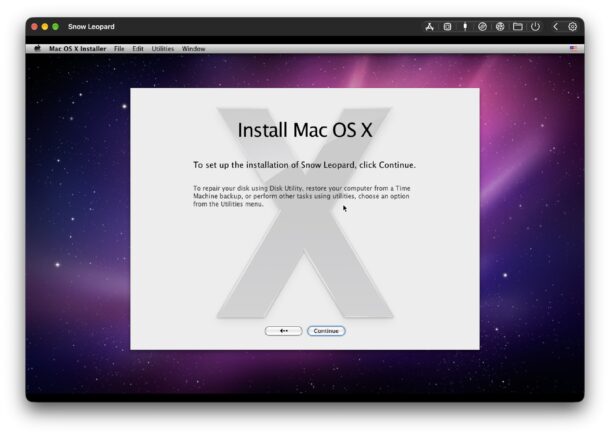
You’ll go through the typical installation process of the version of Mac OS X that you chose to install.
Note that some versions of Mac OS X will go through an automatic setup process by the app itself that can take up to 30 minutes
And soon enough, you’ll be at the desktop of your old Mac OS version of choice.
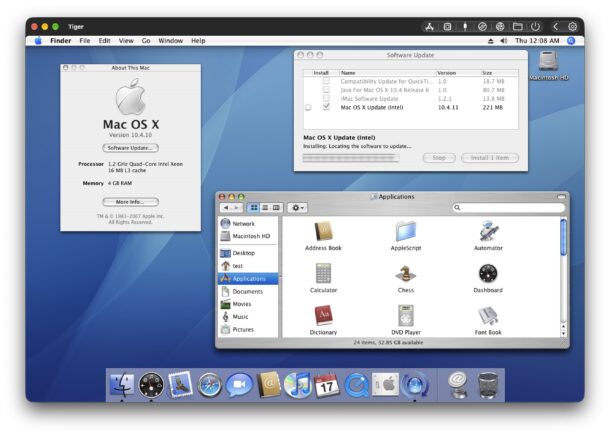
In this screenshot example, Mac OS X 10.4 Tiger is running atop MacOS Golden Gate 27:
Virtual Intel Mac supports USB and audio passthrough, networking, file sharing, remote login, and more, so you can use older hardware and software that is compatible if you’d like to.
This is a really great project, and if you’re a fan of virtualization, emulators, or older versions of MacOS, you’re sure to appreciate Virtual Intel Mac.