How to Make FaceTime Video Calls on Mac
Aug 11, 2019 - 1 Comment

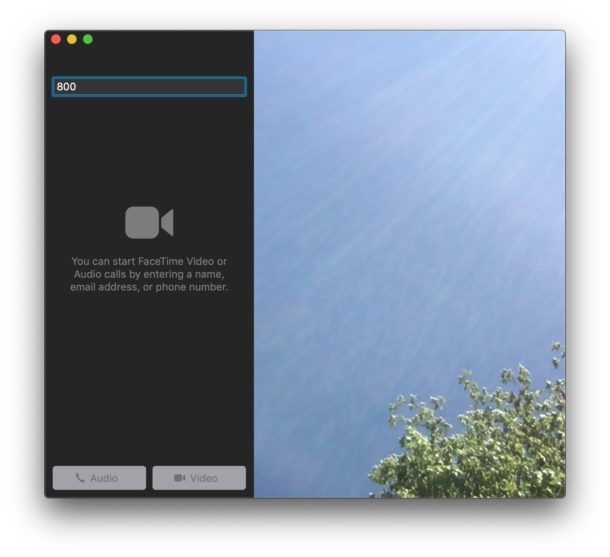
If you have a Mac you can easily make FaceTime Video calls to any other user with an iPhone, iPad, Mac, or iPod touch. FaceTime video chat offers a fun way to have conversations with people, and it can also be useful for business and other purposes too.
This article will show you how to make a FaceTime video call from a Mac.
By Paul Horowitz - Mac OS, Tips & Tricks - 1 Comment