How to Make a MacOS Mojave Beta Bootable Install USB Drive
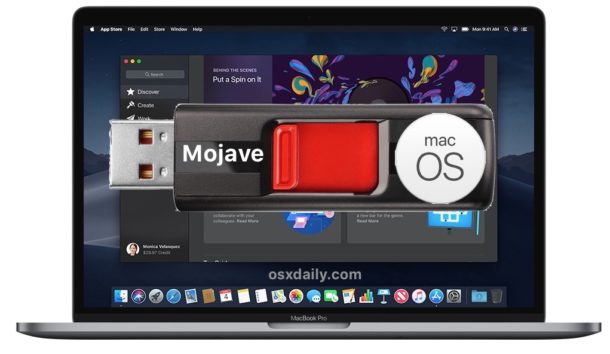
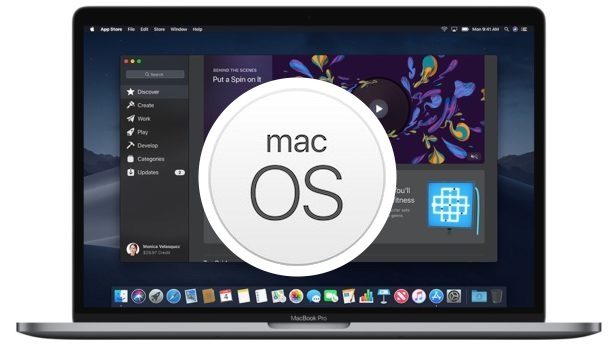
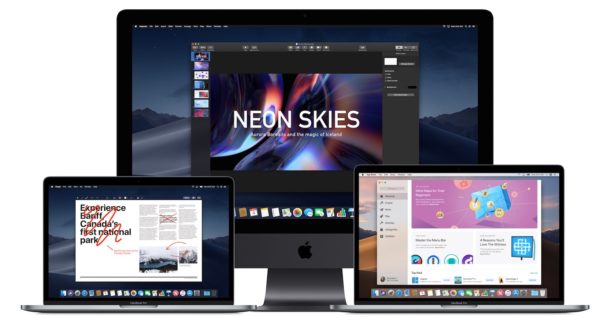
Creating a bootable MacOS Mojave beta installer drive with a USB key or flash drive is a common desire for many advanced Mac users testing the upcoming macOS 10.14 operating system.
A bootable macOS Mojave installer has several benefits, including the ability to format a target disk, easily perform clean installs, the ability to install the beta on multiple Macs without having to re-download the installer, and of course since it’s bootable it can be used as a troubleshooting device for macOS Mojave beta Macs as well.
The tutorial here will walk through how to make a bootable USB install drive for the macOS Mojave 10.14 beta. Note the commands for creating a bootable installer are different for macOS Mojave public beta and macOS Mojave developer beta.