The Default Screen Saver Locations on Mac OS
Jun 3, 2018 - 4 Comments
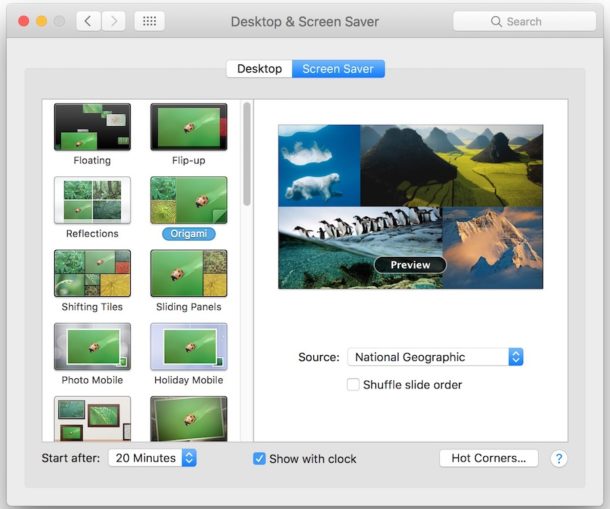
The Mac has two general directories where screen savers are stored, one at the user level and for each user account, and one at the system level which stores all the default screen savers included on a Mac.
Knowing where the screen saver directories are located can be useful for various reasons, whether for installing a screen saver, removing one, editing one of the files with Quartz Composer, or various other purposes, so we’ll quickly show you where you can find the screen saver folders on a Mac.
By Paul Horowitz - Mac OS, Tips & Tricks - 4 Comments









 Photos app for the Mac imports images and manages pictures by automatically moving the files into organized folders within the apps dedicated package file. While this file container is not intended to be user facing, many advanced Mac OS users like to have access to the original master files rather than solely relying on the Photos app for image management.