Watch a Helpful iPhone X Tutorial Video
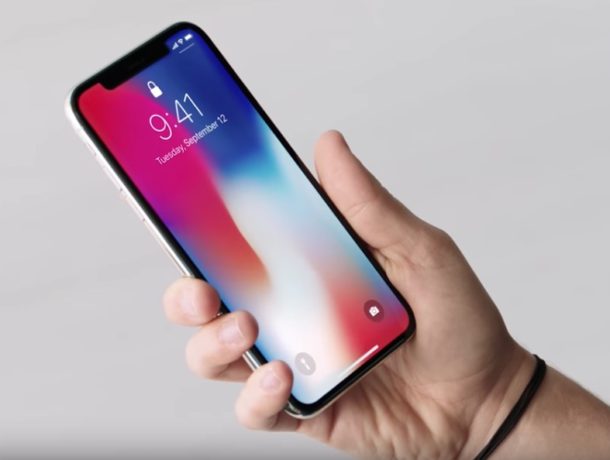
Whether you have already bought or plan to buy an iPhone X, you’ll undoubtedly noticed that using the iPhone is quite different from prior models, not only because it lacks a Home button and requires learning a series of new gestures to perform familiar tasks, but also because there are a handful of new features introduced on iPhone X that don’t yet exist on any other Apple device.
Apple has apparently anticipated that the changes with iPhone X may require some adjustment and learning, and they have helpfully created a four and a half minute long tutorial video that walks through various tentpole features on iPhone X, including using Face ID, Animoji, Portrait Lighting mode on the new camera, and also learning and using the various new gestures required for the device.