MacOS High Sierra Security Bug Allows Root Login Without a Password, Here’s a Fix
Nov 28, 2017 - 35 Comments
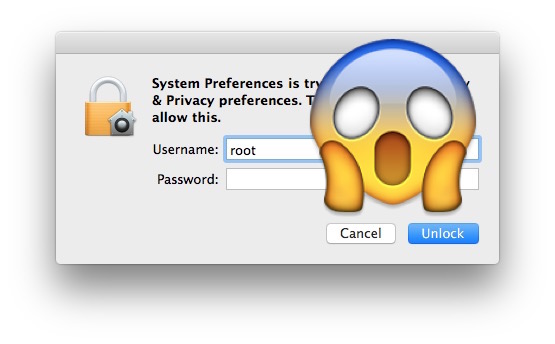
A significant security vulnerability has been discovered with macOS High Sierra, potentially allowing any person to log into a Mac with full root administrative capabilities without a password.
This is an urgent security problem, and while a software update should arrive to resolve the problem soon, this article will detail how to protect your Mac from this security hole.
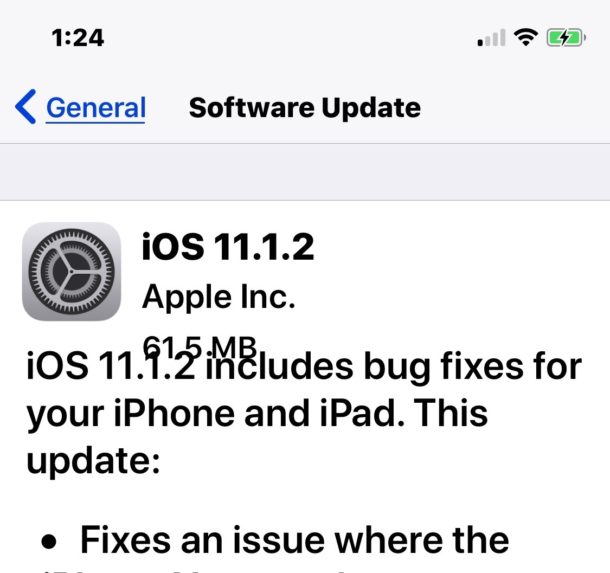
Important Update: Apple has released Security Update 2017-001 for macOS High Sierra to fix the root login bug, download it now. If you are running macOS High Sierra, download the update as soon as possible to your Mac.
By Paul Horowitz - Mac OS, News, Security, Tips & Tricks - 35 Comments